By MarriageBiodata.App English Editorial TeamPublished
Best Marriage Biodata Format / Templates for Girls
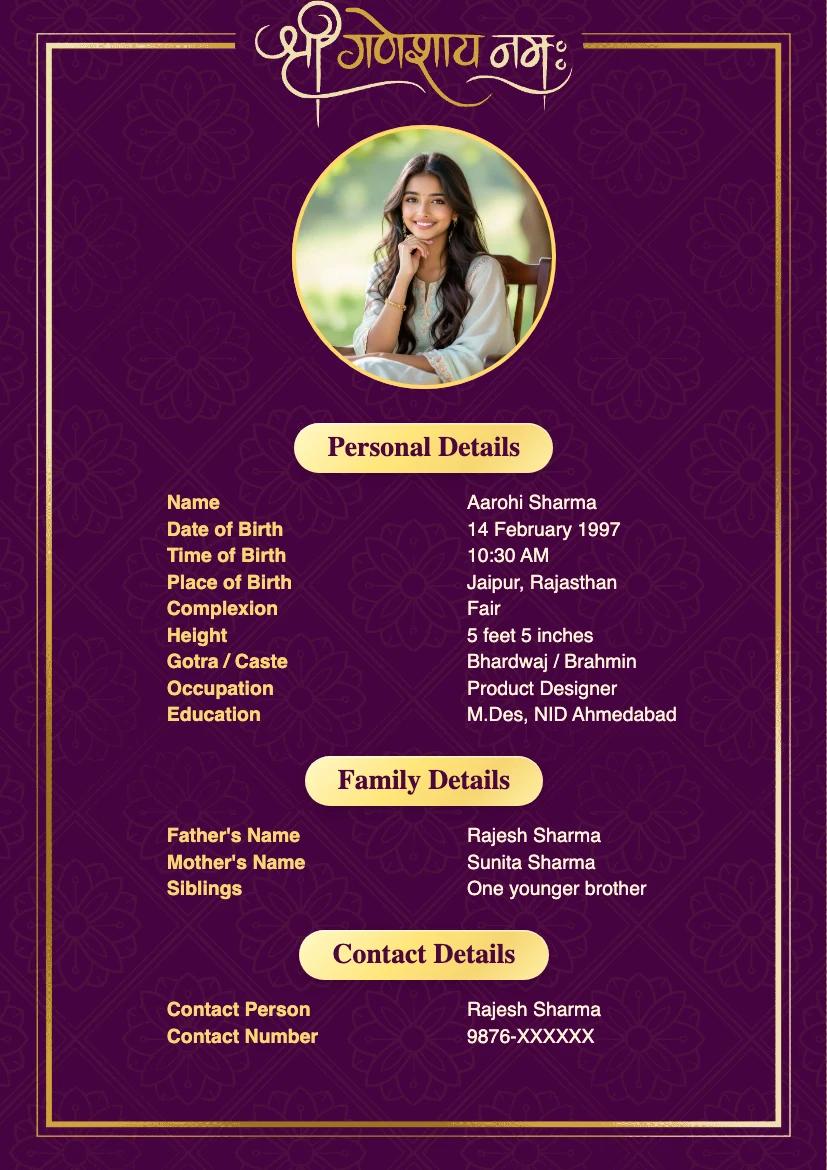
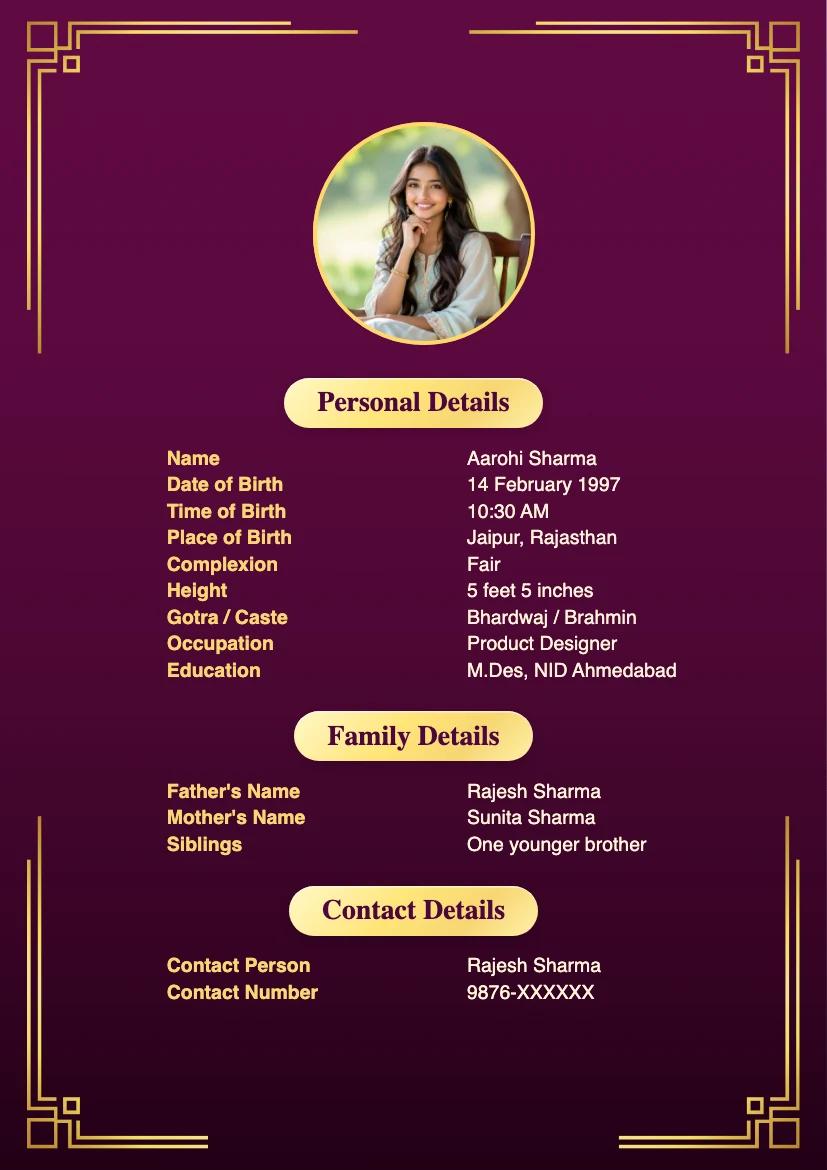
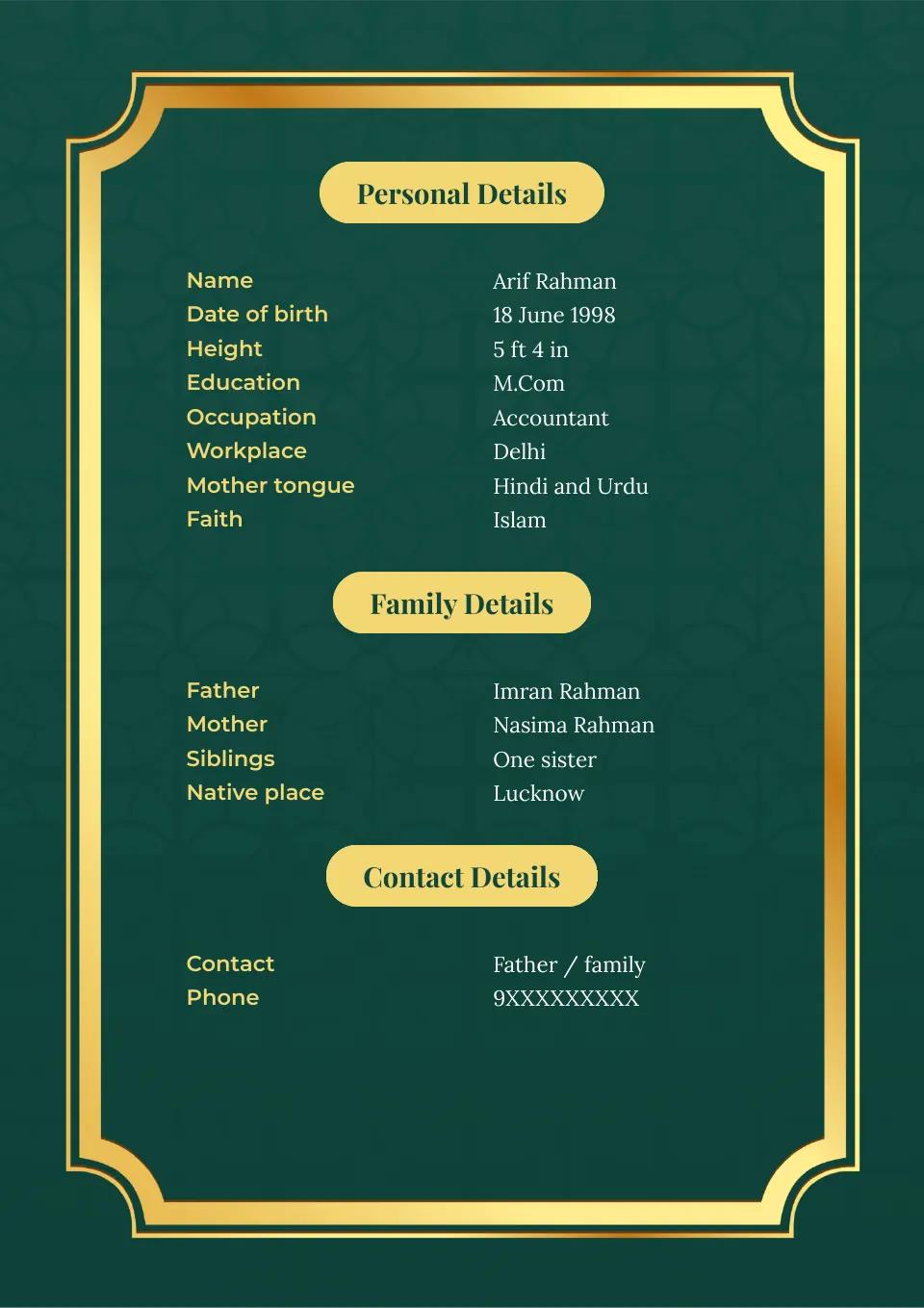
A marriage biodata for a woman should be easy to read and sound like her, whichever template she chooses. The three designs below differ in color and decoration; compare how clearly each shows her details on a phone. A photo and family or tradition details are her choice, not requirements of the format.
Want to try a layout with your own details? Use the biodata maker, then check the finished page on a phone.
1. Vibrant Lilac for Trend Setters
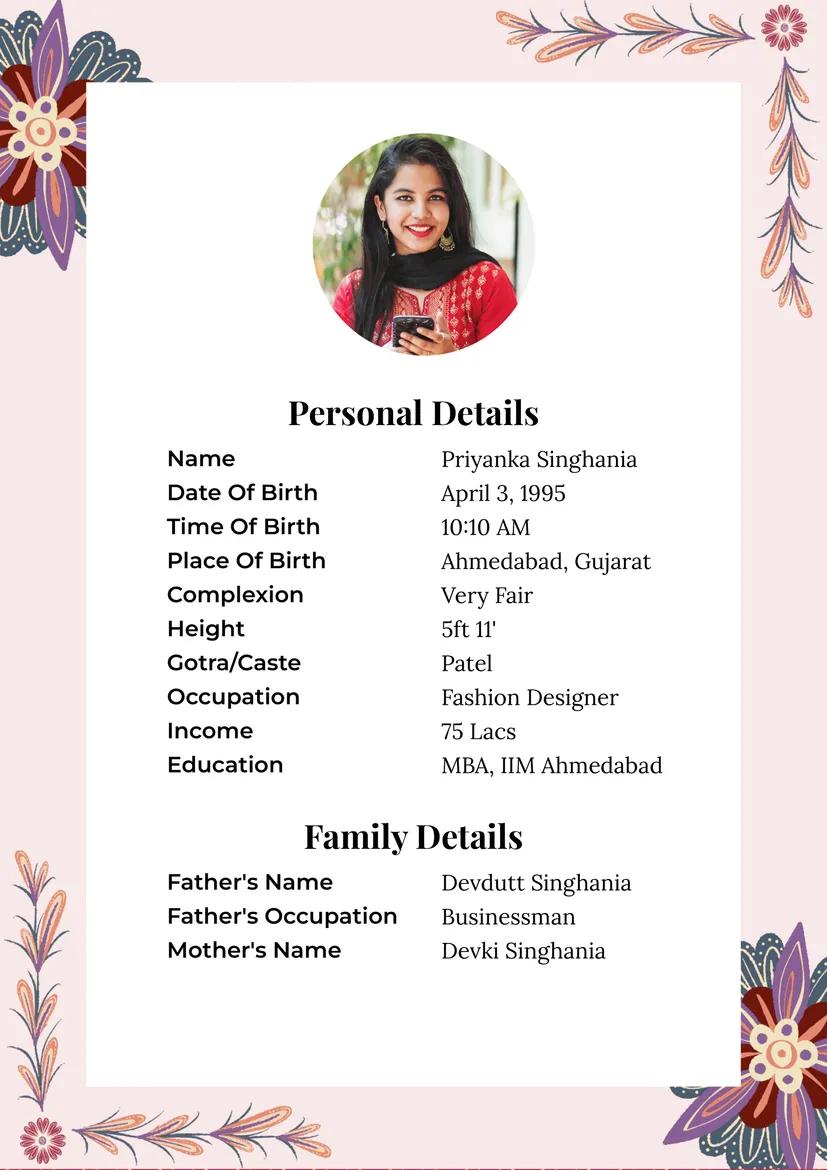
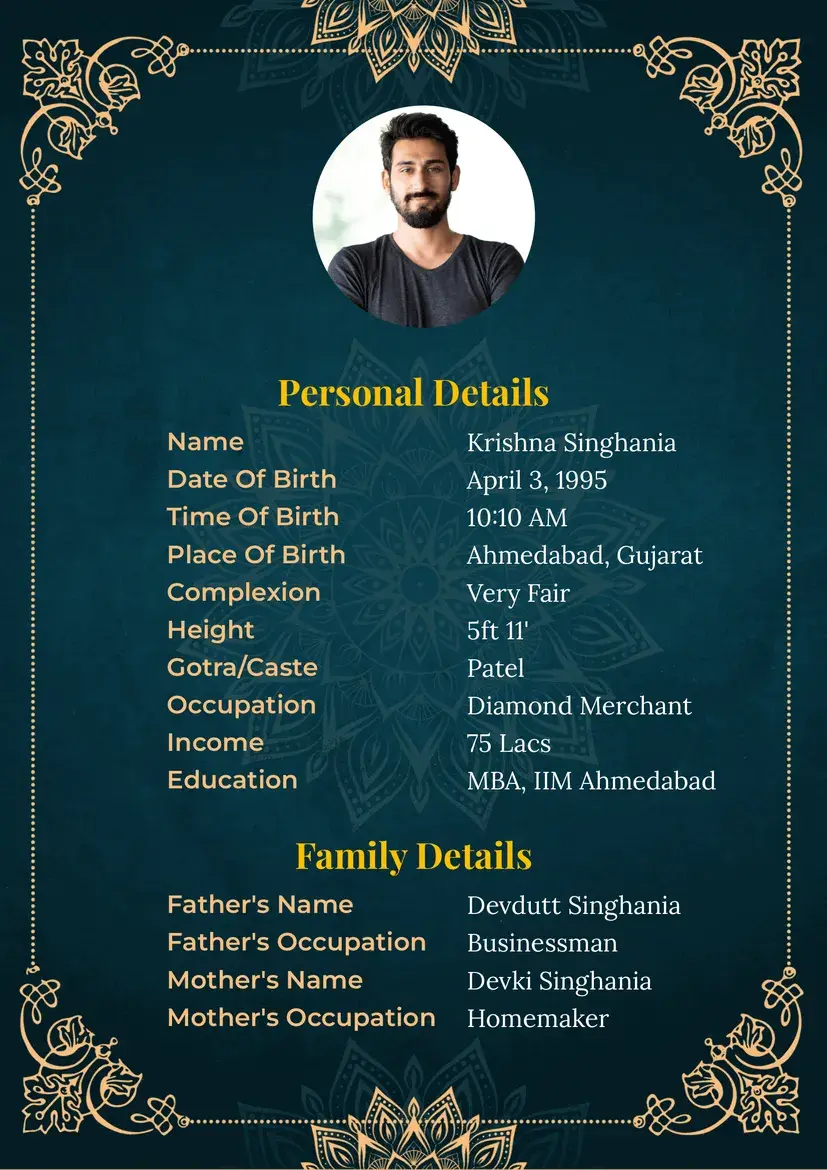
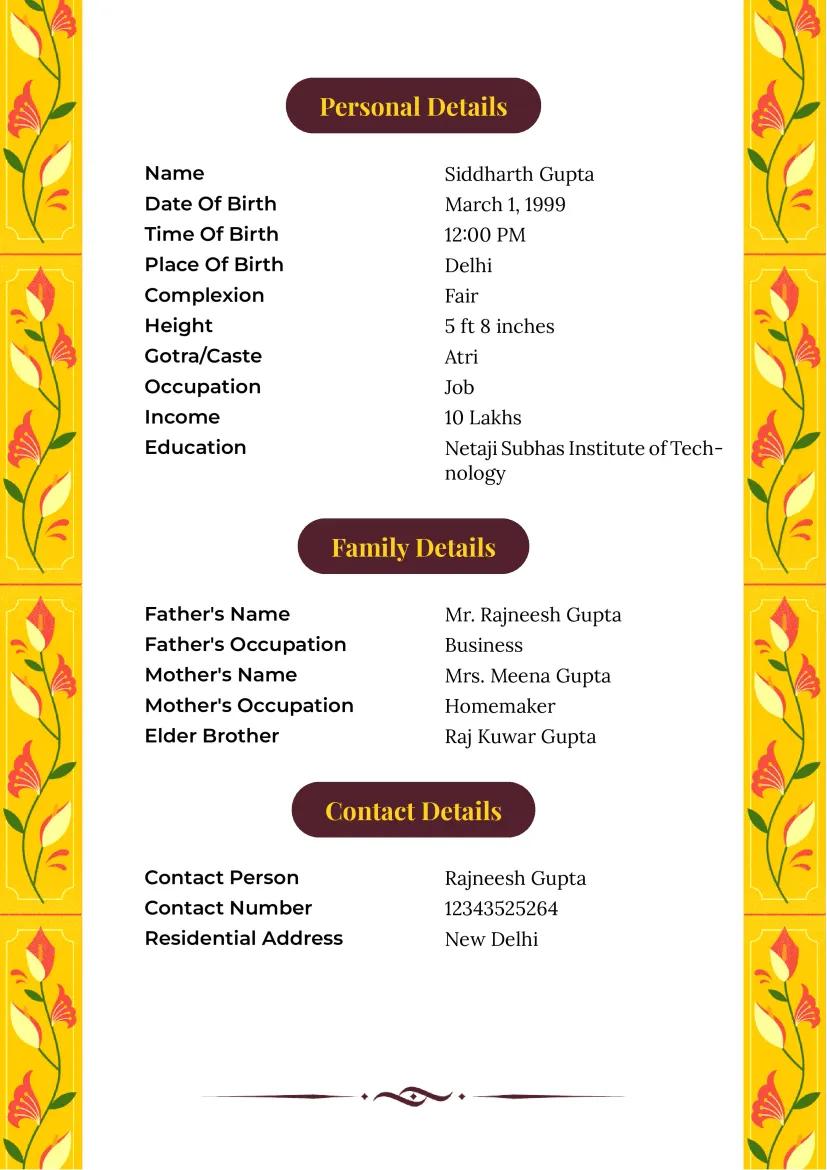
The lilac accents give this layout more color without crowding the main details. Check the text size on a phone, especially if you add a longer introduction. A photo is optional.
2. Royal Pink with Gold Leaf for Elegance
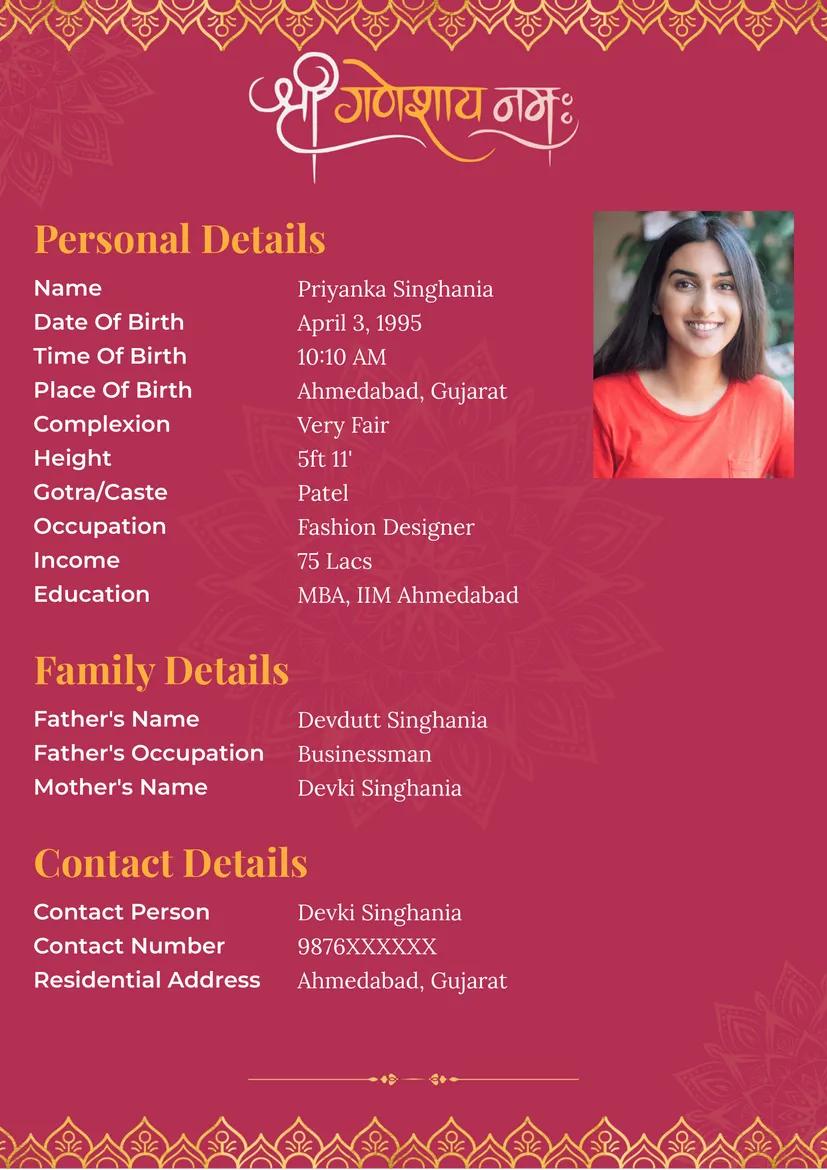
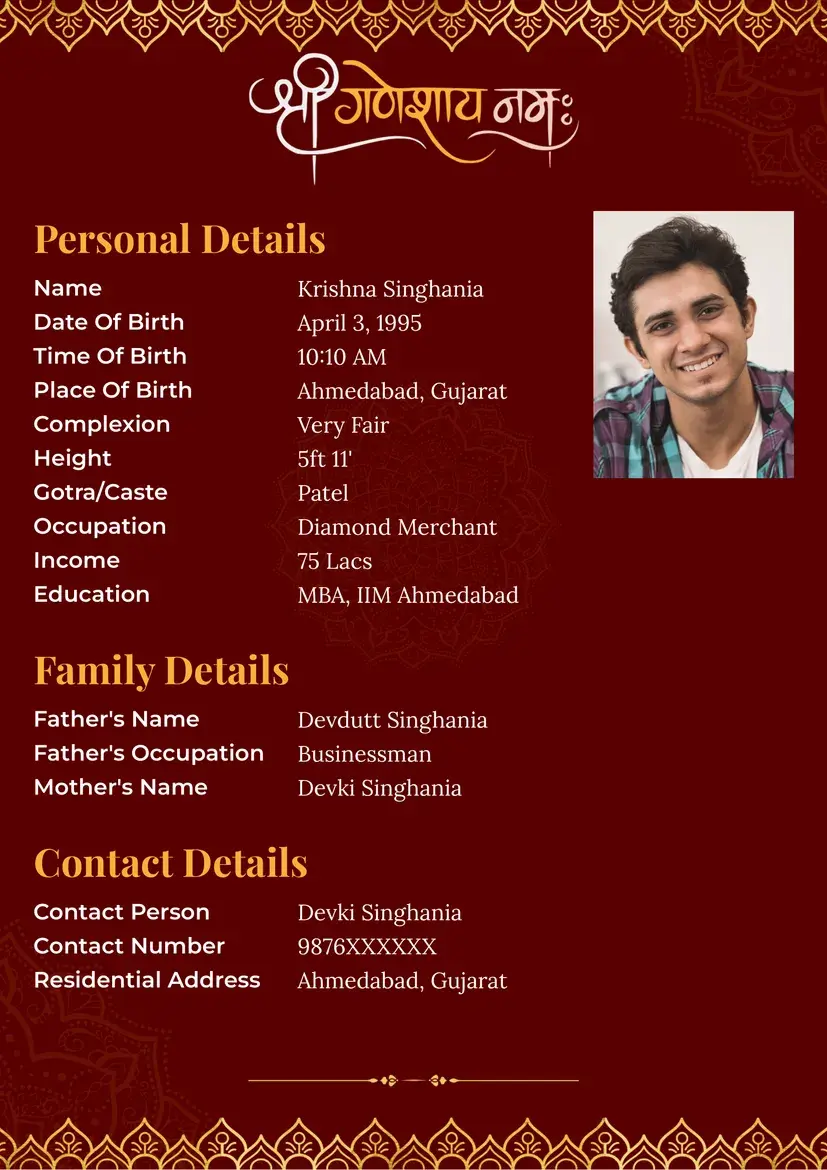
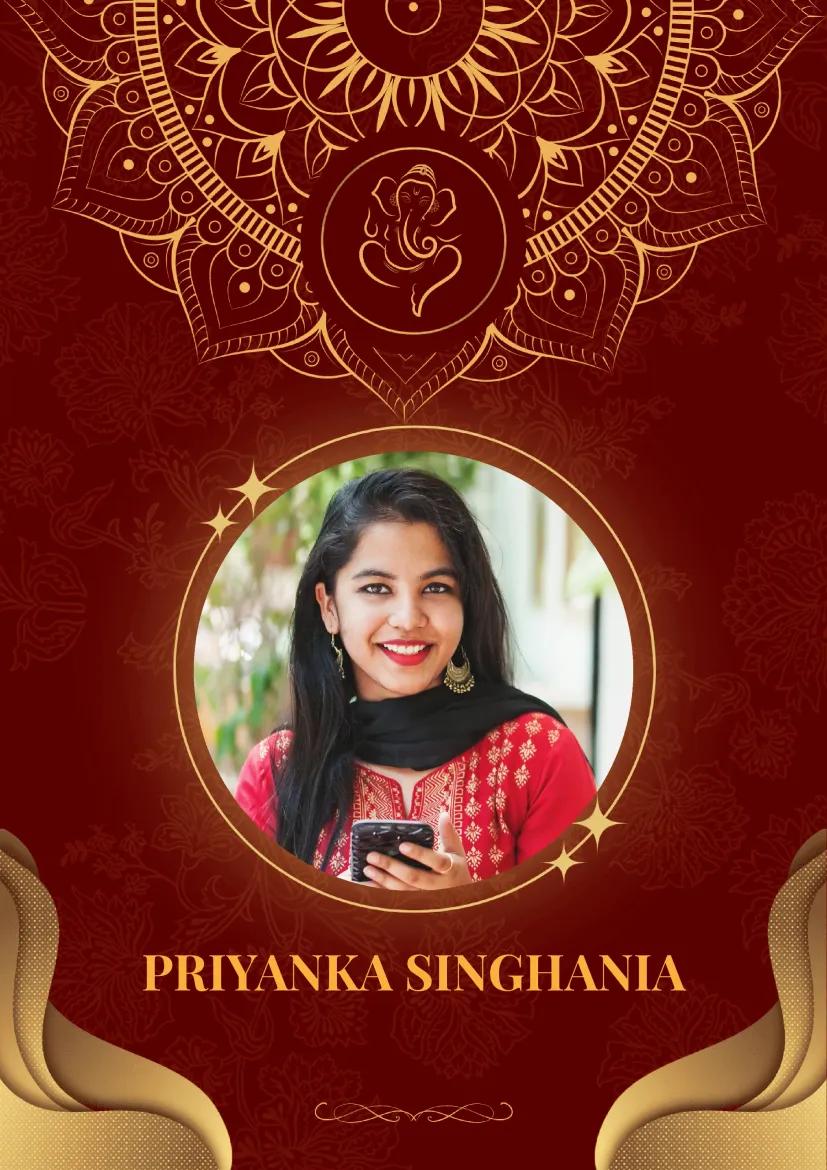
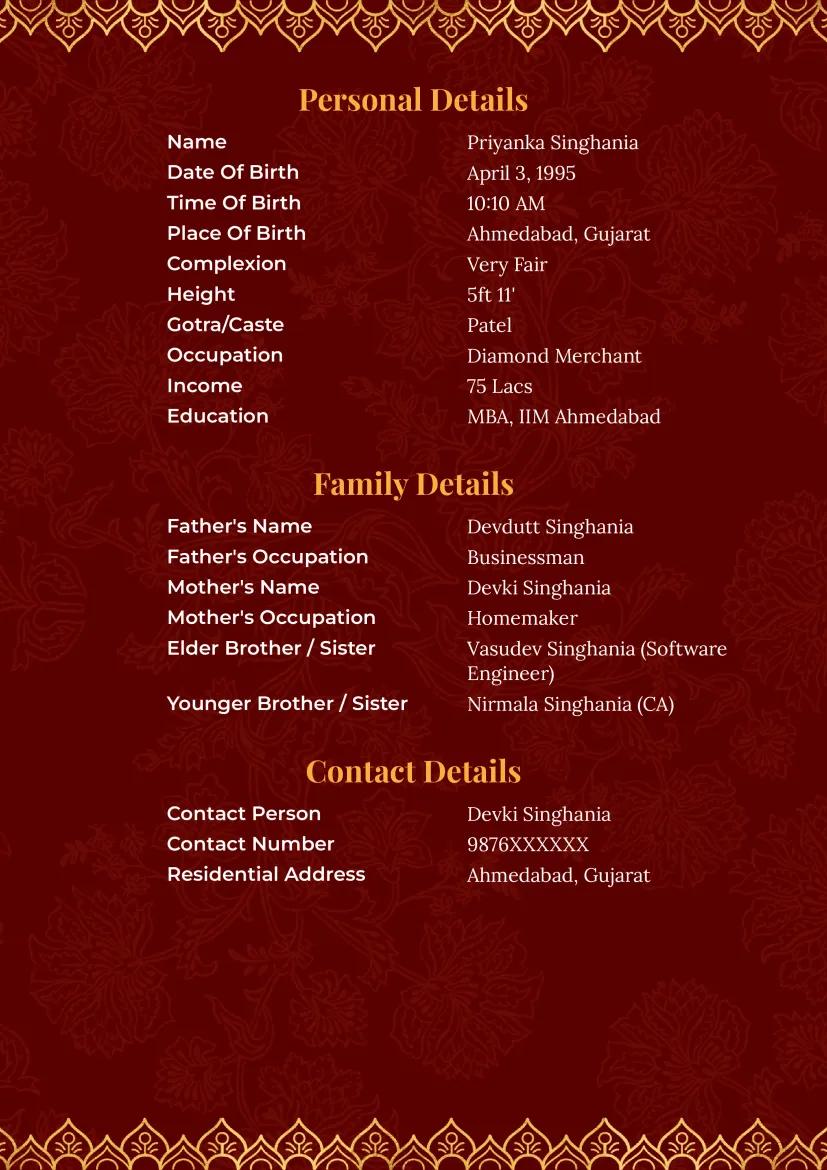
This pink and gold design has a more decorative look. It may suit someone who wants a traditional visual style; it does not require any particular family or cultural details. Keep the text short enough to read against the background.
3. Snow White with Gold Frame for Professionals
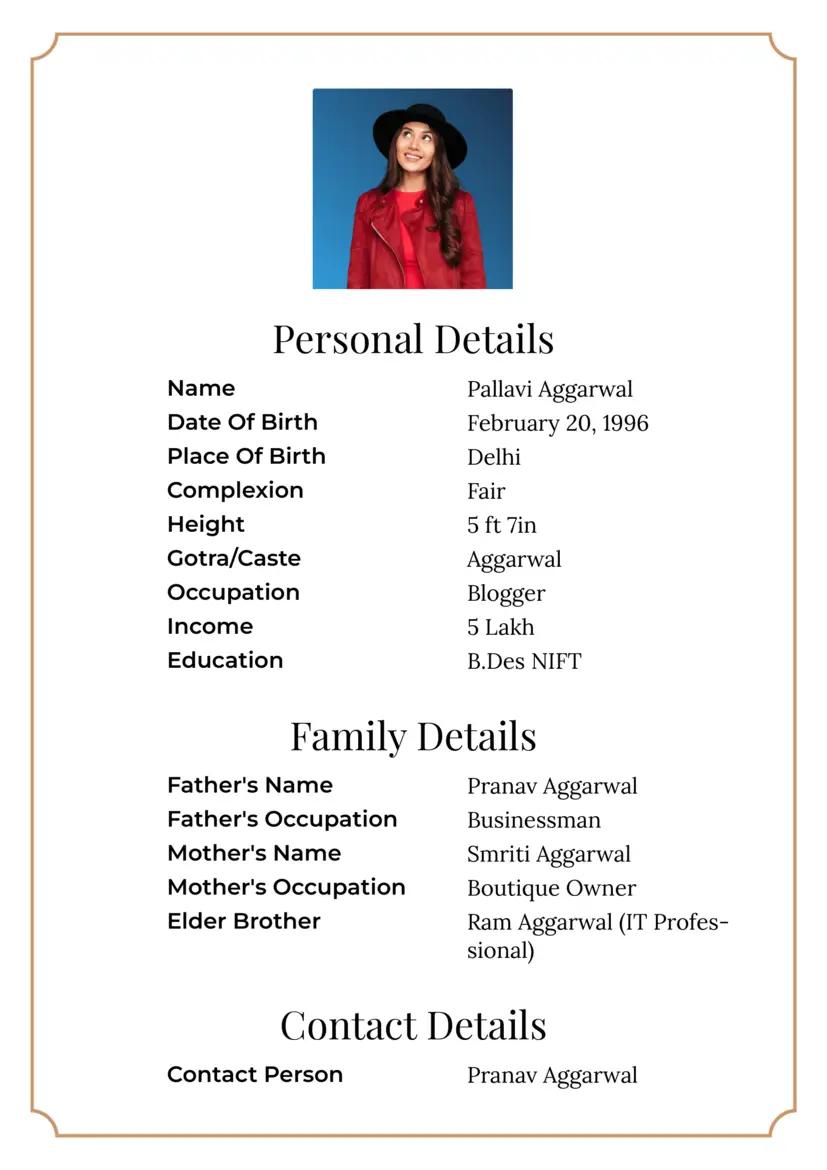
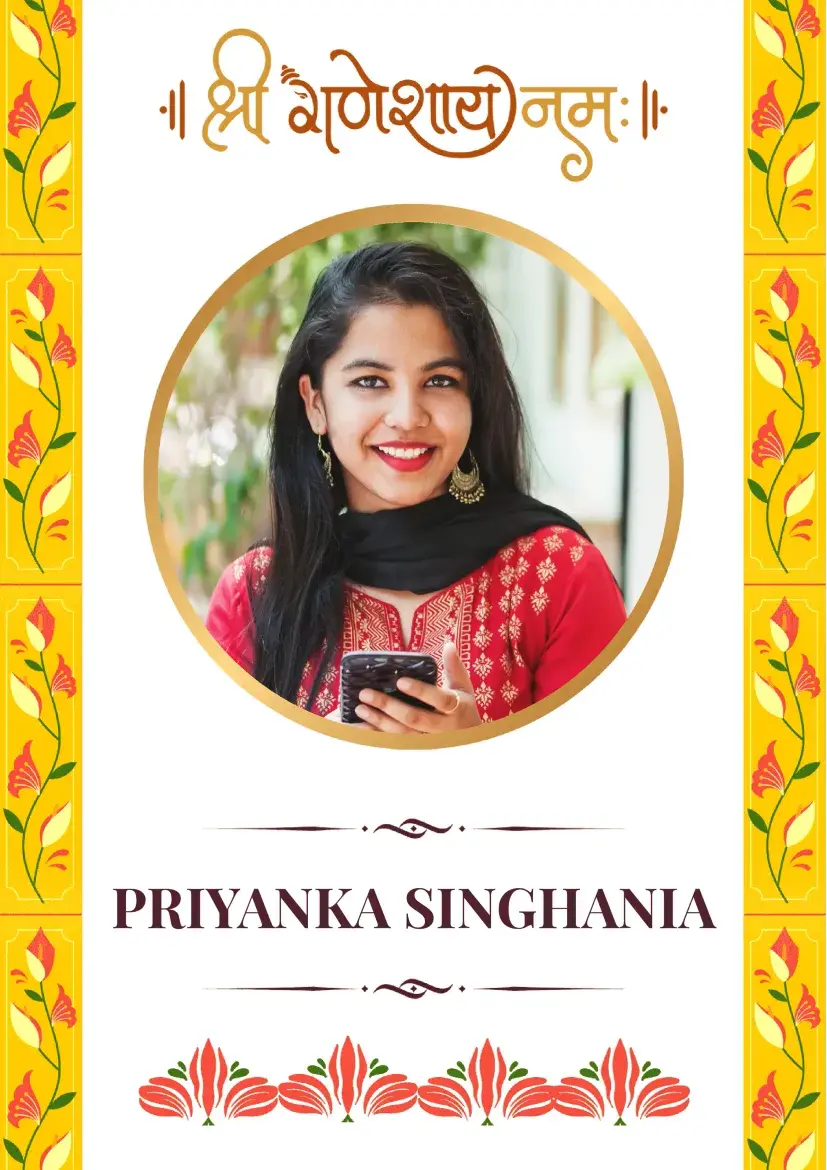
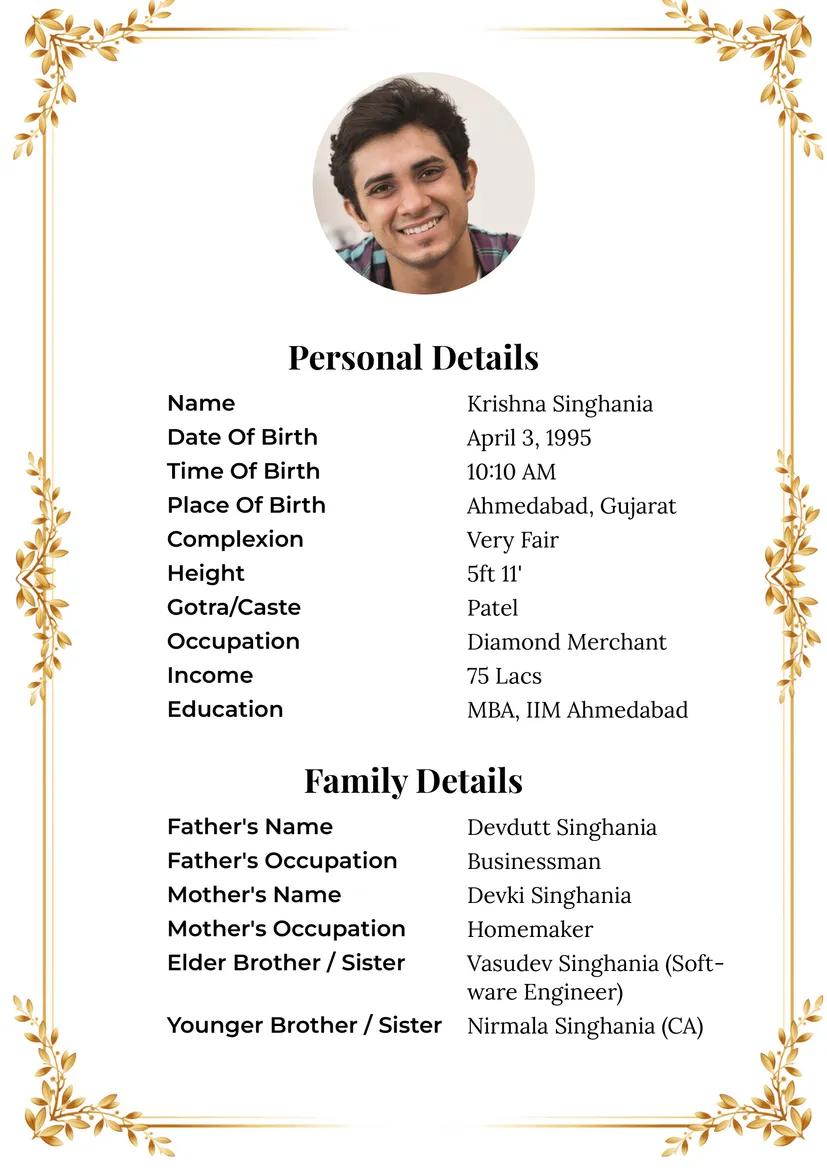
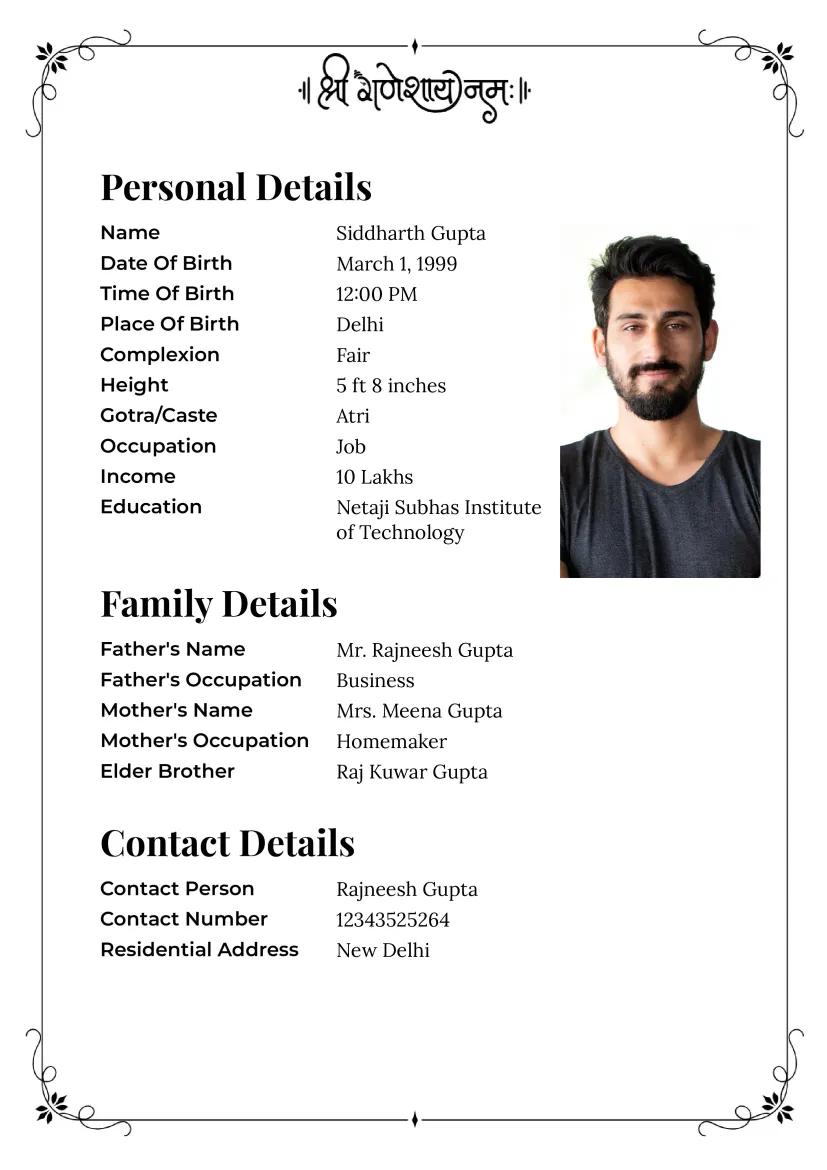
The white background and fine border put the information first. It is a useful choice when education, work or a short personal note needs more room. Look at a PDF preview to make sure the spacing still works after you fill it in.
Questions about choosing a template
Which design should I start with?
Choose one that is easy to read on a phone. The white layout leaves more space for text; the pink and lilac layouts add color.
Do I need to include a photo?
No. Add a recent photo only if the person wants it included and approves the version you plan to share.
What belongs in the profile?
Start with the person's name, city, work or education, a short introduction and a way to reply. Add family or tradition details if she wants to share them.
Can I make it online?
Yes. Choose a template, enter the details and preview the PDF before downloading or sharing it. Check the information again if you later revise it.
Before sharing
Choose the layout that makes her details easiest to read. Check the finished page with her, then preview another option at MarriageBiodata.App if needed.