Muslim marriage biodata
A starting point for personal, family, education and contact details, with room for any religious information you choose to share.
Guide to writing a Muslim marriage biodata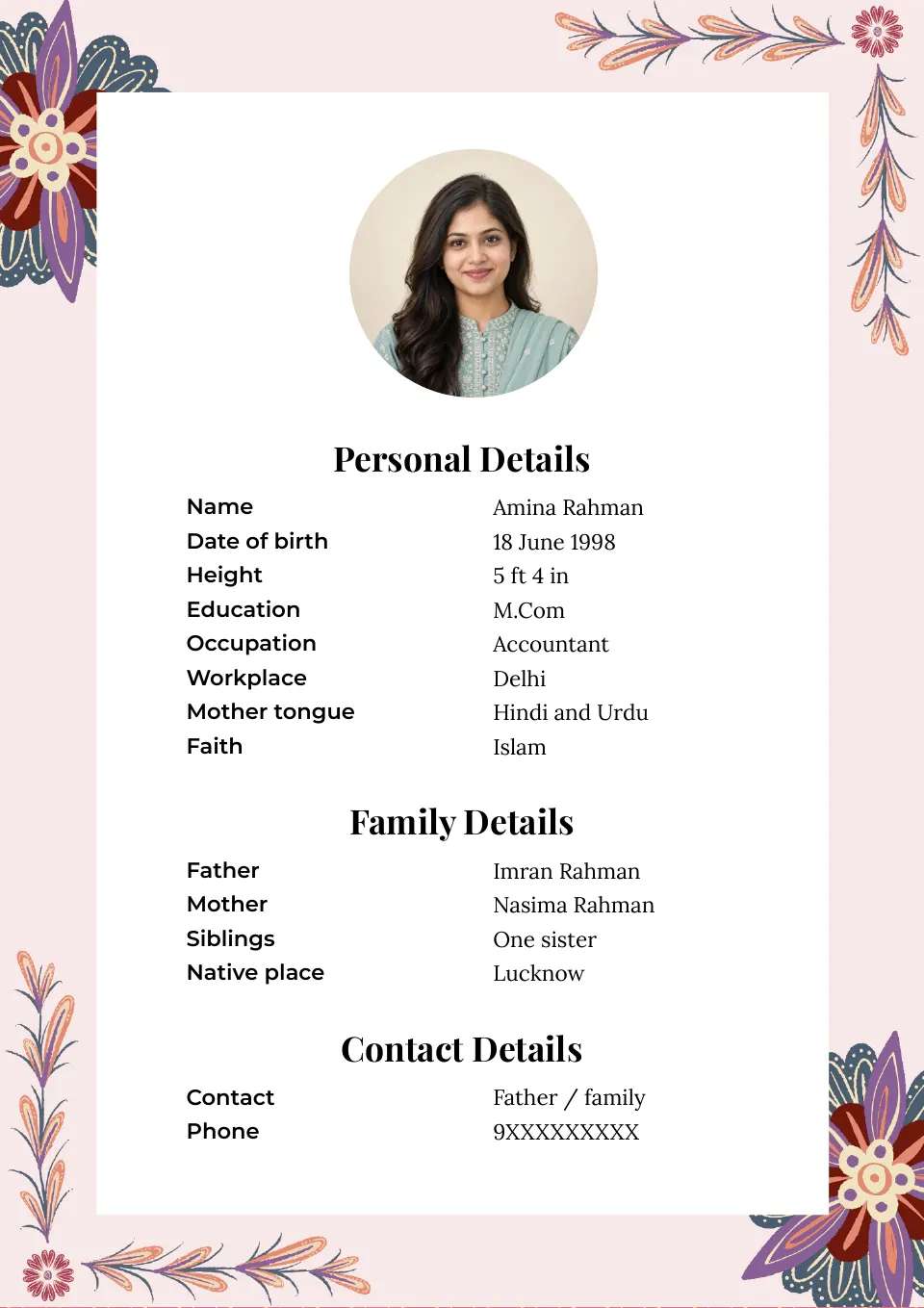

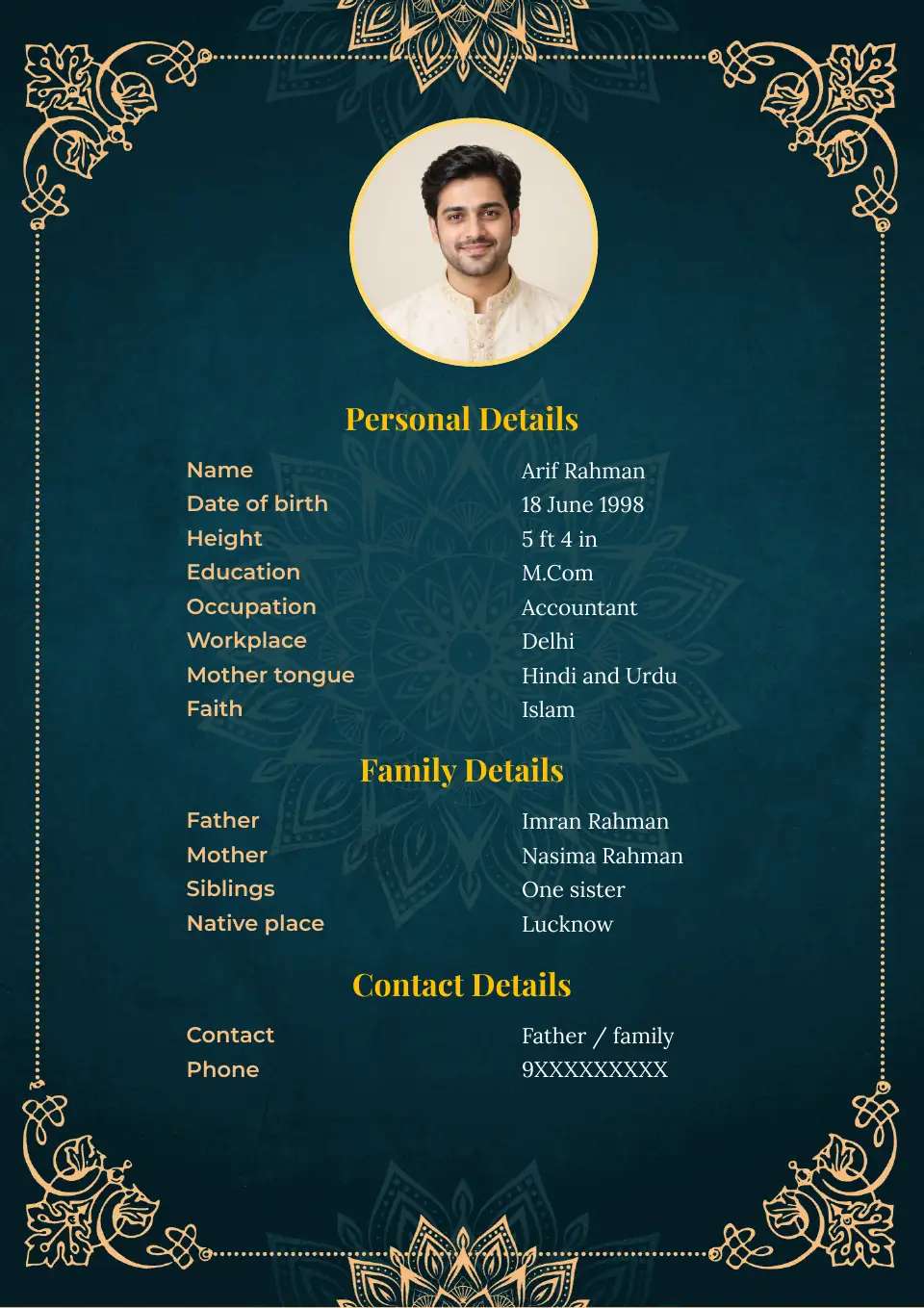

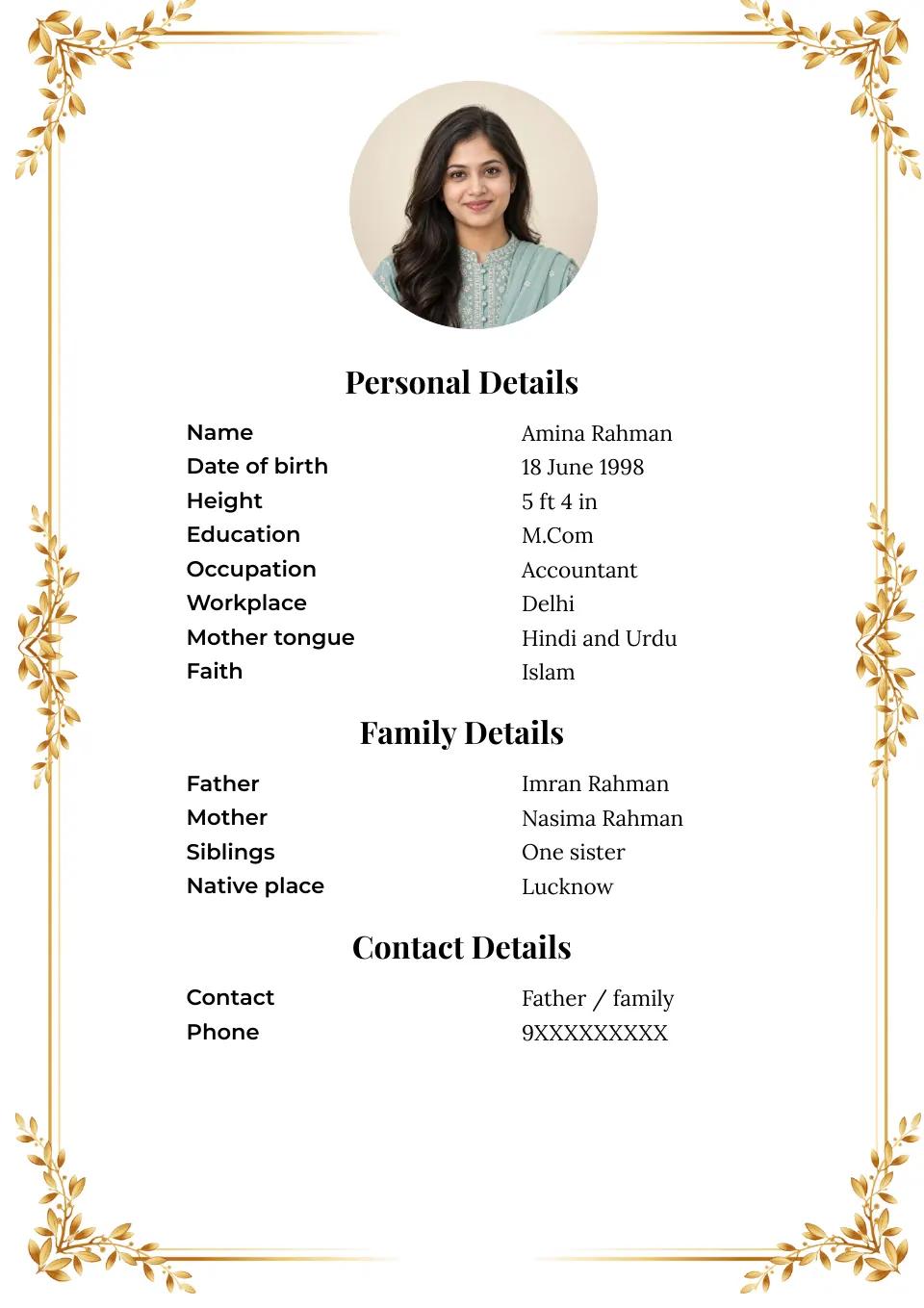
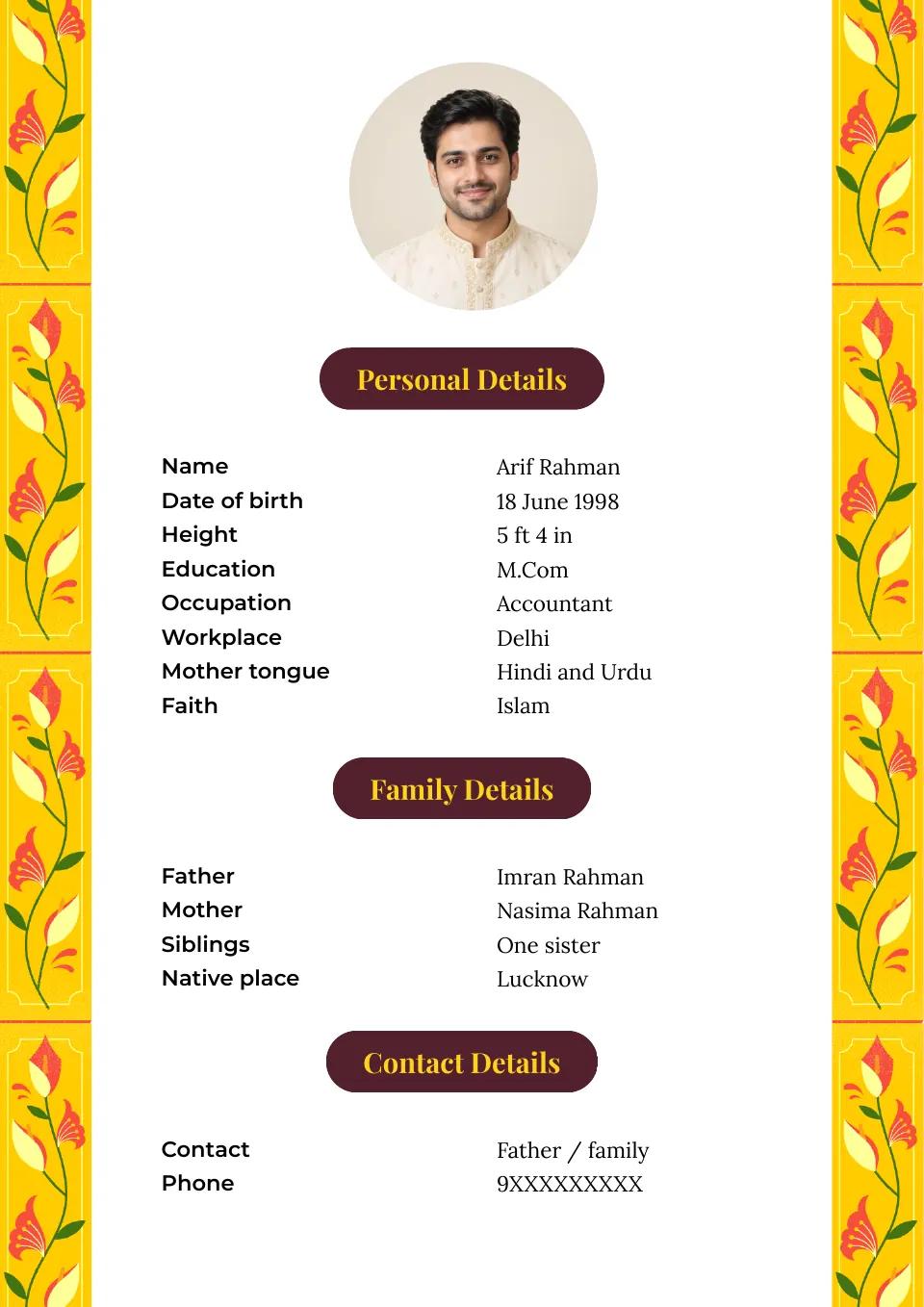
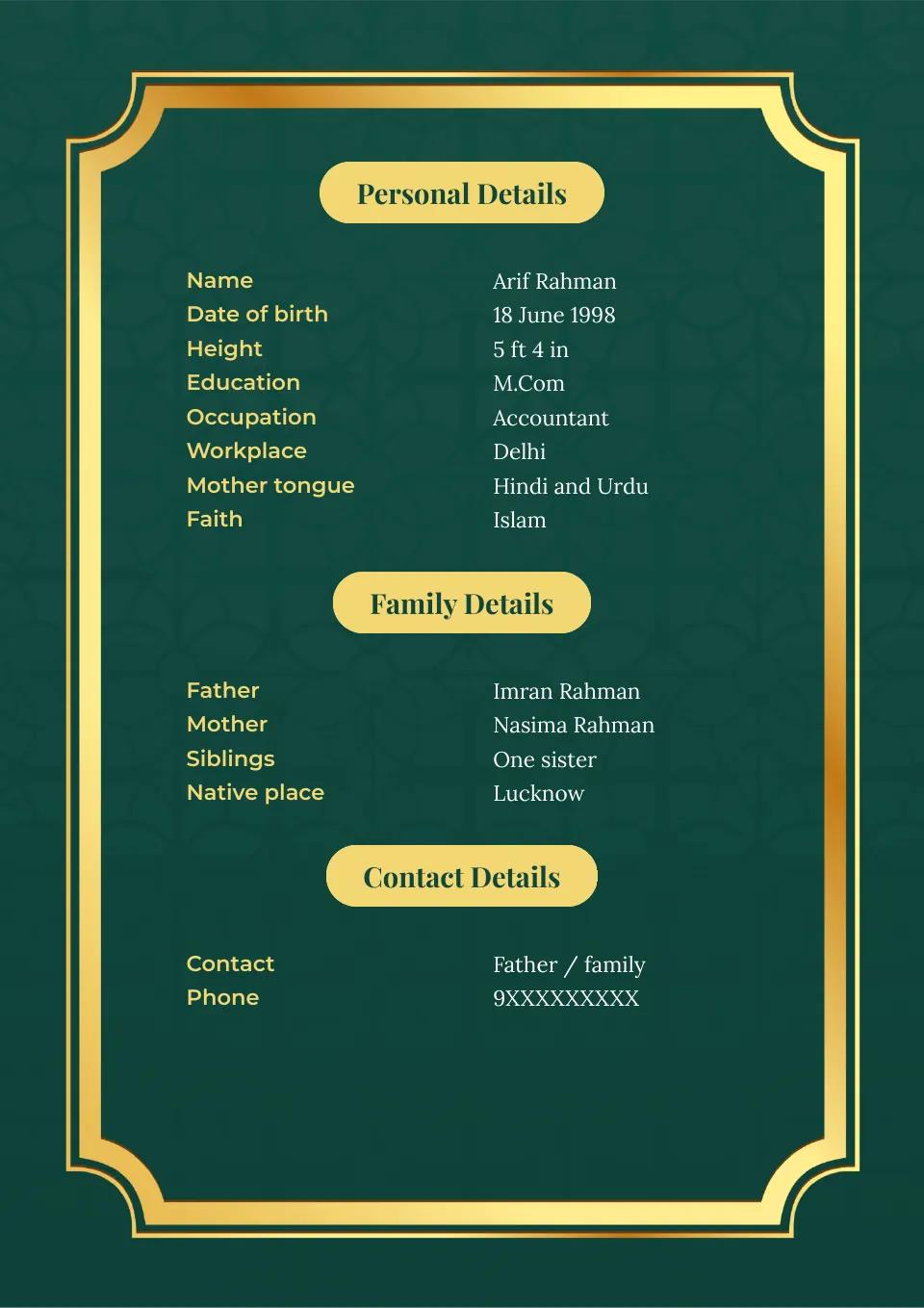
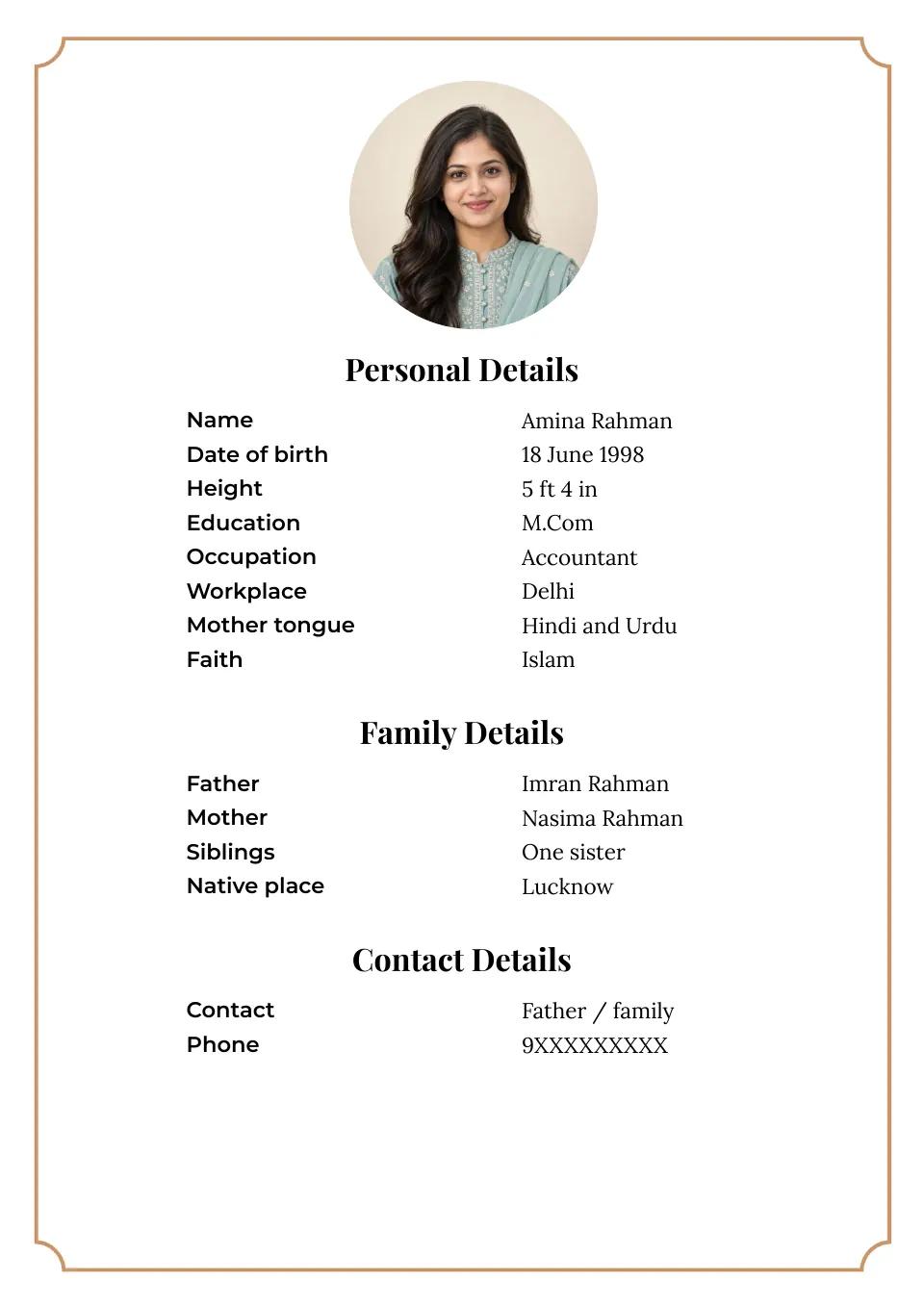
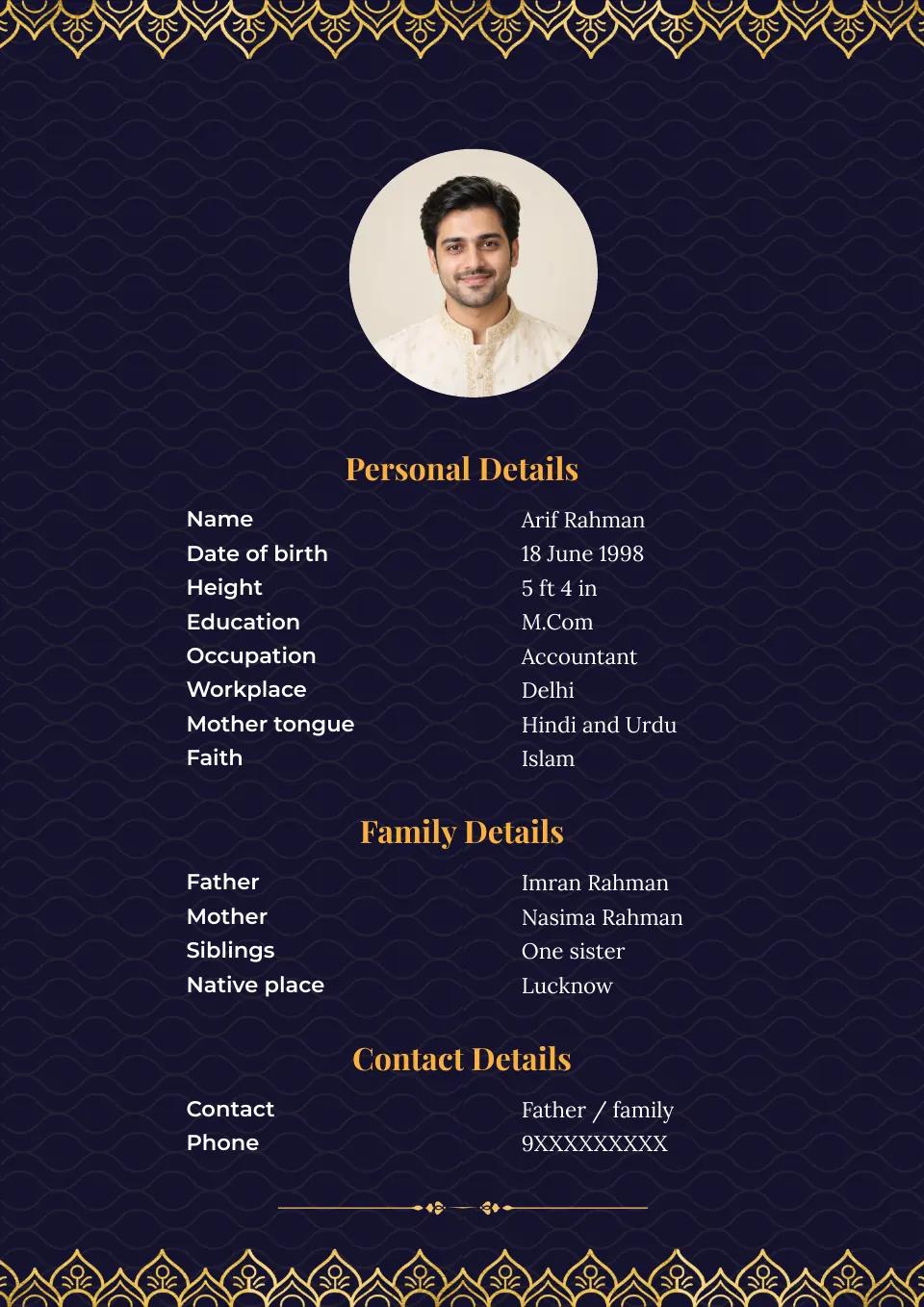
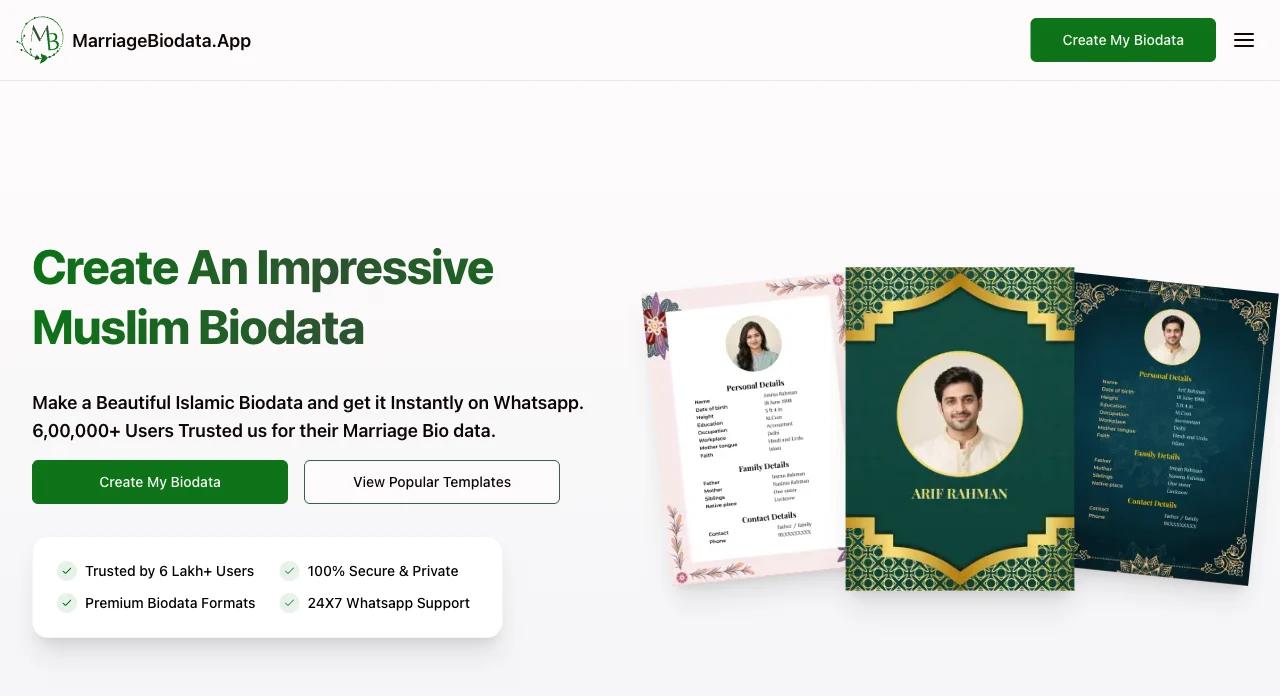
Our Parent Friendly Biodata Maker has all required details already set up.
Select a Biodata Format for marriage that you deem best.
Enter your Number and get your Biodata PDF on Whatsapp.
Beautiful biodata, simple steps, and support that makes a difference. Here are selected five-star reviews from our Android app users on Google Play.
Komal Kumari
What impressed me the most was the ease of use. I was able to create my biodata in just a few minutes, without any hassle or confusion. Marriage Biodata App guides you through each step, ensuring that you don't miss out on any important details.
nitesh prasad
Easy to use, page format is good, single page format is available, good colourful page combination with fonts...I suggest all my dear friend pls use this app for your marriage biodata..
Kunal Gavhane
Easy to use in all languages. number of templates available to select and good customer support is available in case of any issue...
Showing 3 of 15 reviews
Selected five-star reviews, shown in their original words. Read all ratings and reviews on Google Play.
Choose a layout that makes your details easy to read. Share faith, tradition or sect information only when it matters to you and the people receiving your biodata.
A starting point for personal, family, education and contact details, with room for any religious information you choose to share.
Guide to writing a Muslim marriage biodataSee an example of how to describe Sunni identity and practice without treating every custom as a requirement.
Sunni Muslim biodata guideConsider which Shia traditions or practices are meaningful to mention, and keep the rest of the profile clear.
Shia Muslim biodata guideCompare readable layouts for personal details, education, work, family and preferences.
Marriage biodata formats for boysFind a layout that presents education, work, family and preferences without hiding useful details.
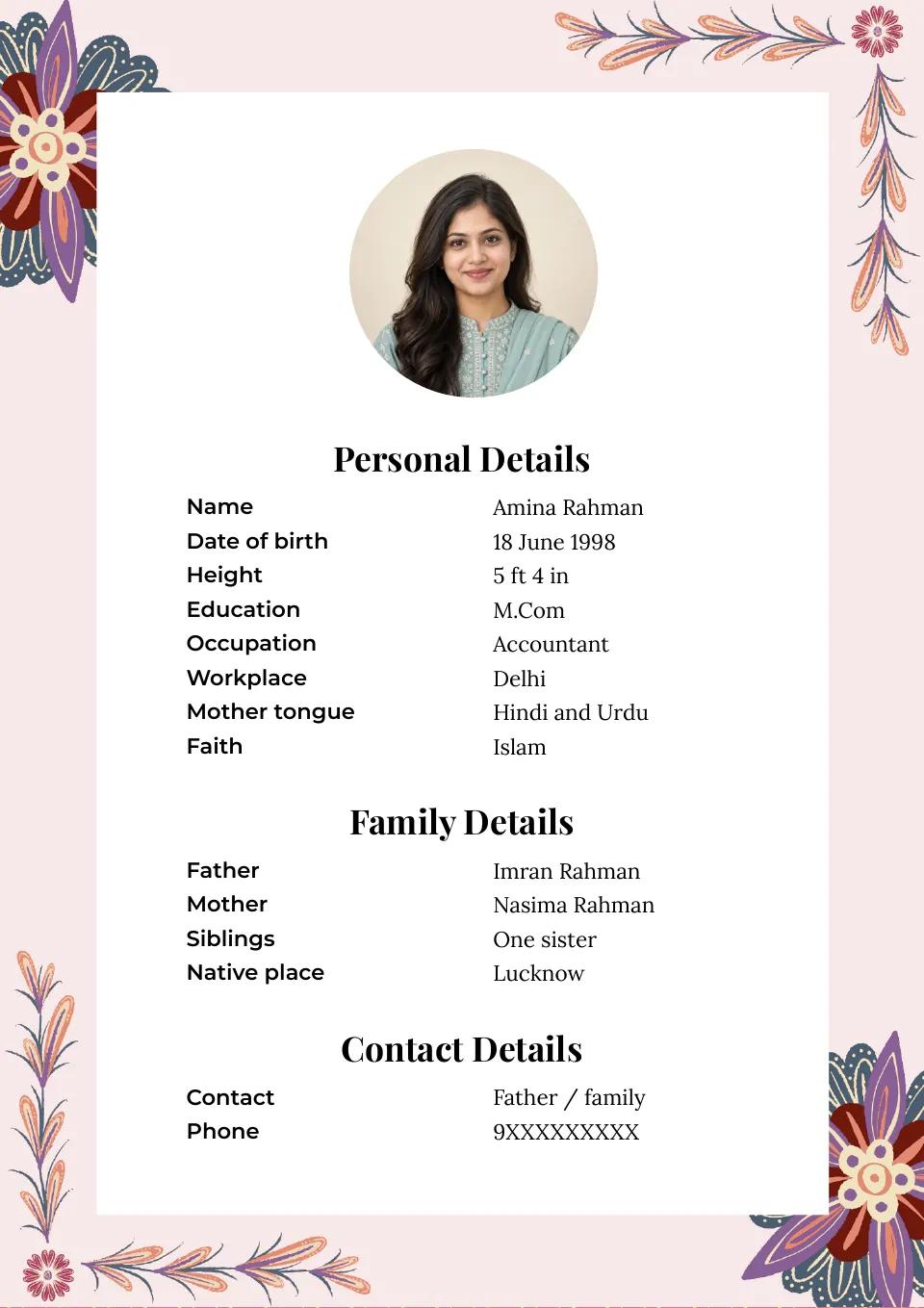
Marriage biodata formats for girlsA compact floral layout for details that fit comfortably on one page.
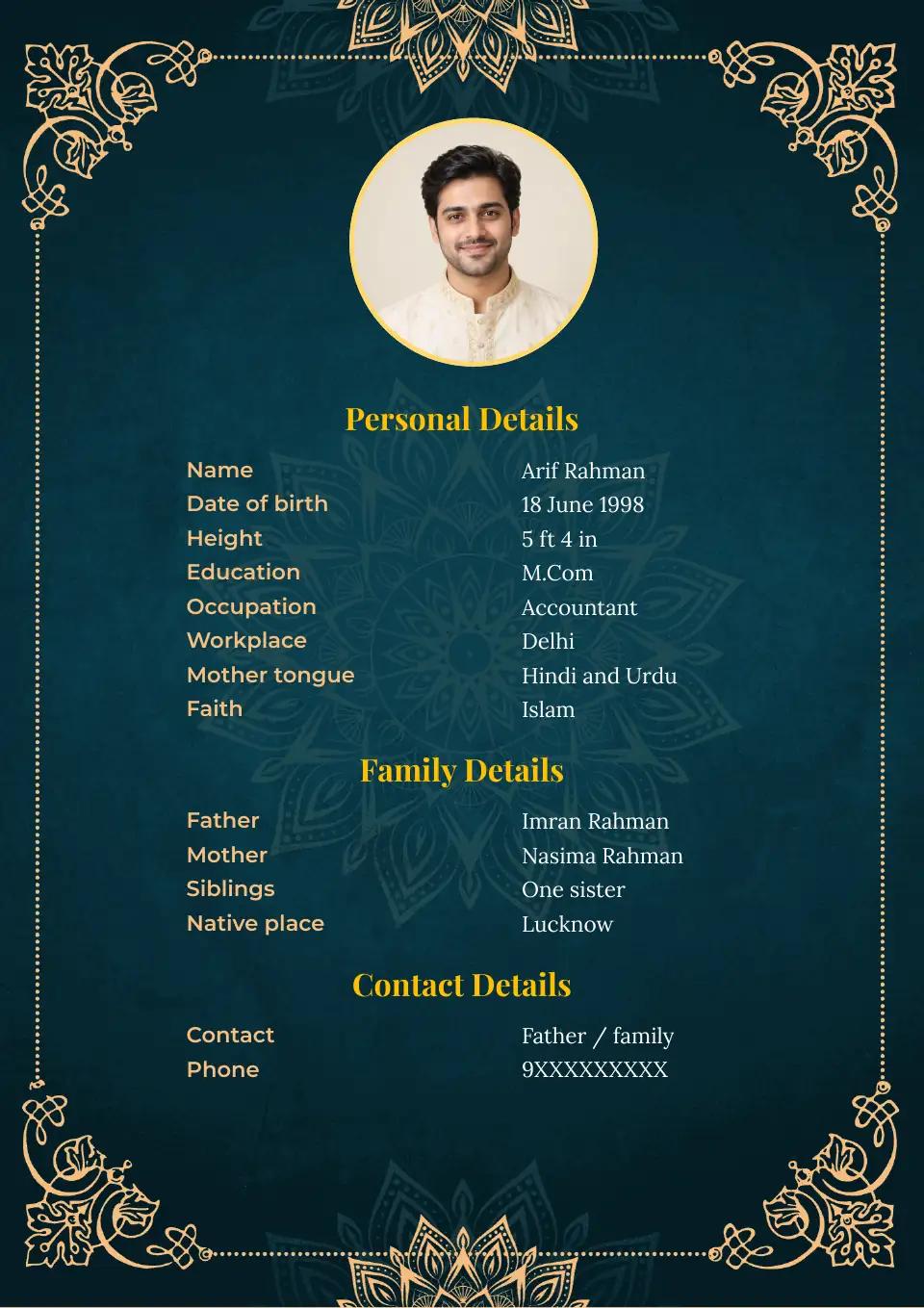
A green-and-gold layout with more space for your details. Add a photo to use its cover page.
Use this guide to make a Muslim biodata for marriage, from choosing a language to saving the finished PDF. The form is flexible: share the personal, family and faith-related details that matter to you, and leave out anything you prefer to keep private.
Click Create My Biodata to open the marriage biodata form. Choose the language before you begin, especially if relatives or prospective matches will read it. The Muslim biodata maker supports English, Hindi, Marathi, Gujarati, Tamil, Telugu, Bangla and Kannada. You can keep English or switch to the language that feels most natural to your family.
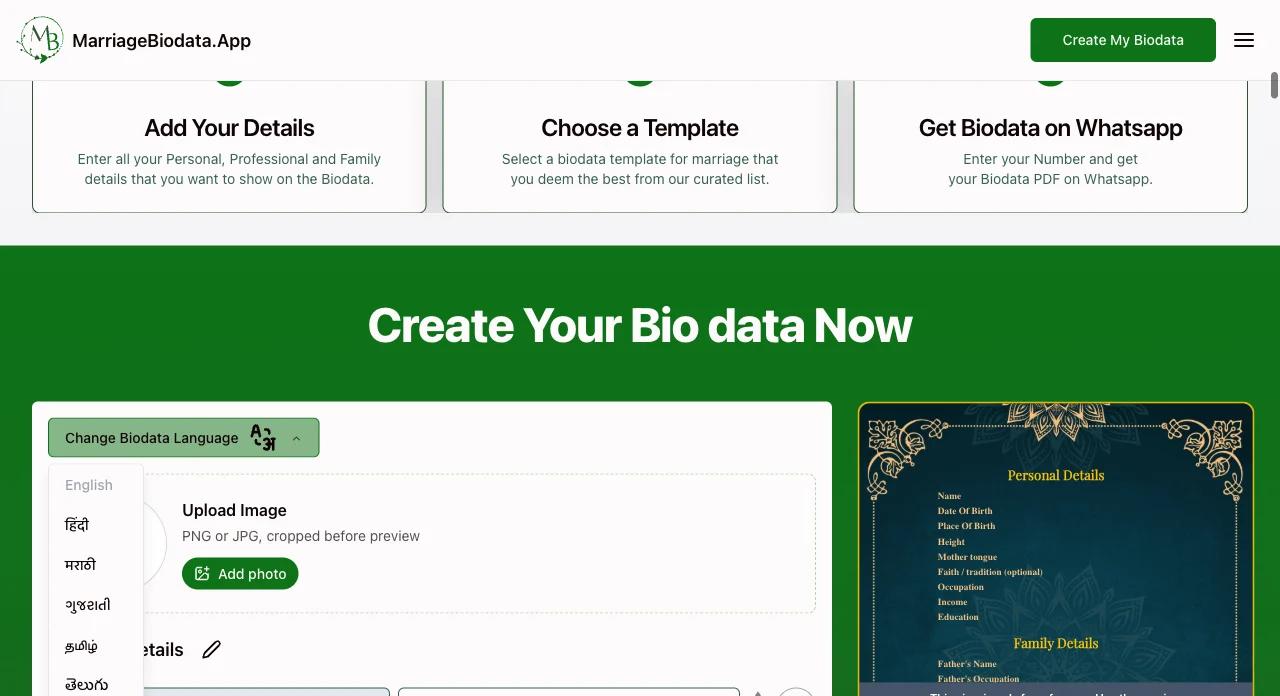
The form groups common fields into Personal Details, Family Details and Contact Details, so you can cover the basics without starting from a blank page. Add your name, age, education and work, then the family and contact information you want to share. No field needs to be filled simply because it appears in the form. If it helps describe your family, you may include your sect, such as Sunni or Shia, or details about religious practice; these are your choice, not a requirement.
You can add a field or a whole section, rename or remove a section, remove fields you do not need, and use the arrows to reorder fields. Keep the marriage bio data concise enough for someone to scan, while giving important details room to breathe.
A photo is optional. If you add one, use a recent, sharp picture with a clear view of your face and a simple background. Avoid group photos, strong filters, blur and tight crops. Adjust the crop after uploading and check it in the preview; the goal is a photo you are comfortable sharing with another family.
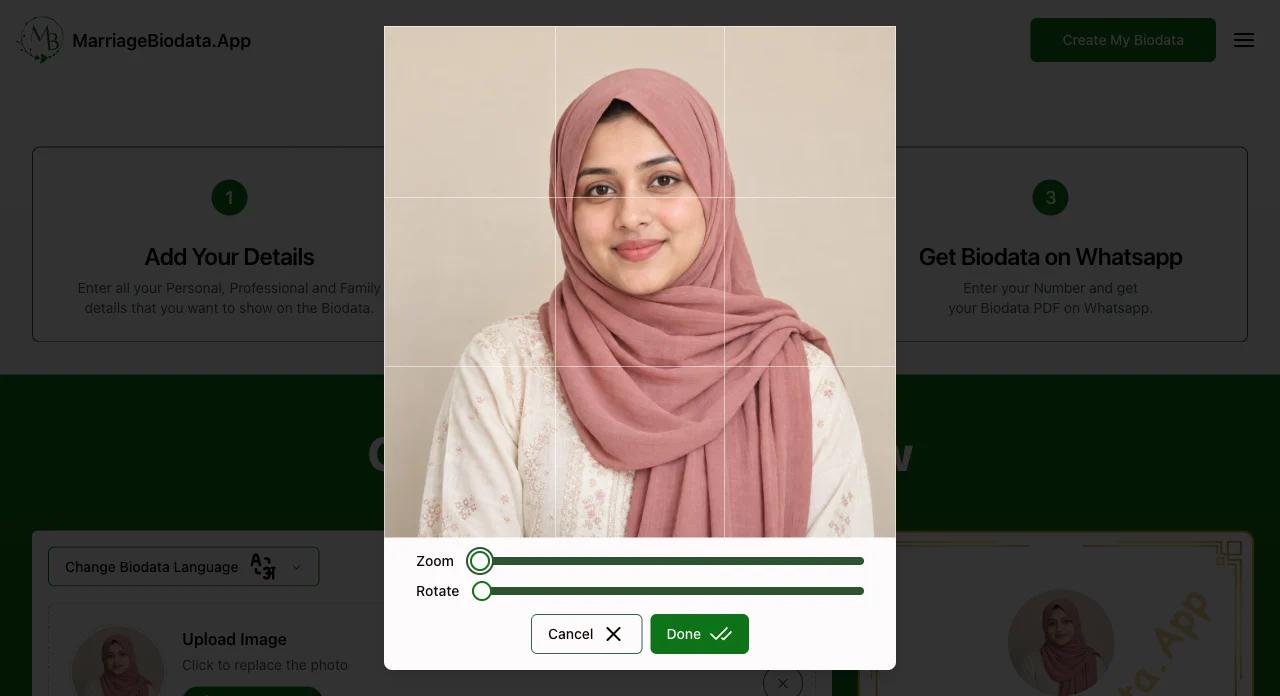
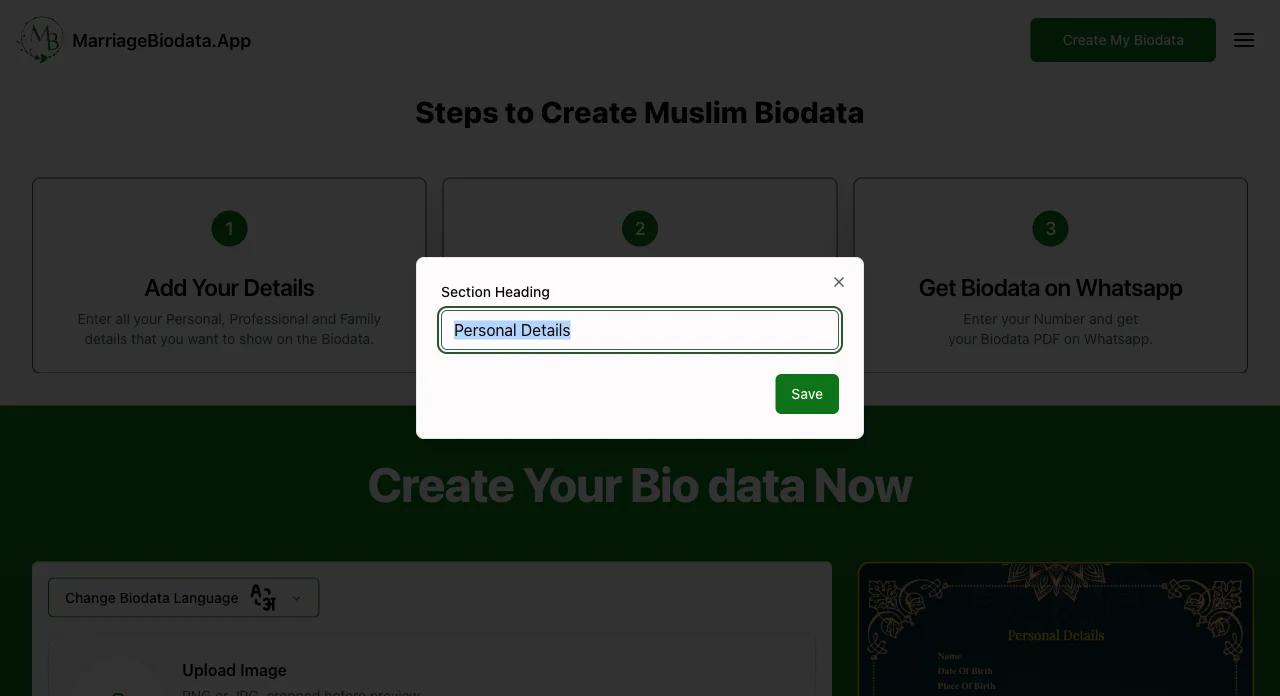
Keep the biodata easy to scan. Include the information needed to understand the person, family and preferred way to make contact; religious details remain optional.
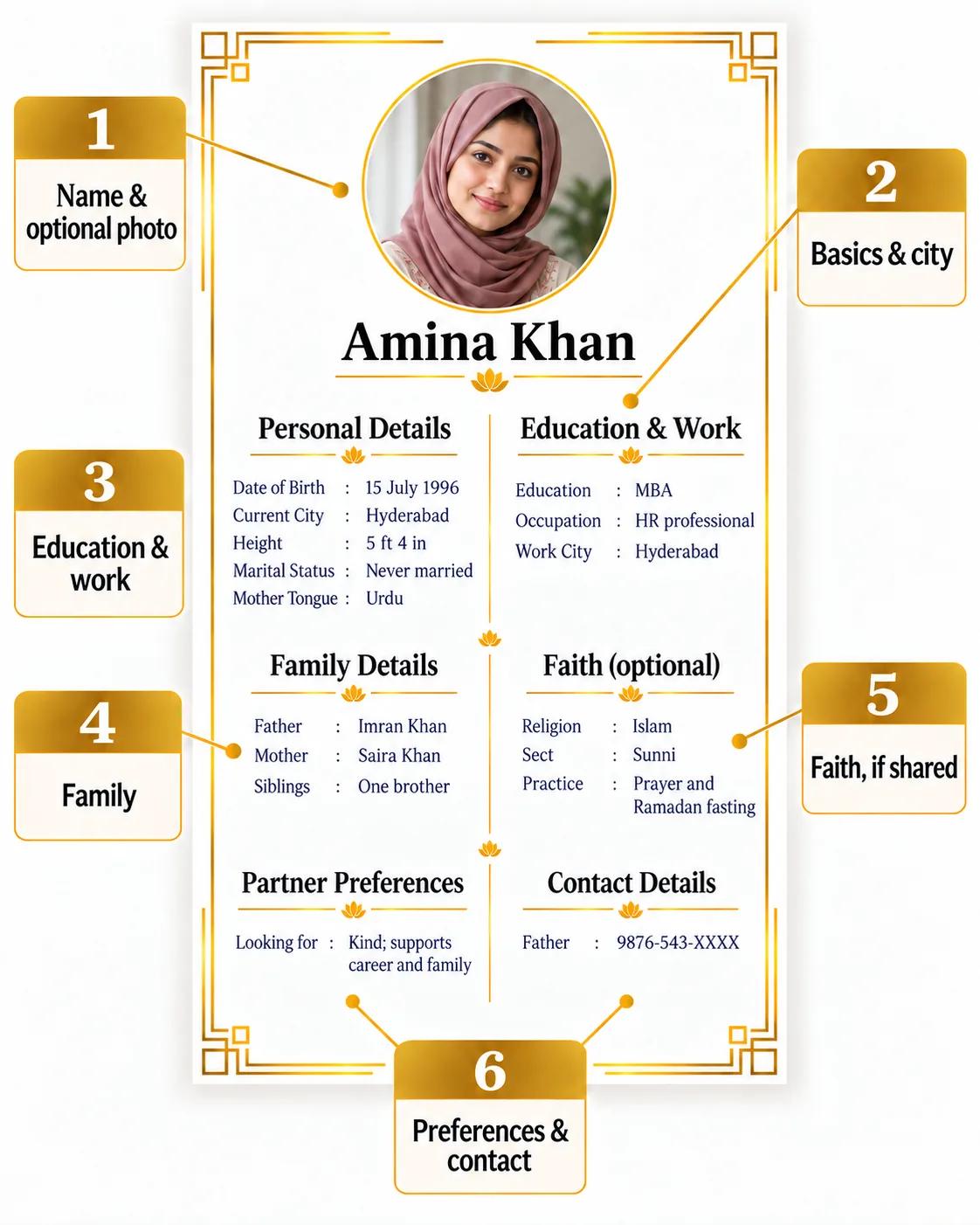
Select Choose Template to compare the free format with the premium designs. Start with the free version if you want a straightforward, readable Muslim marriage biodata. The paid gallery gives you more choices, including restrained, motif-free layouts and designs in different colours. Choose a style that suits your taste and does not show symbols you would rather avoid.
You can also compare a single-page biodata format with a two-page format that gives the photo and details more space. The live preview beside the template choices shows how your text and photo fit. If lines look crowded or a section runs awkwardly, try another design or shorten the wording before downloading.
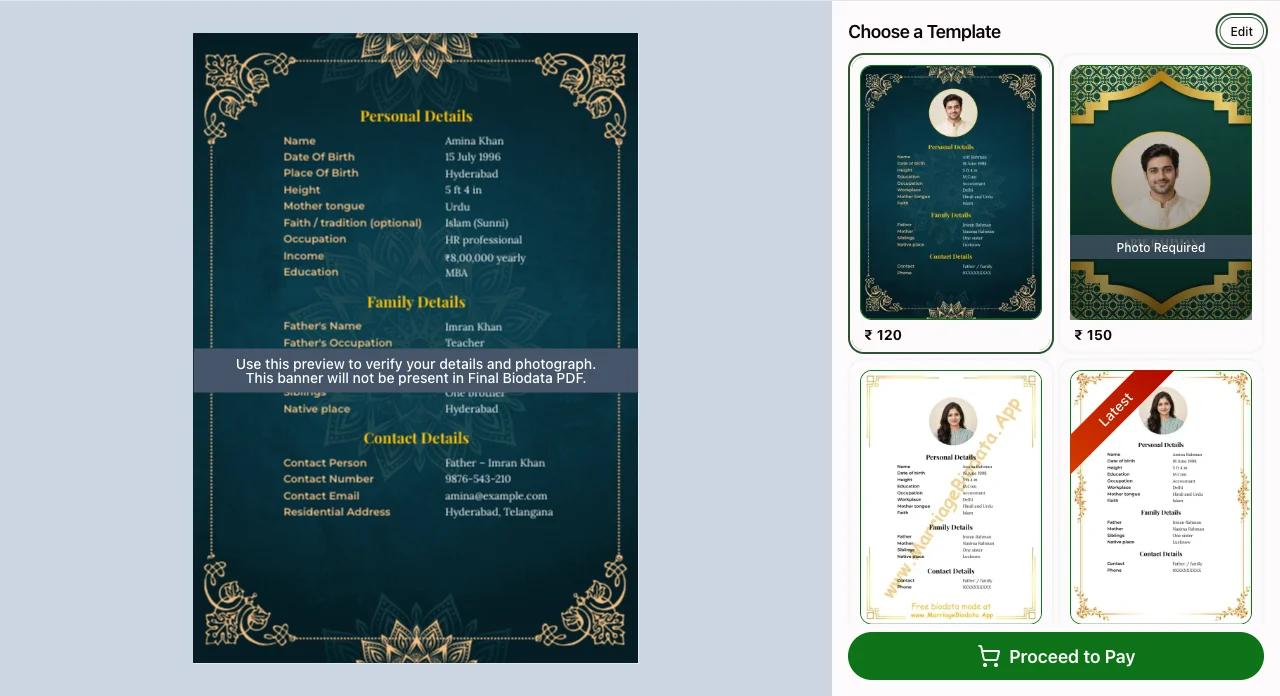
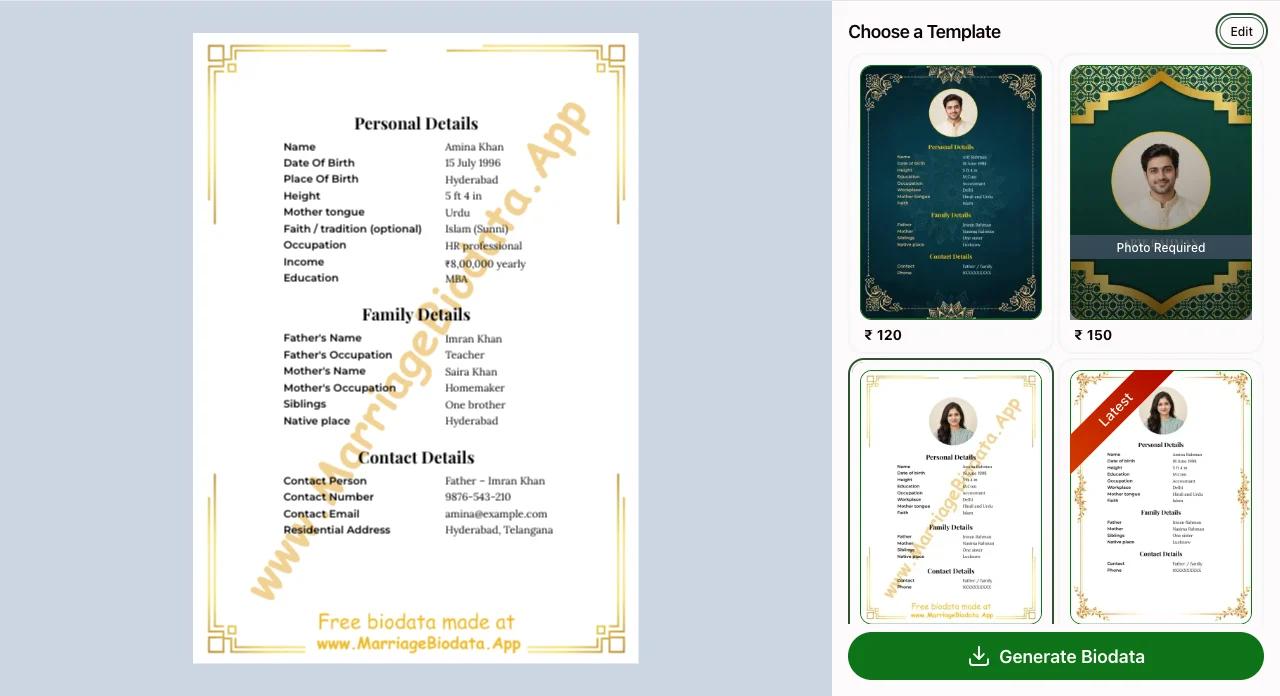
Read the preview once more for spelling, dates, photo crop and contact details. Check any faith or sect details you chose to include, and make sure the contact person agrees to share their number. Use Edit in the template selector to return to the form if something needs changing. When the biodata looks right, generate it and download the PDF. Free formats can be downloaded for free; premium formats are delivered to your WhatsApp number after a successful payment, so you can forward the PDF to prospective families.
Create a marriage biodata with the details you want to share, in a format that suits you. Check your preview, make corrections and compare templates before you download your PDF. No signup required.
See a preview beside the bio data form on desktop for the best experience. On mobile, use the preview page of our marriage biodata maker to see all fields and your photo across all pages of the biodata compared to other websites with limited preview options.
No biodata field is mandatory. Add, rename, remove or reorder fields and sections; some templates need a photo. We only ask for a phone number to share your biodata on Whatsapp with you.
Choose simple borders, decorative styles, different photo placements or one- and two-page layouts. Pick the space and style that suit your details.
The template selector on the preview page lets you compare bio data formats beside your filled biodata. Try new format before finalizing your presentation.
Select the relative you want to include, from siblings and grandparents to maternal or paternal relatives. Add the relationship label without writing it yourself.
English is set as the default but you can also write in Hindi, Marathi, Gujarati, Tamil, Telugu, Bengali or Kannada. Check your names and local-language text in the preview before sharing.