Hindu biodata
Start with your personal, education and family details. Add gotra, birth time or horoscope information only if your family uses them.
Hindu marriage biodata guide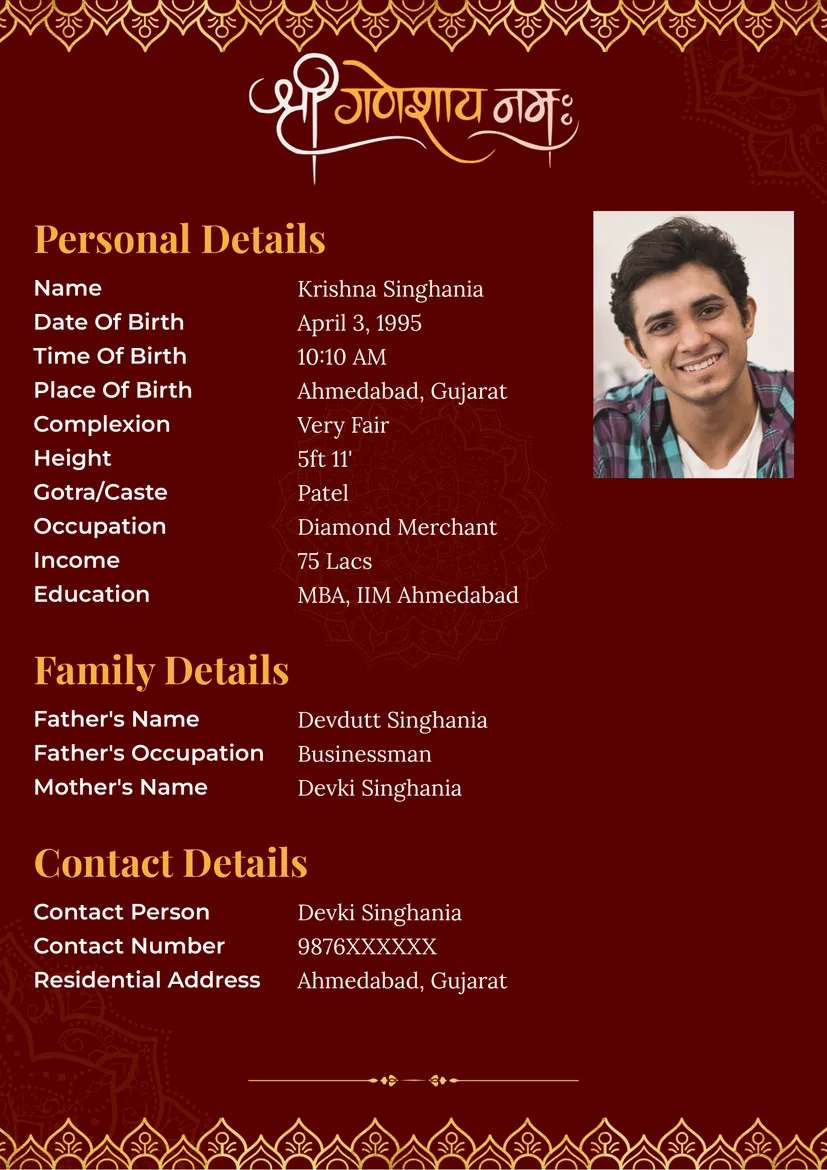
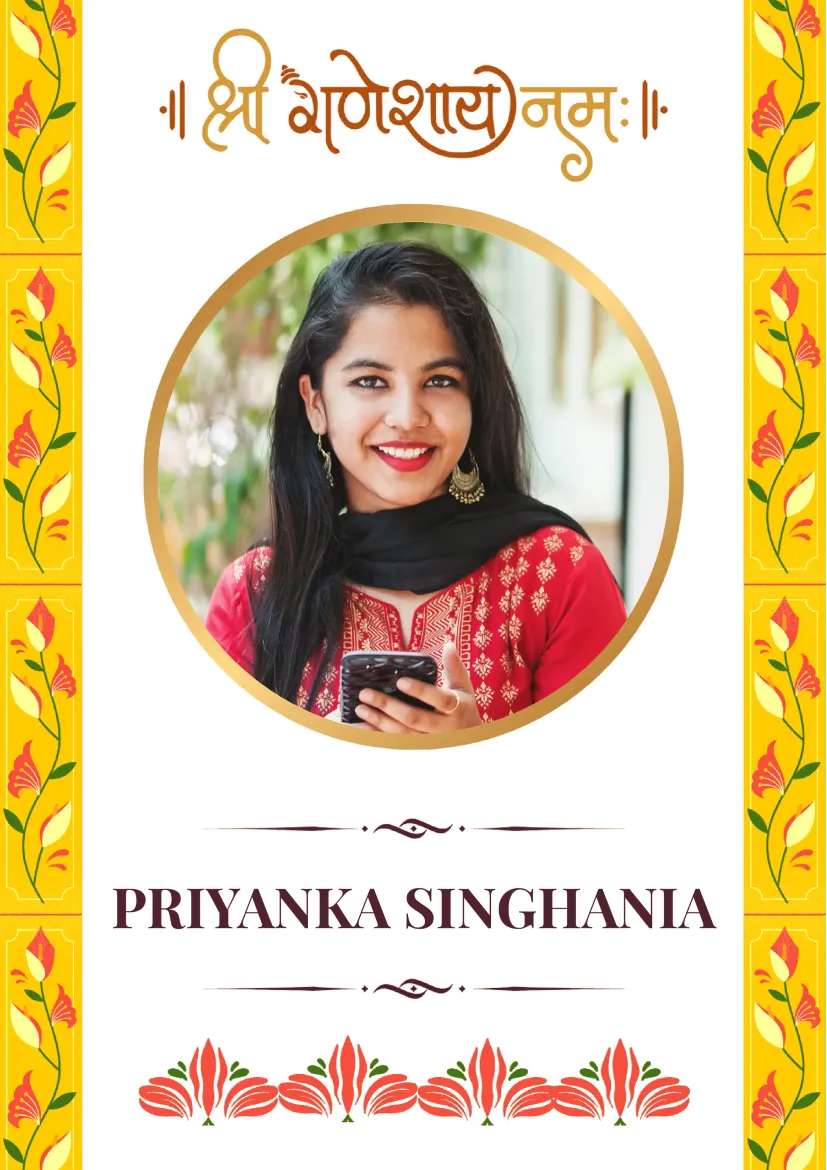
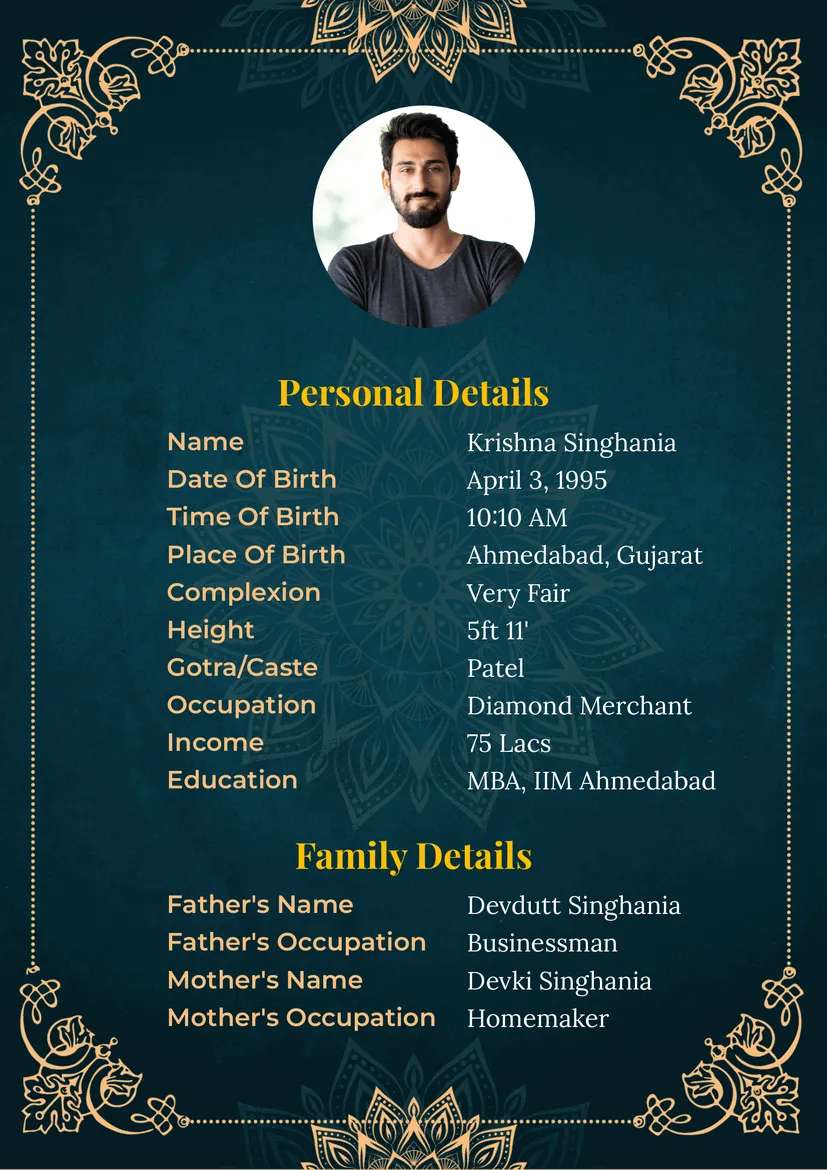
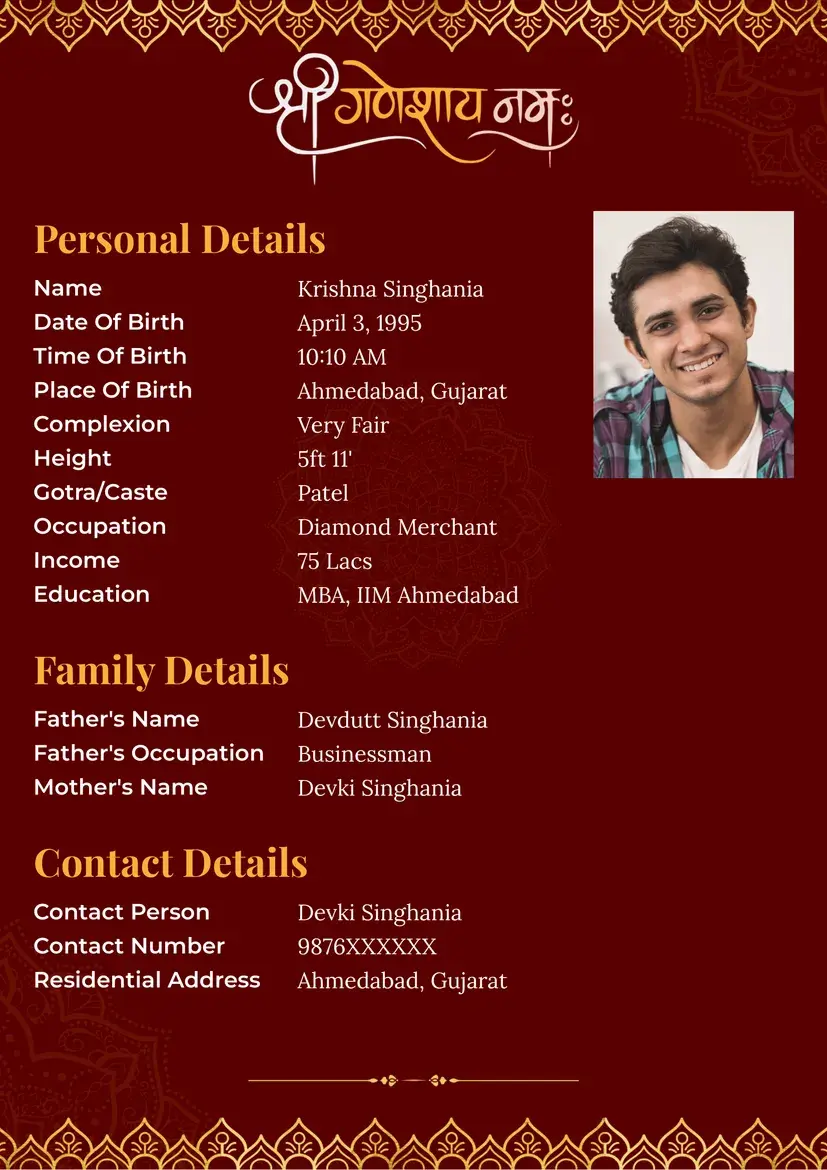
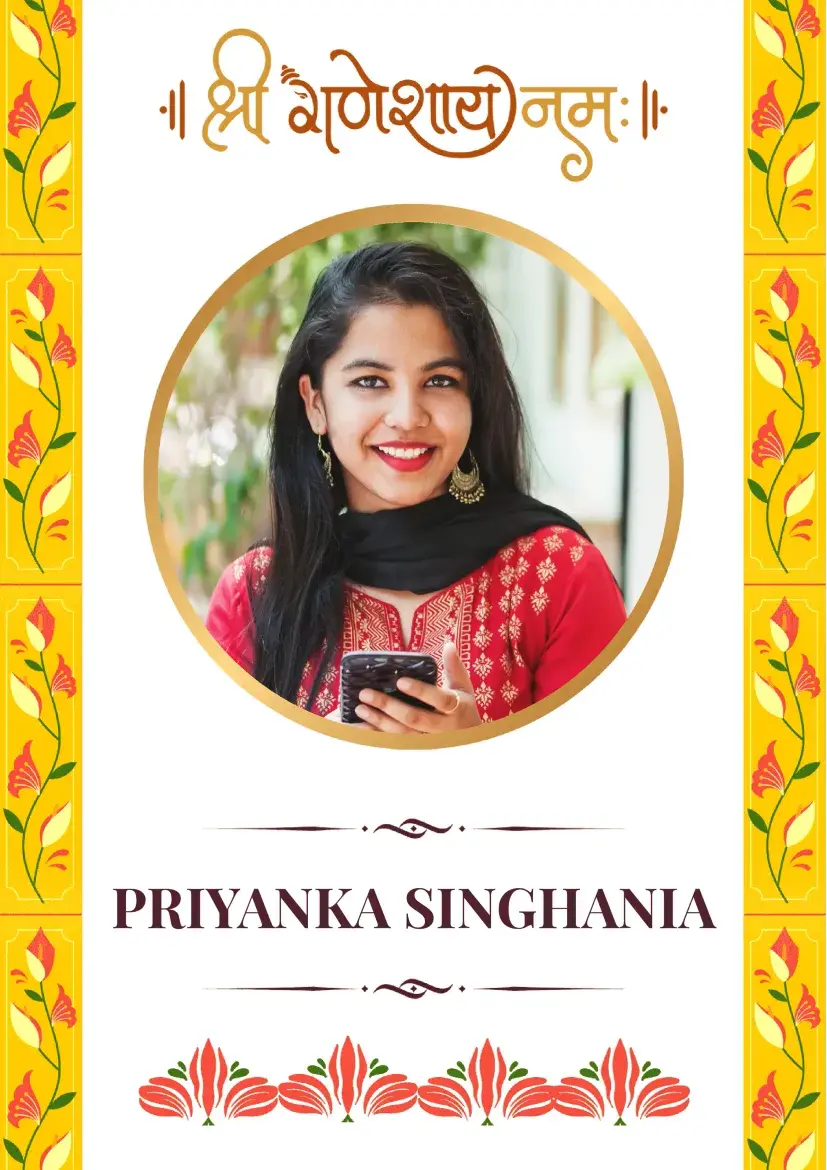
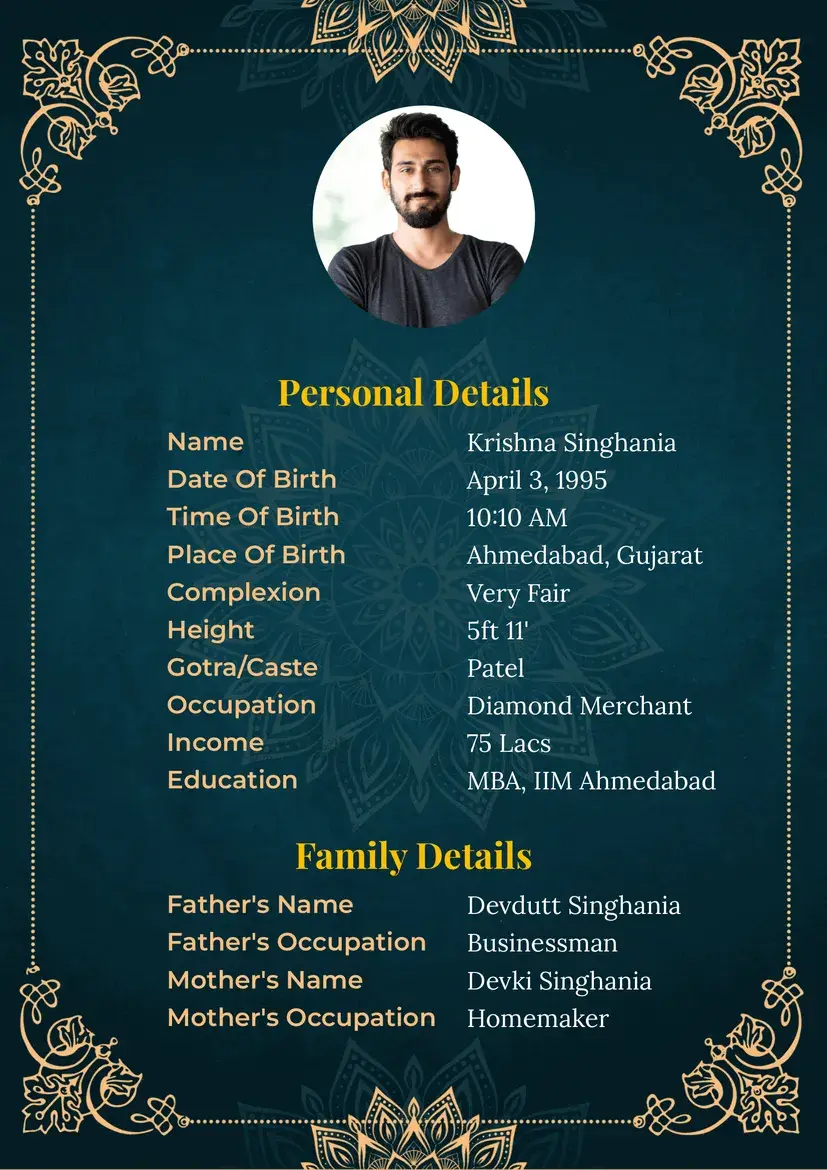
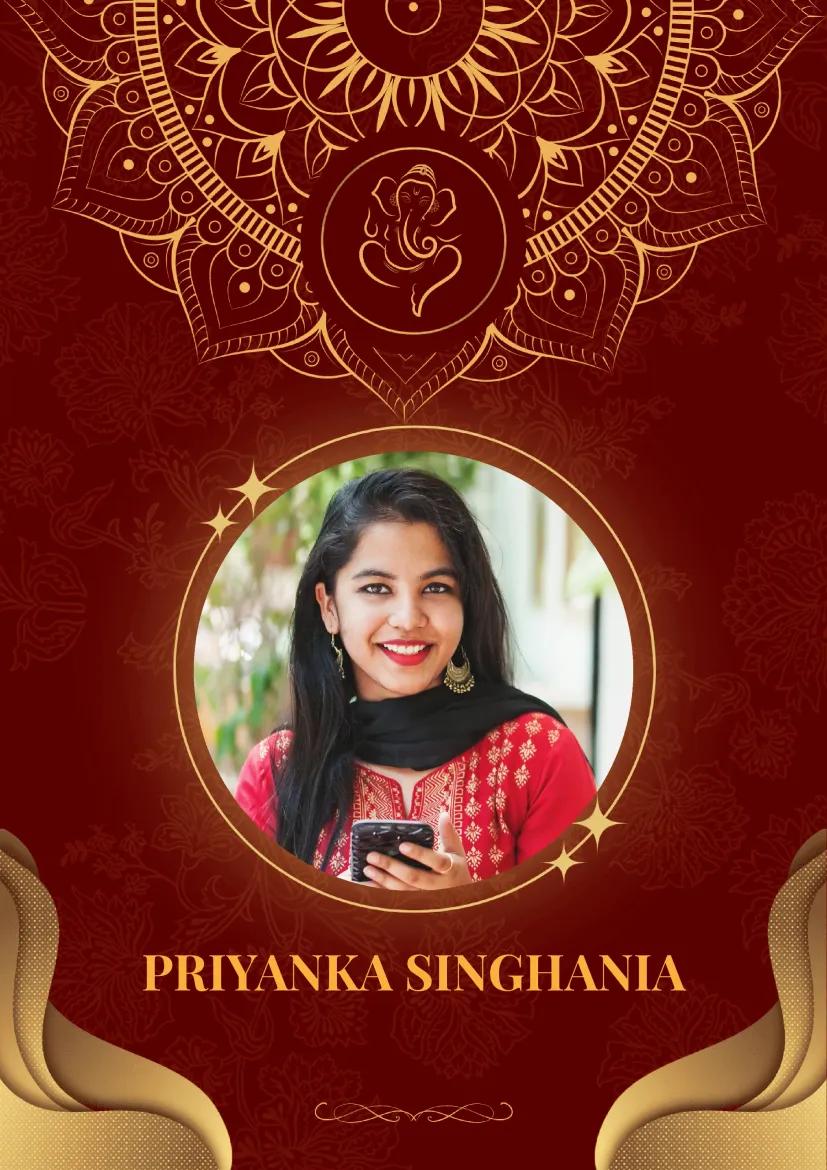
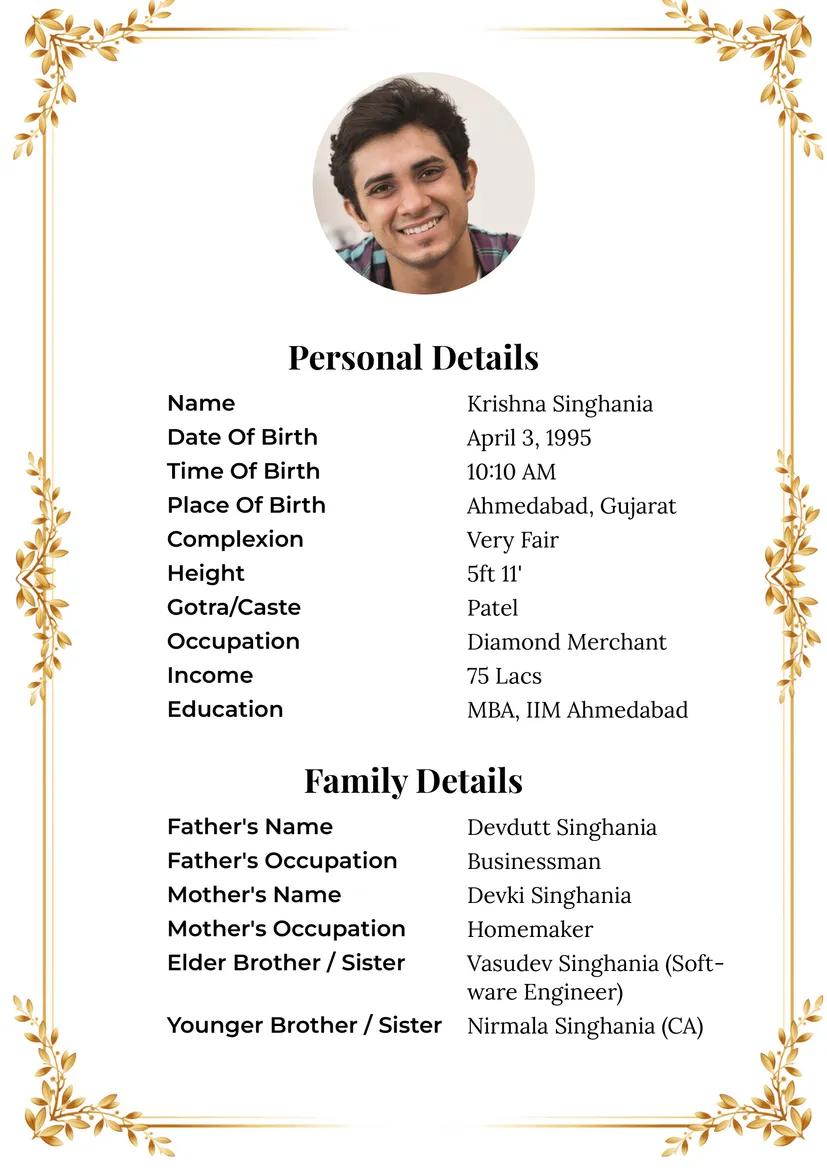
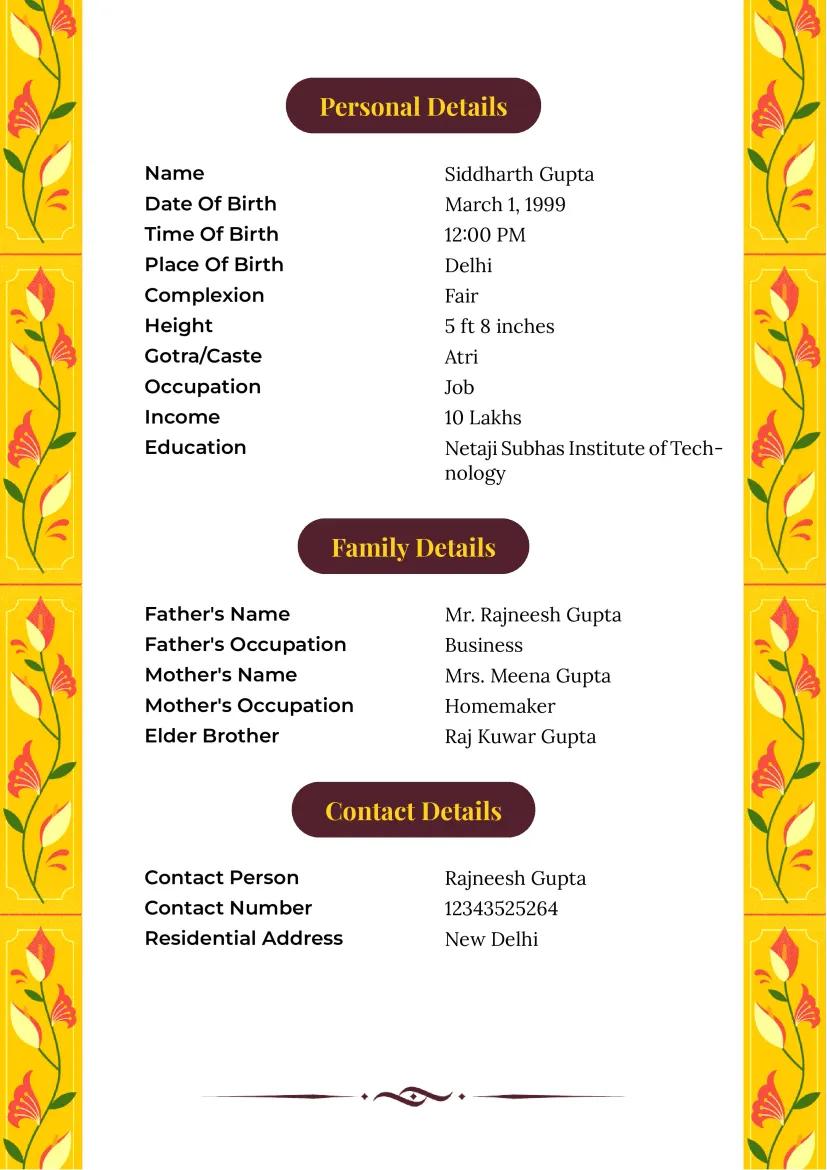

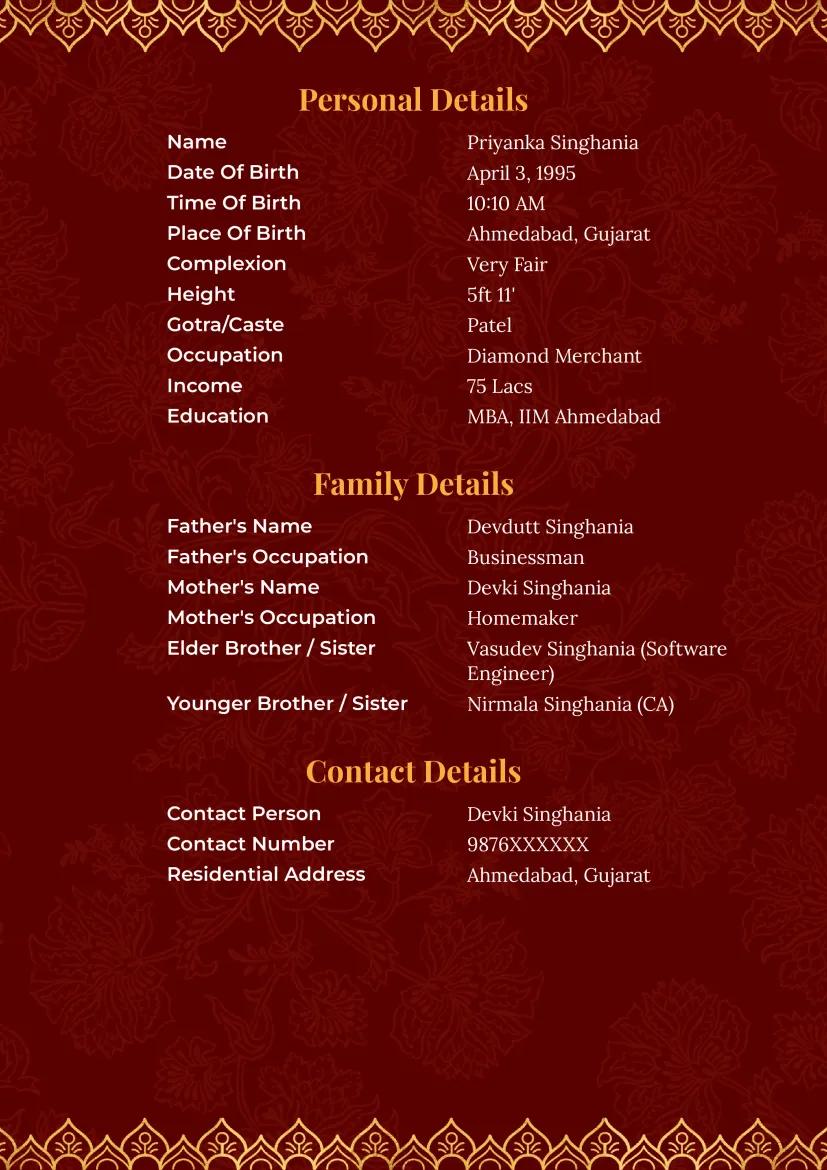
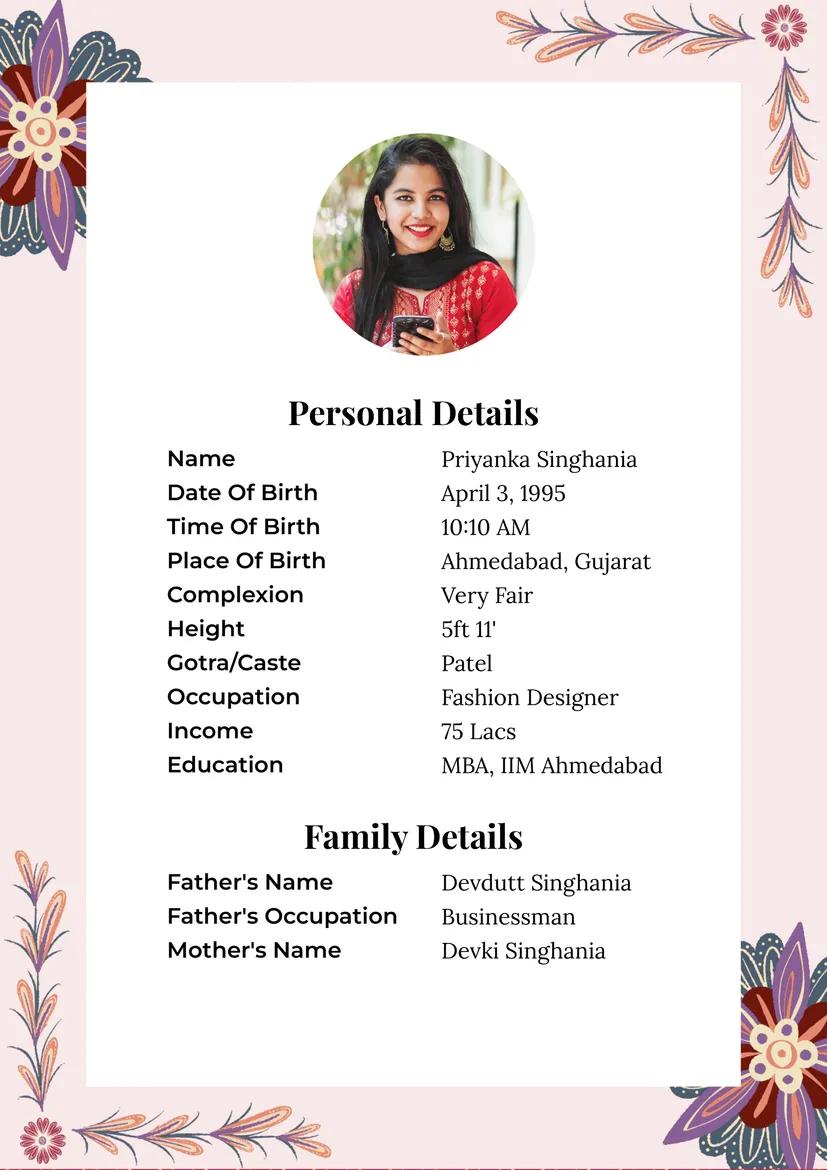
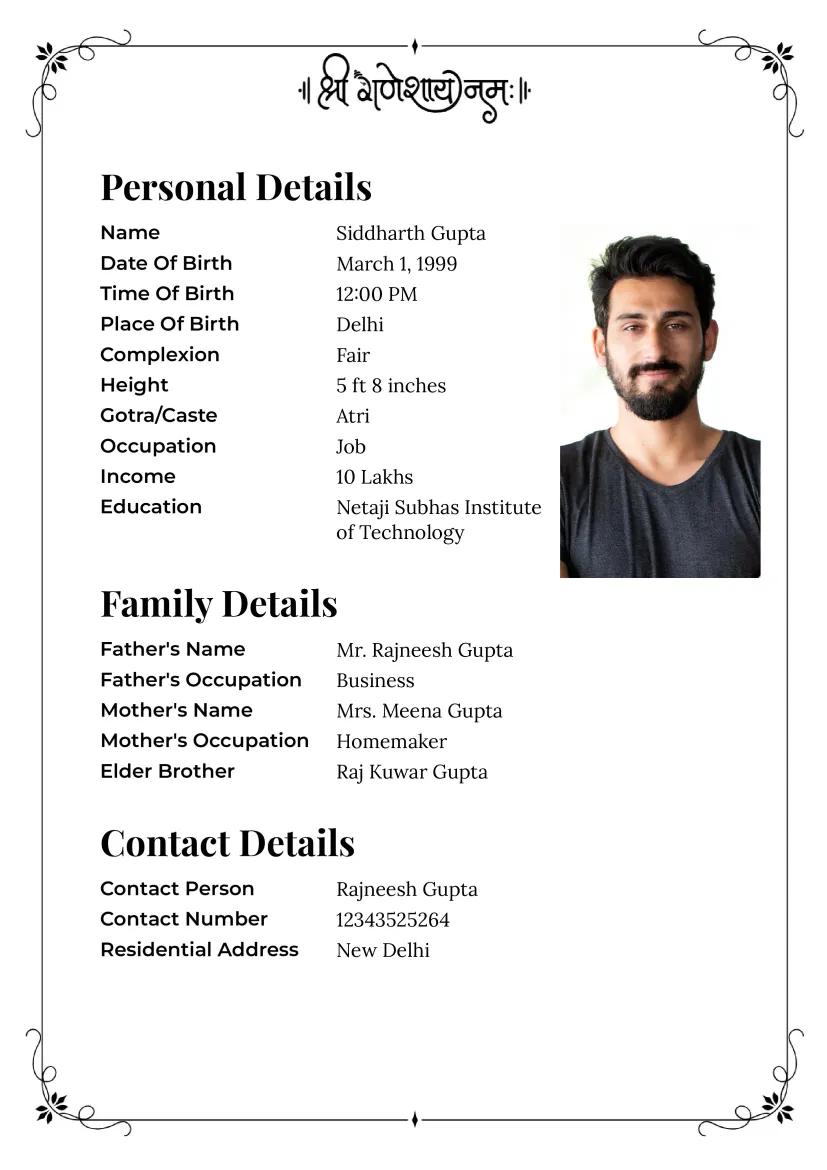
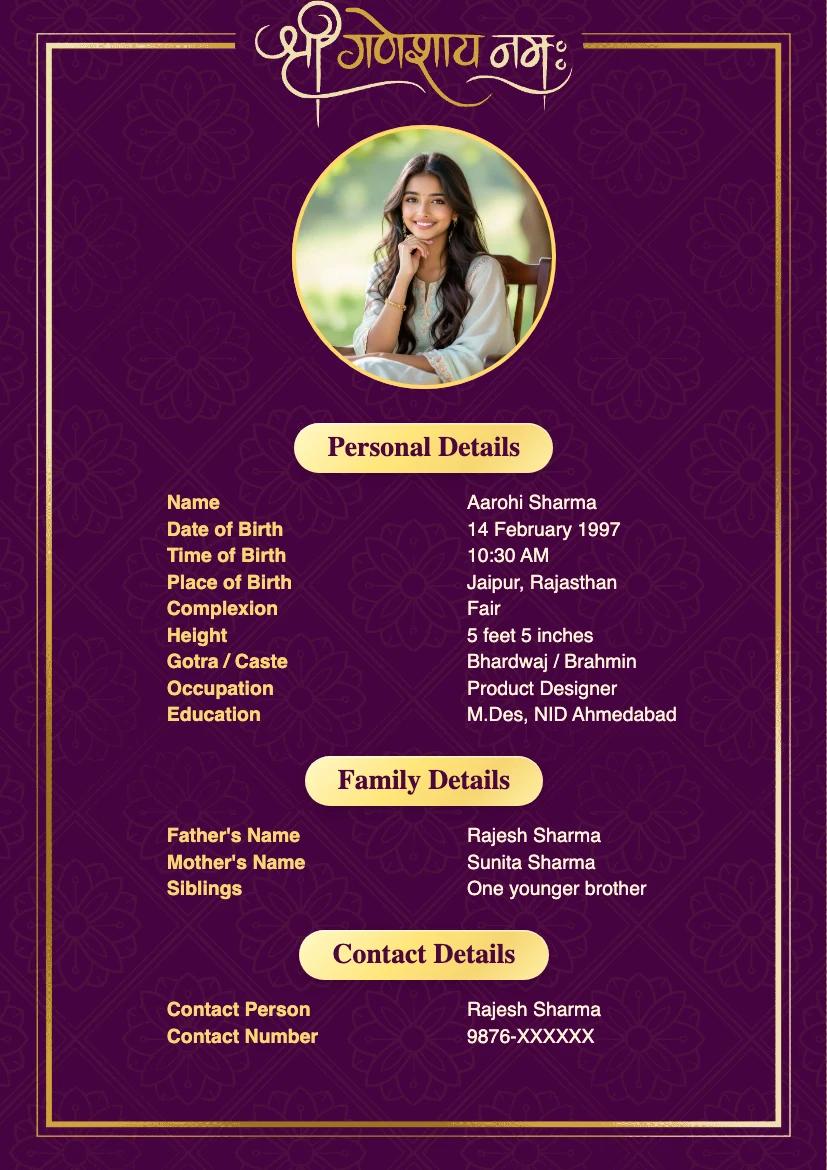
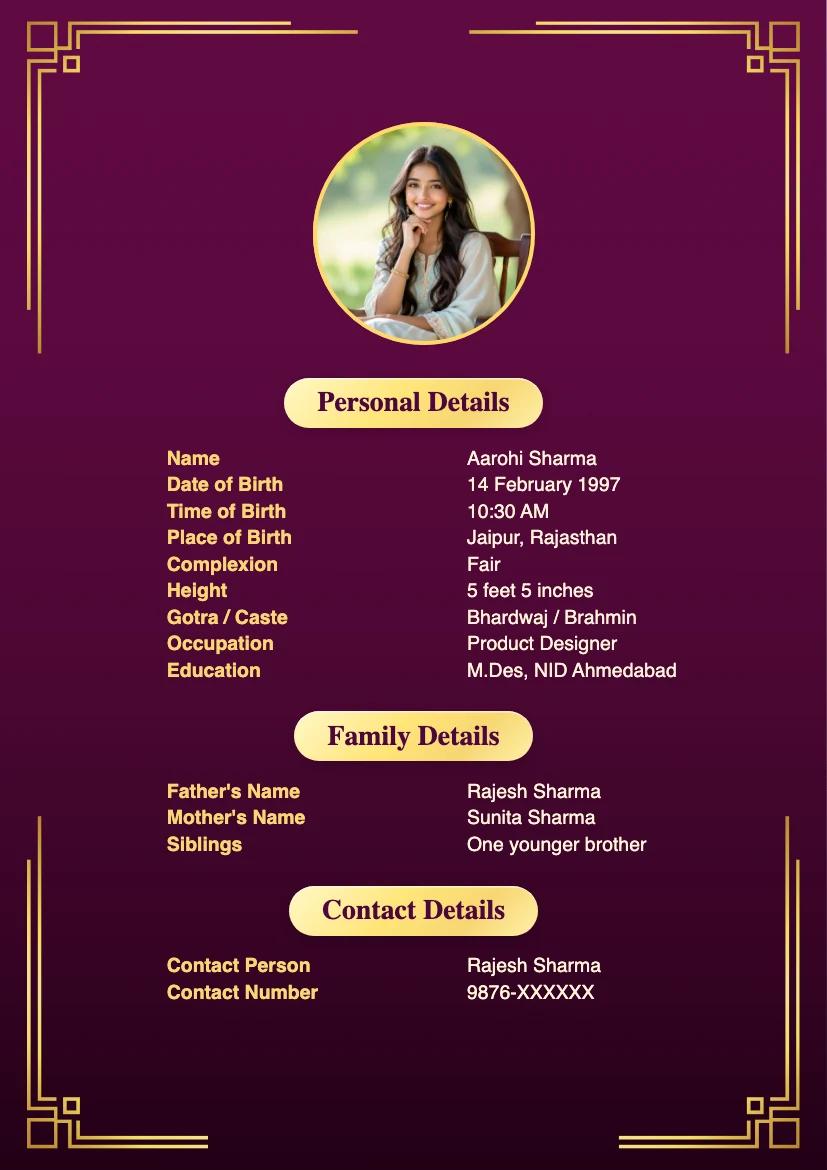
Our Parent Friendly Biodata Maker has all required details already set up.
Select the template that resonates most with your preferences.
Enter your Number and get your Biodata PDF on Whatsapp.
Beautiful biodata, simple steps, and support that makes a difference. Here are selected five-star reviews from our Android app users on Google Play.
Komal Kumari
What impressed me the most was the ease of use. I was able to create my biodata in just a few minutes, without any hassle or confusion. Marriage Biodata App guides you through each step, ensuring that you don't miss out on any important details.
nitesh prasad
Easy to use, page format is good, single page format is available, good colourful page combination with fonts...I suggest all my dear friend pls use this app for your marriage biodata..
Kunal Gavhane
Easy to use in all languages. number of templates available to select and good customer support is available in case of any issue...
Showing 3 of 15 reviews
Selected five-star reviews, shown in their original words. Read all ratings and reviews on Google Play.
We have carefully crafted our marriage biodata formats to meet the diverse needs of our users. Once you have finalized the details you want to share, choose a format that meets your needs. If you are still unsure, explore our curated biodata format guides for different languages and communities.
Start with your personal, education and family details. Add gotra, birth time or horoscope information only if your family uses them.
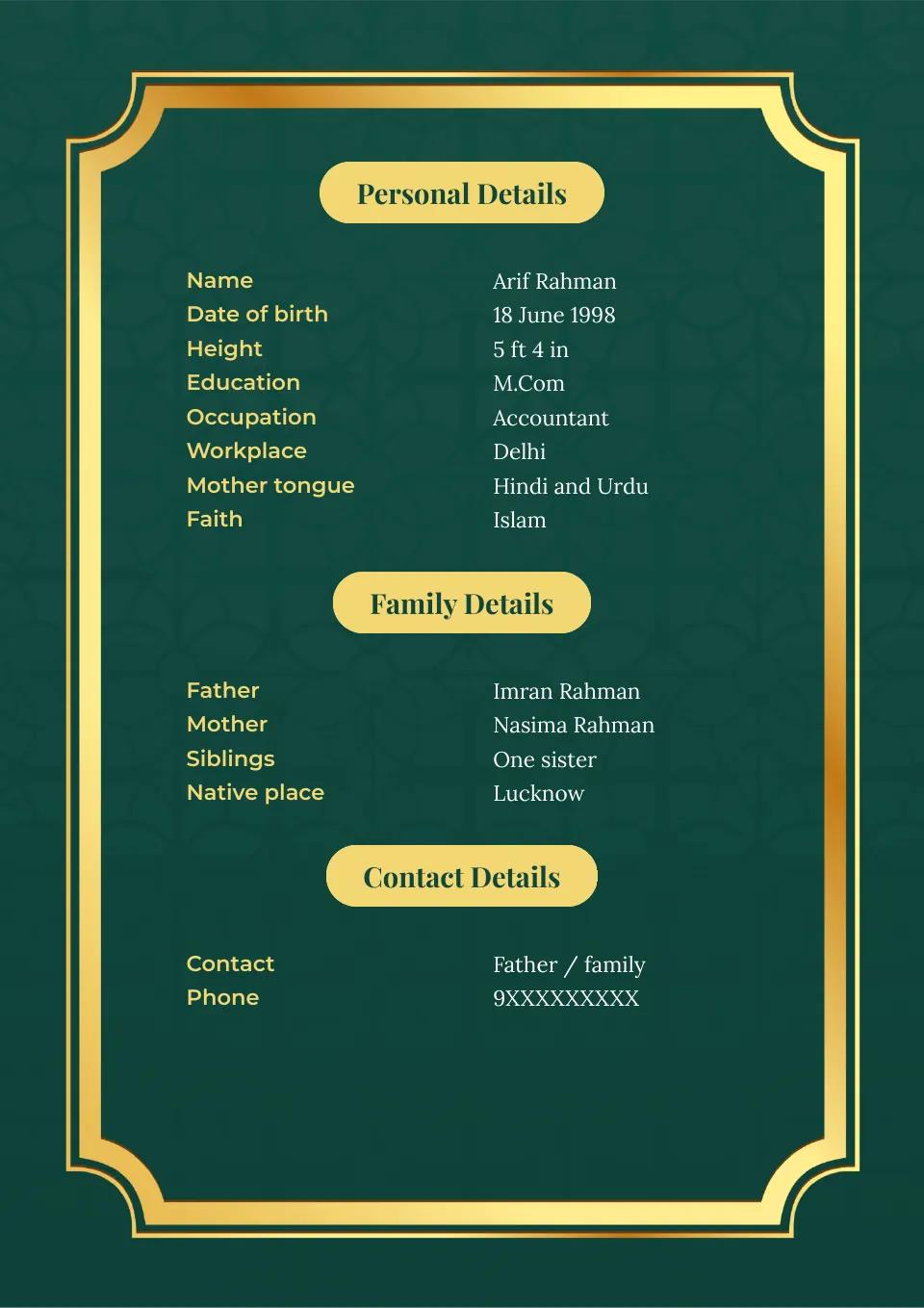
Hindu marriage biodata guidePresent education, work, family and contact information clearly. Faith or sect details (Sunni/Shia) can be included when the person wants to share them.
Muslim marriage biodata guideA Jain profile may include lifestyle and community details alongside education and family. Consult our guide to keep those details specific to the person.
How to write a Jain marriage biodataBaniya families are spread across India, with a significant concentration in Hindi-speaking regions. Our guide describes how you can accommodate your specific family traditions without making assumptions.
Baniya marriage biodata guideBoys often prefer minimalistic design elements in their biodata formats to put the focus on their personal and professional details. Check out our recommendations for biodata templates for boys.
Marriage biodata formats for boysIn our experience, girls like simple and elegant designs with a large display picture. Our guide lays out some great choices that you can pick from.
Marriage biodata formats for girls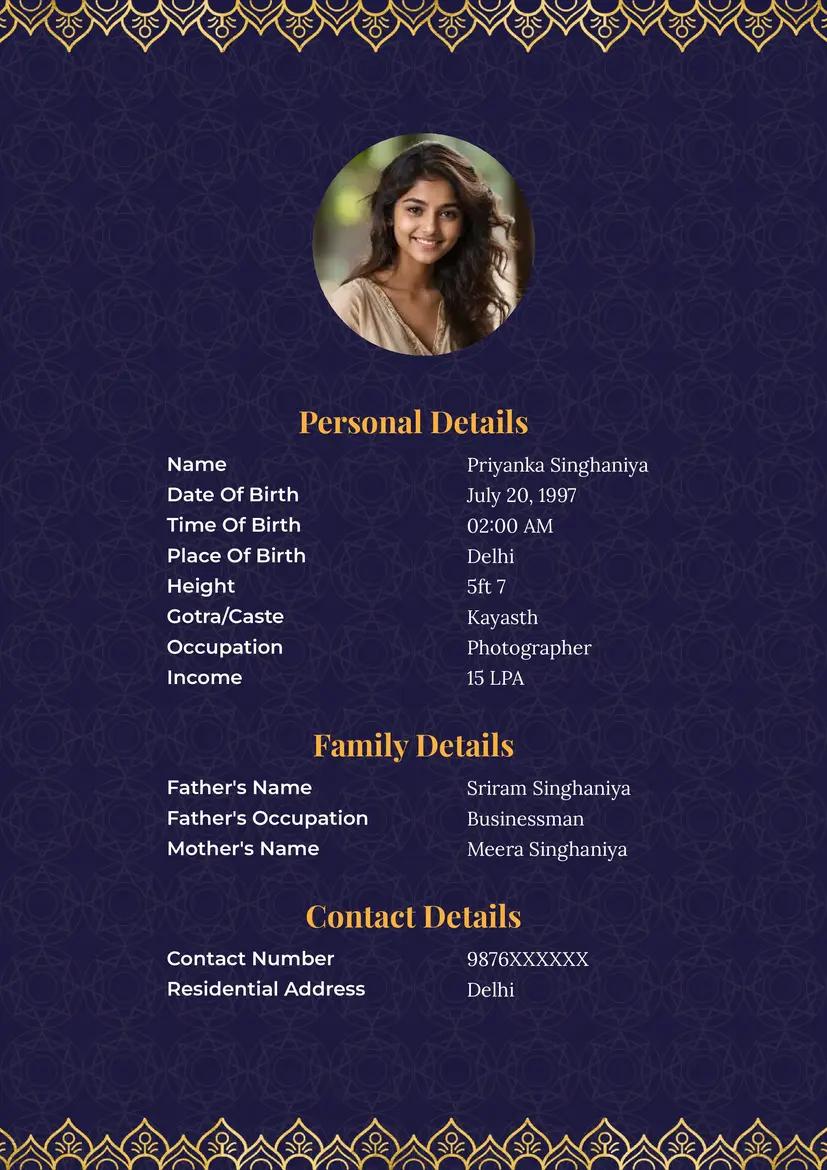
By popular demand from our customers, we have added a few single-page biodata templates. These designs expand gracefully to accommodate all your details on a single page.
These templates are popular with families who want room for a large profile picture and detailed personal and family information. The large photo puts the spotlight on the boy or girl, creating a memorable first impression.
This guide walks you through the steps of creating a perfect biodata. At the end of this guide you will be able to create a beautiful and professional biodata for marriage that will make the best impression on the families you share it with. Our biodata maker starts in English, and you can switch to another supported language before entering your details.
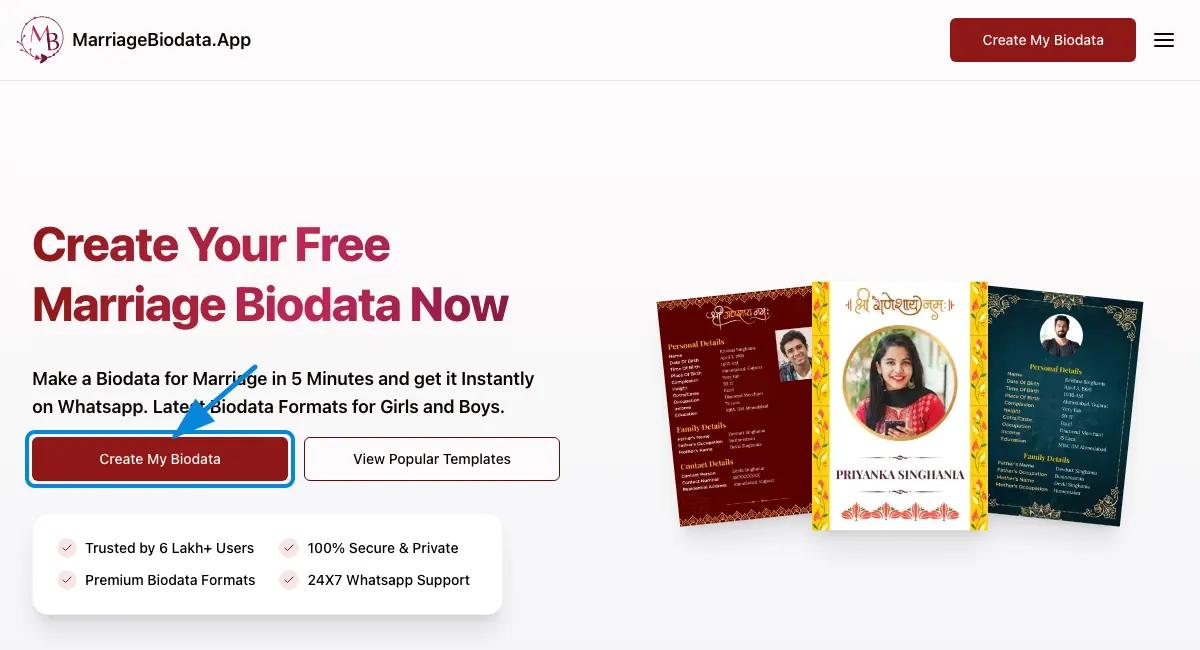
Click Create My Biodata at the top of the page to open the form. Before entering your details, use the language menu to choose your desired language. Our free biodata maker supports English, Hindi, Marathi, Gujarati, Tamil, Telugu, Bangla and Kannada. Leave it on English if you want to write your biodata in English.
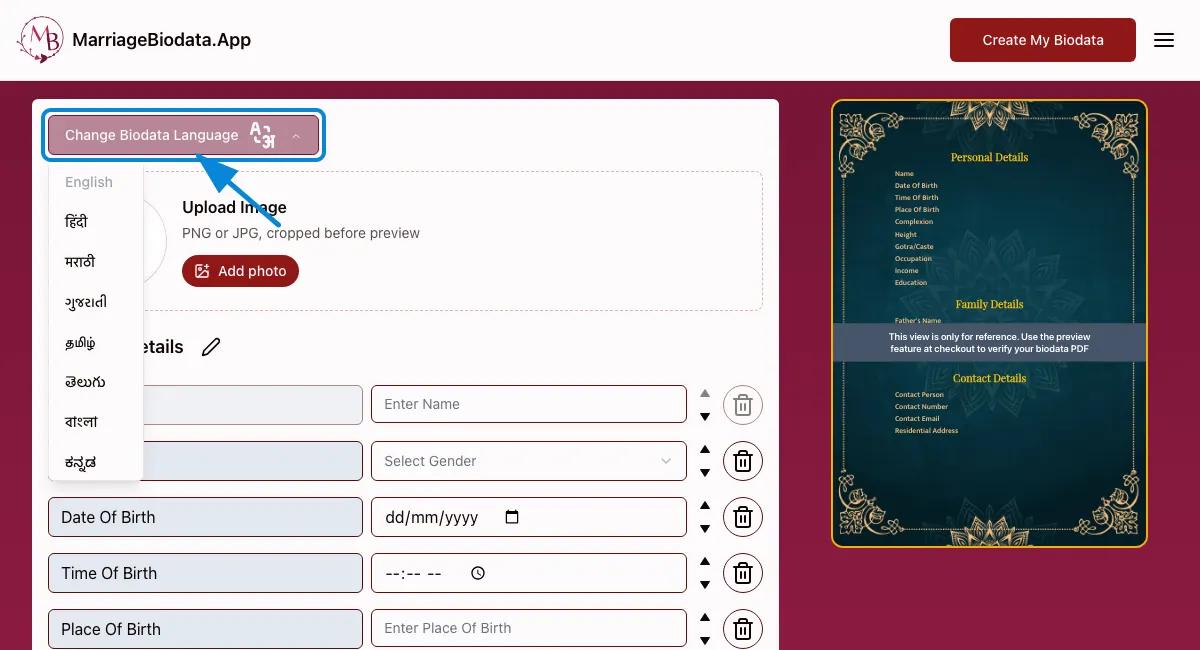
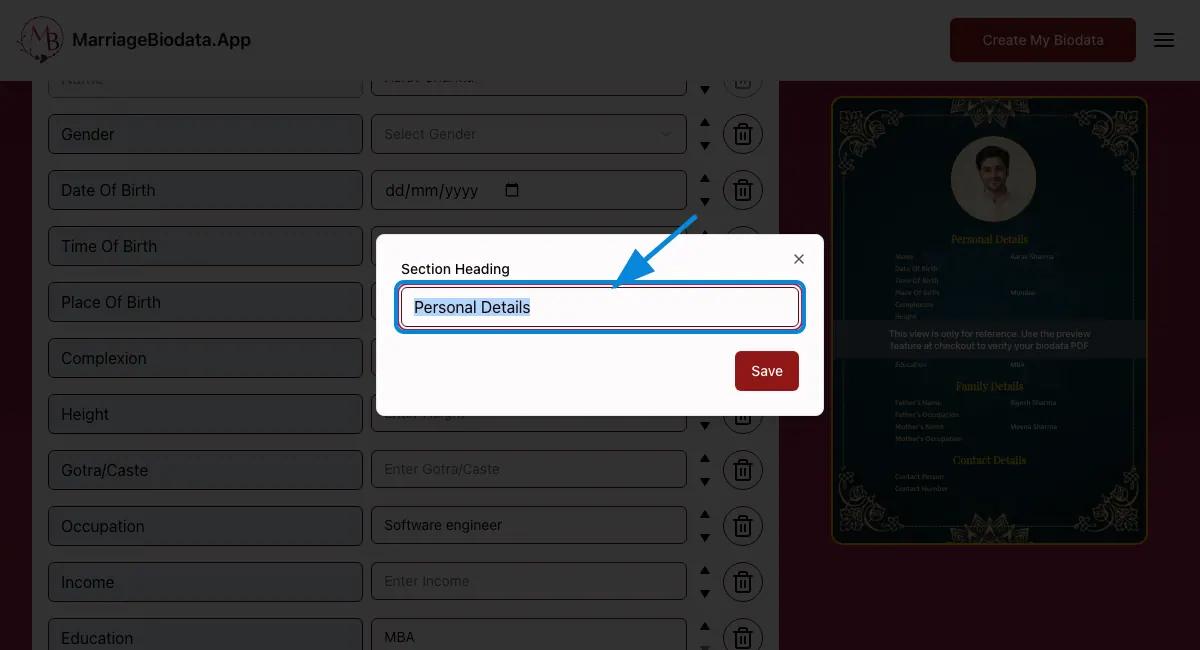
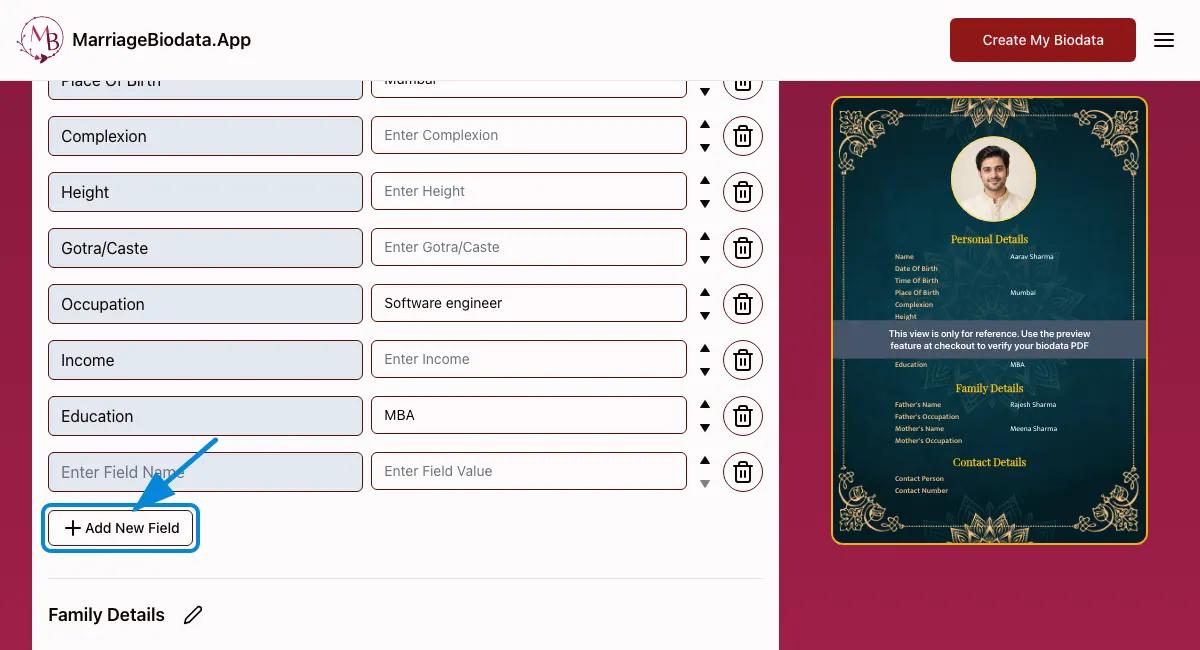
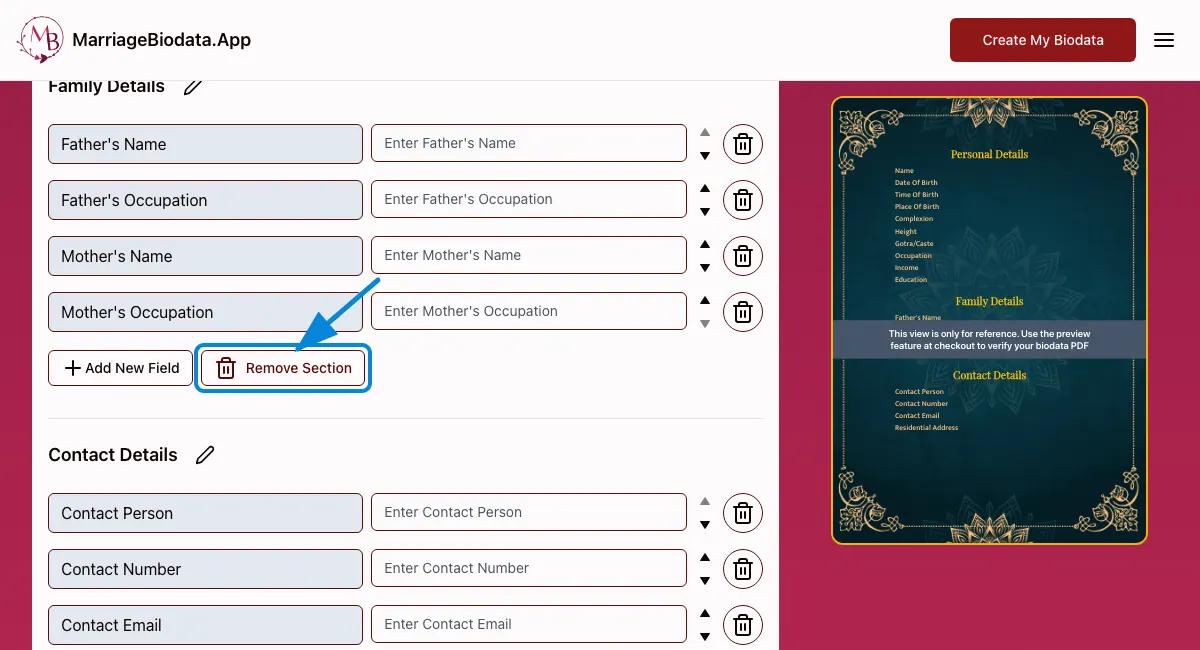
We have designed our Free Marriage Biodata Maker for ease of use. The biodata form is carefully divided into 3 sections - Personal Details, Family Details and Contact Details. We have set up some commonly shared fields in each section so that you don't forget to share them. At the same time, it is not necessary to share each detail. Our biodata maker is fully customizable. You can add a new section, rename an existing section and even remove a section when the form does not fit your needs. We recommend creating a short and crisp biodata but you can add an unlimited number of fields in any section. You can also use the arrow buttons to reorder the fields in your biodata and also remove the fields you don't want.
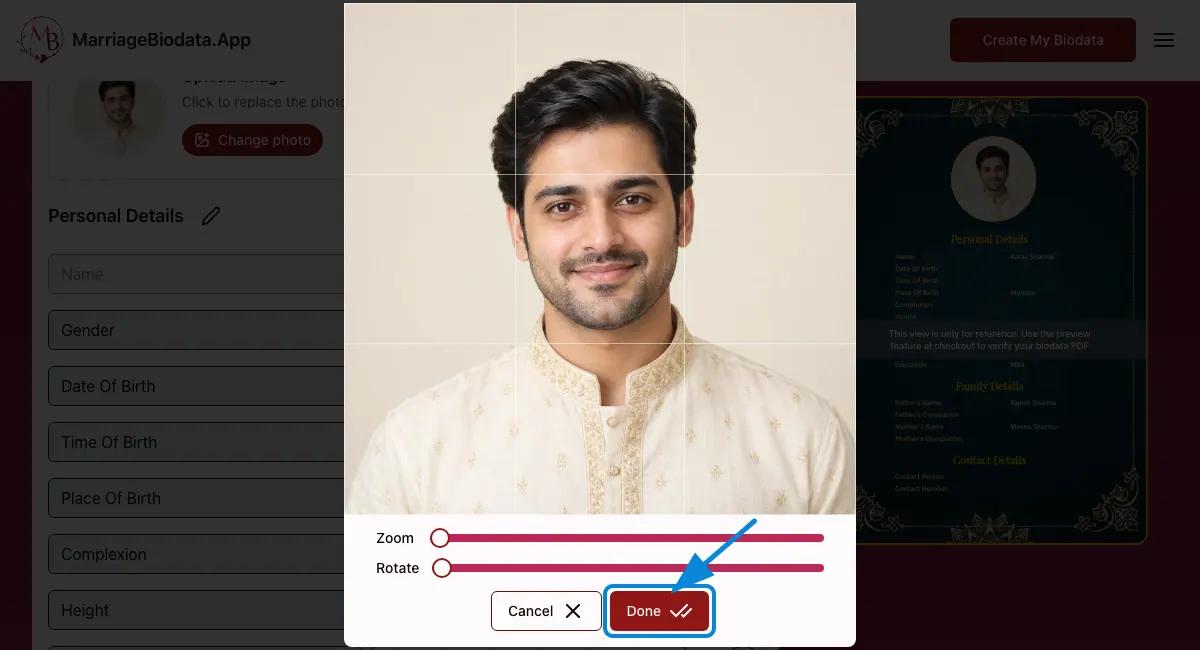
A photo is optional. If you add one, choose a recent, sharp photo in which your face is easy to see. Soft, even light and a simple background work well; wear something you feel comfortable presenting to another family. Avoid group photos, heavy filters, blurry images and crops that cut off your face. Adjust the crop after uploading, then check the biodata preview to make sure the photo still looks clear.
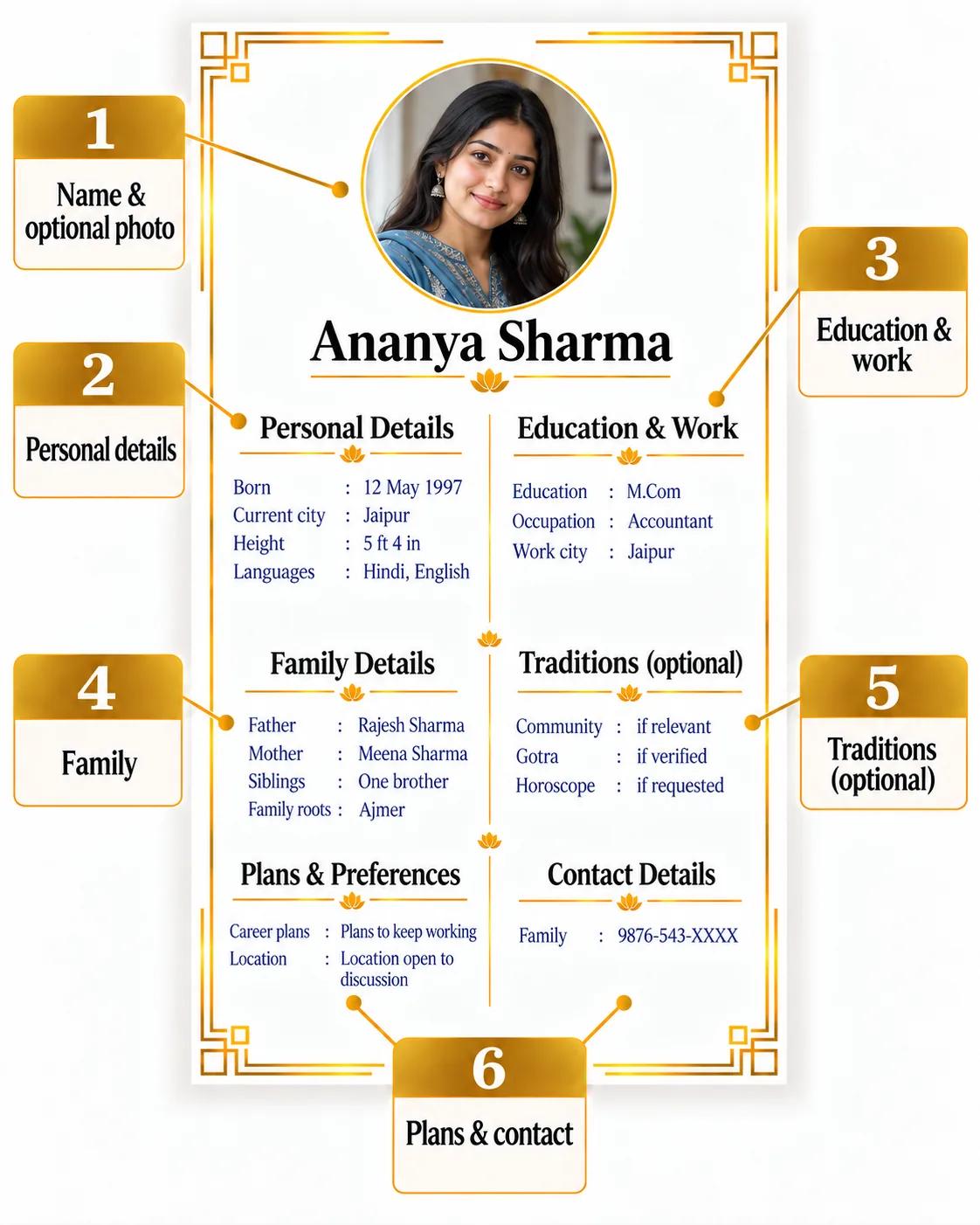
Introduce yourself, your family and how to get in touch. Choose the details that matter to you and your family’s traditions.
You can start with a free biodata template. A simple layout is often enough, especially when you want the details to be easy to read. You can also choose from our wide selection of Premium Formats: a simple template can suit a straightforward profile, while other families may opt for a more decorative format. We also have bio data formats dedicated to Hindu and Marathi families with Shri Ganesh Motifs and Shri Ganesh Mantras. We also have dedicated colors and templates preferred by Muslim Families.
We have designed professional templates with no motifs and minimalistic designs for families who prefer simplicity. We also have a dedicated 2 page biodata format with a large profile picture on the front page and all the details on a separate page. Our single page bio data templates expand to accommodate all your details on a single page.
Ultimately it depends on your preference - our recommendation is to choose a biodata format that gives your text and photo enough room. Use the preview to compare formats, and switch if any detail looks cramped or hard to read.
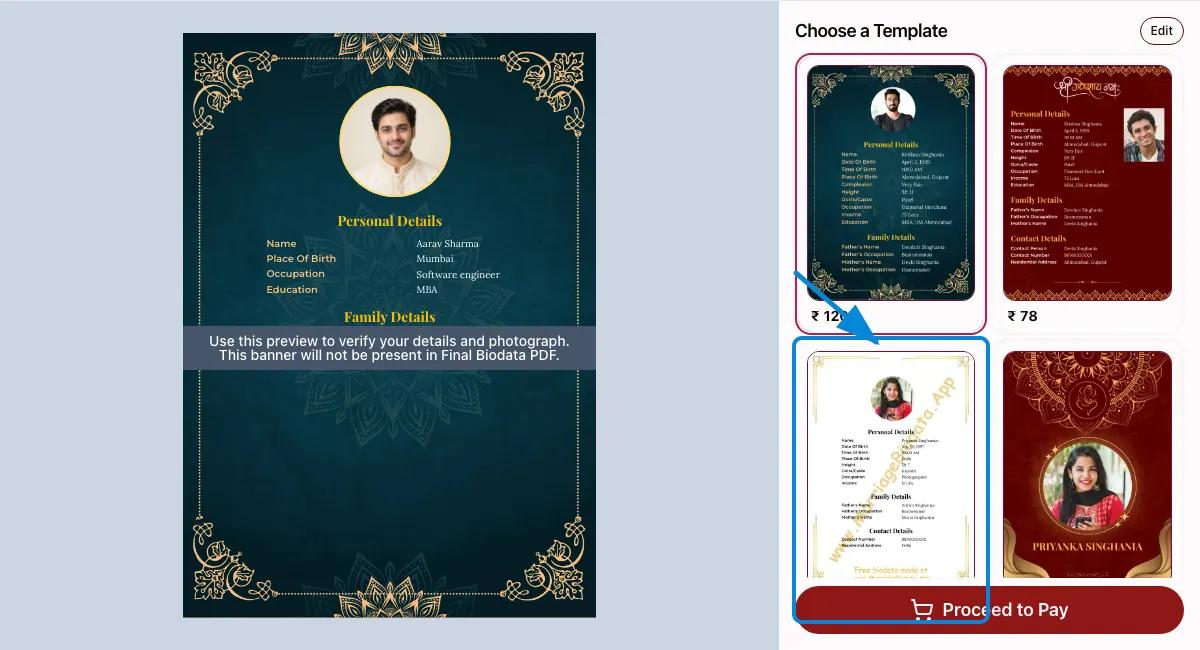
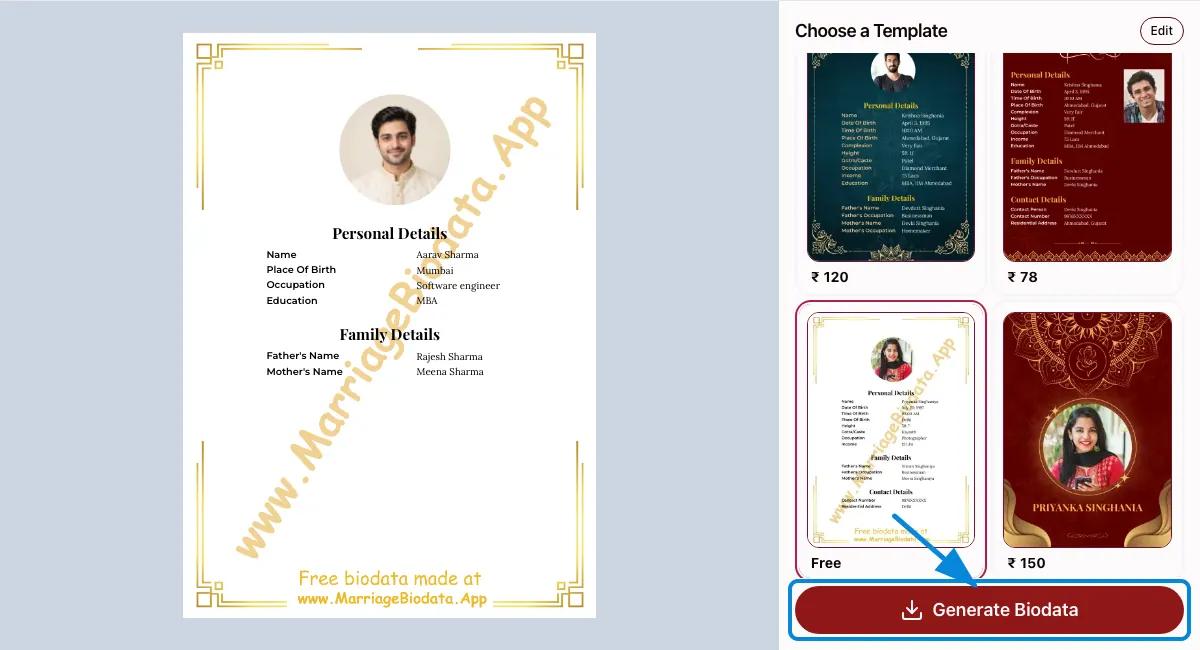
Check names, dates, photo and spacing in the preview. If anything needs correcting, use the Edit button in the template selector to return to the form. When it looks right, use the download button to save your biodata in PDF format. After payment, your premium biodata PDF is also instantly sent to your WhatsApp number, making it easy to share and forward to prospective families.
Create a biodata for marriage with the details you want to share, in a format that suits you. Check your preview, make corrections and compare templates before you download your PDF. No signup required.
Use the preview beside the bio data form on desktop for the best experience. On mobile, use the preview on the template selector page to see all fields and your photo. Browse all pages using the page selector in the preview and create your marriage biodata with confidence.
No biodata field is mandatory. Add, rename, remove or reorder fields and sections. Even your photo is optional so you can enjoy complete freedom. We only ask for a phone number to share your biodata on Whatsapp with you.
Choose simple borders, decorative styles, different photo placements or one- and two-page layouts. Pick the template that suits your details.
Tired of navigating pages just to change the templates? Not anymore. The template selector on the preview page lets you compare biodata formats beside your filled biodata. Try a new format before finalizing your presentation.
We have included the most common fields in our biodata form so that you are not staring at a blank screen. Even the family details section is carefully designed to let you add your family details with ease. Select the relative you want to include, from siblings and grandparents to maternal or paternal relatives.
English is set as the default but you can also write in Hindi, Marathi, Gujarati, Tamil, Telugu, Bengali or Kannada. Check your names and local-language text in the preview before sharing.