MarriageBiodata.App
रिश्ते ही रिश्ते - Join our Free Matrimonial Whatsapp Group
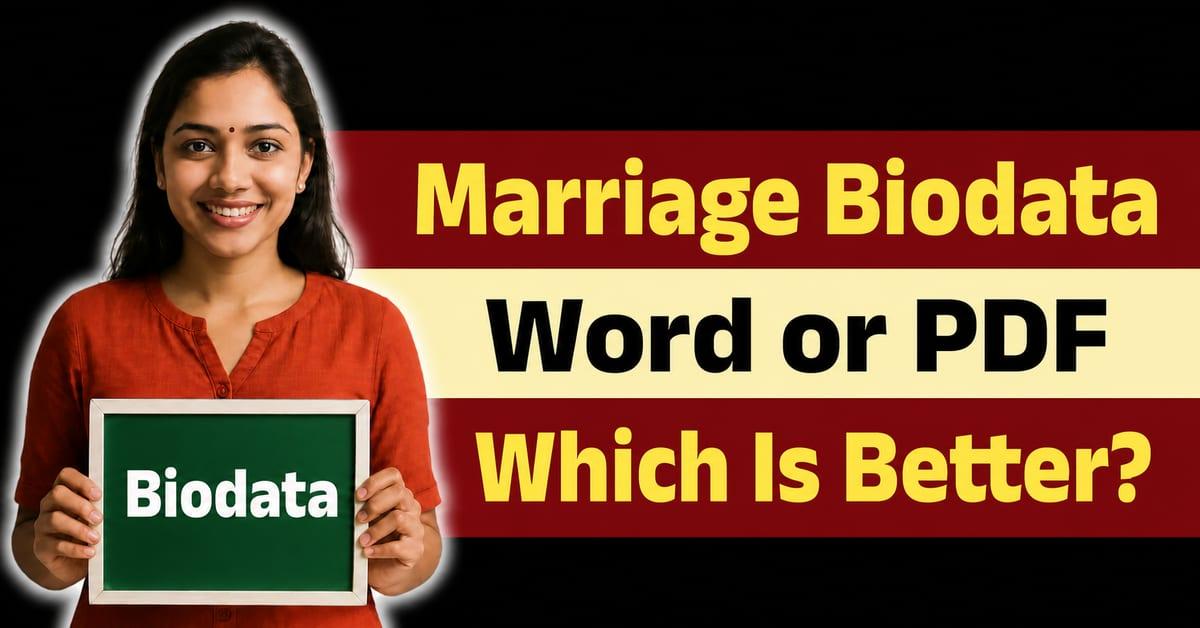
Marriage Biodata Word Format vs PDF Format - Which Is Better in 2026?

Marriage Biodata Word Format vs PDF Format: Which Is Better?

If you are searching for a marriage biodata in Word format, you likely want an editable document where you can freely type your details, change fonts, and adjust the layout before sharing it with prospective matches. Some people also look for an editable marriage biodata Word template, especially when they want something familiar.

For years, Microsoft Word (.doc or .docx) was the standard way to create matrimonial biodatas. However, things have changed dramatically. In 2026, modern PDF Biodata Generators have almost entirely replaced the old Word format.

Here is why downloading an editable marriage biodata Word format might actually be holding you back, and what you should do instead.

Table of Contents

  • The Problems with Word Format Biodatas
  • Why PDF is the Modern Standard
  • How to Generate a Beautiful PDF Biodata Instantly
  • Common Questions (FAQs)

The Problems with Word Format Biodatas

While an editable bio data for marriage in Word format sounds convenient, it comes with several frustrating drawbacks:

1. Formatting Breaks Easily

When you download a .docx file and open it on your phone or an older version of MS Word, the tables and margins often break. What looked like a beautiful border on the website suddenly looks messy on your screen.

2. Photos Are Hard to Align

Trying to insert a profile photo into a Word document without ruining the text layout can be incredibly frustrating. The text jumps to the next page, and the design falls apart.

3. Font Incompatibility

If you download a template that uses elegant fonts, but your computer doesn't have those fonts installed, Word will replace them with boring defaults like Calibri or Times New Roman.

4. It Looks Unprofessional on WhatsApp

When you send a Word file via WhatsApp, the receiver has to download it and open it in a specific app. Depending on their phone, the formatting might look completely different than what you intended.

Why PDF is the Modern Standard

Today, 99% of professional matrimonial biodatas are shared as PDFs. A marriage biodata in PDF format solves all the problems associated with Word files, whether you were initially looking for a Word version or not:

How to Generate a Beautiful PDF Biodata Instantly

Instead of struggling to download and fix a Word file, you can use our online marriage biodata maker to create a stunning PDF biodata in less than 5 minutes—no Microsoft Word required!

Step 1: Enter Your Details

Click on Create My Biodata and fill in your Personal, Family, and Educational details directly on our website. Our form is optimized for all mobile phones.

Step 2: Choose a Premium or Free Template

Browse through our collection of modern, traditional, and minimalist templates. We have specific designs that work perfectly as a marriage biodata format for a boy or a marriage biodata format for a girl.

Step 3: Download Your PDF

With one click, your beautiful biodata is generated and saved directly to your phone as a perfect, non-breakable PDF. You can immediately share it on WhatsApp!

Stop fighting with broken text and misaligned photos in Word. Try our free marriage biodata generator today!

FAQs on Word Biodata Formats

Can I get a marriage biodata in Word format for free?

Yes, there are some free Word-based marriage biodata templates available online. If you still prefer that route, you can use this link to get a free Word-formatted marriage biodata. However, we highly recommend using a modern PDF generator instead because it guarantees your design will not break.

Why shouldn't I use a marriage biodata formatted in Word?

Using a marriage biodata in Word often leads to misaligned borders and mismatched fonts when sent to someone else. It simply isn't reliable on mobile phones.

How do I get a biodata for marriage in Word format?

You can find Word-based marriage biodata files on many websites, including our dedicated download page. We do offer a high-quality free Word template for those who absolutely need an editable version.

Do you have specific religious formats in Word?

Yes, if you need a specific religious or community style, people often search for separate Word files for those formats. Our platform supports generating those styles natively in PDF, which is far better than Word.

Marriage Biodata Template Gallery

From traditional to modern, our curated biodata formats will create the Best Impression.
View All Templates
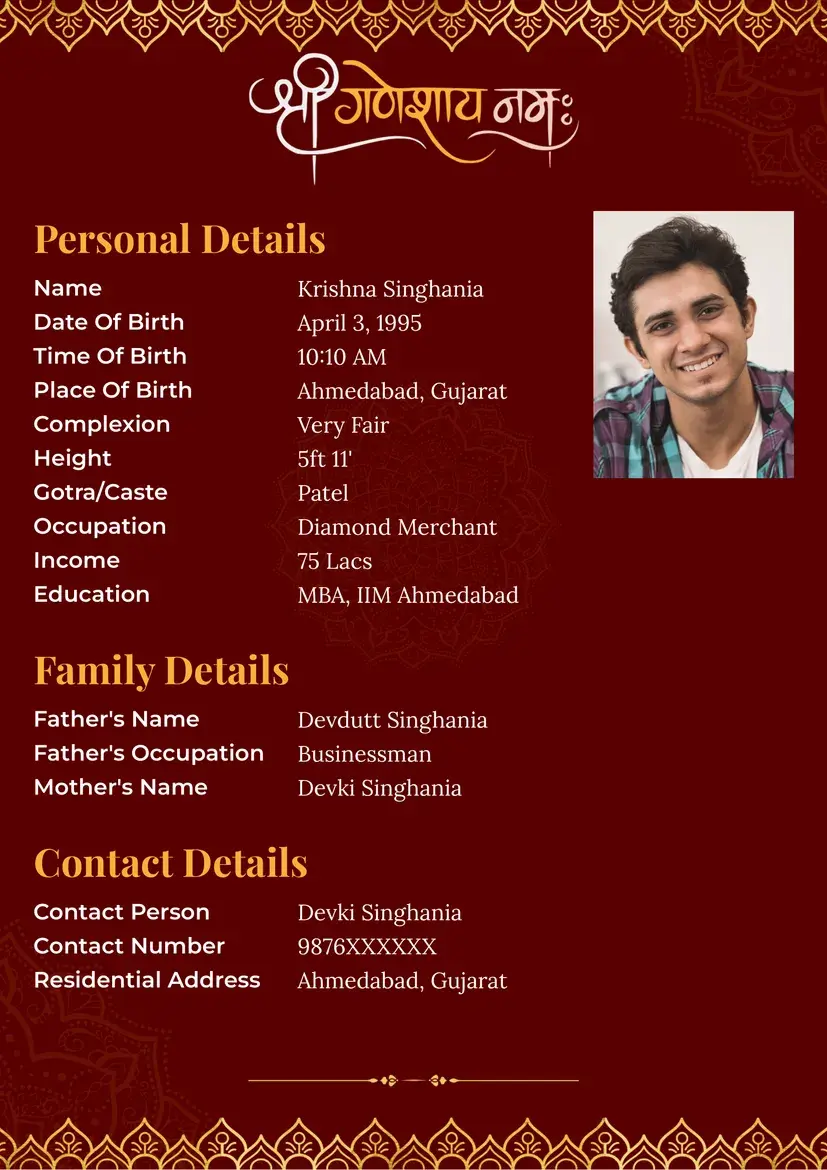
Elegant Hindu marriage biodata format with decorative royal leaf border and Lord Ganesh design, perfect biodata for marriage.
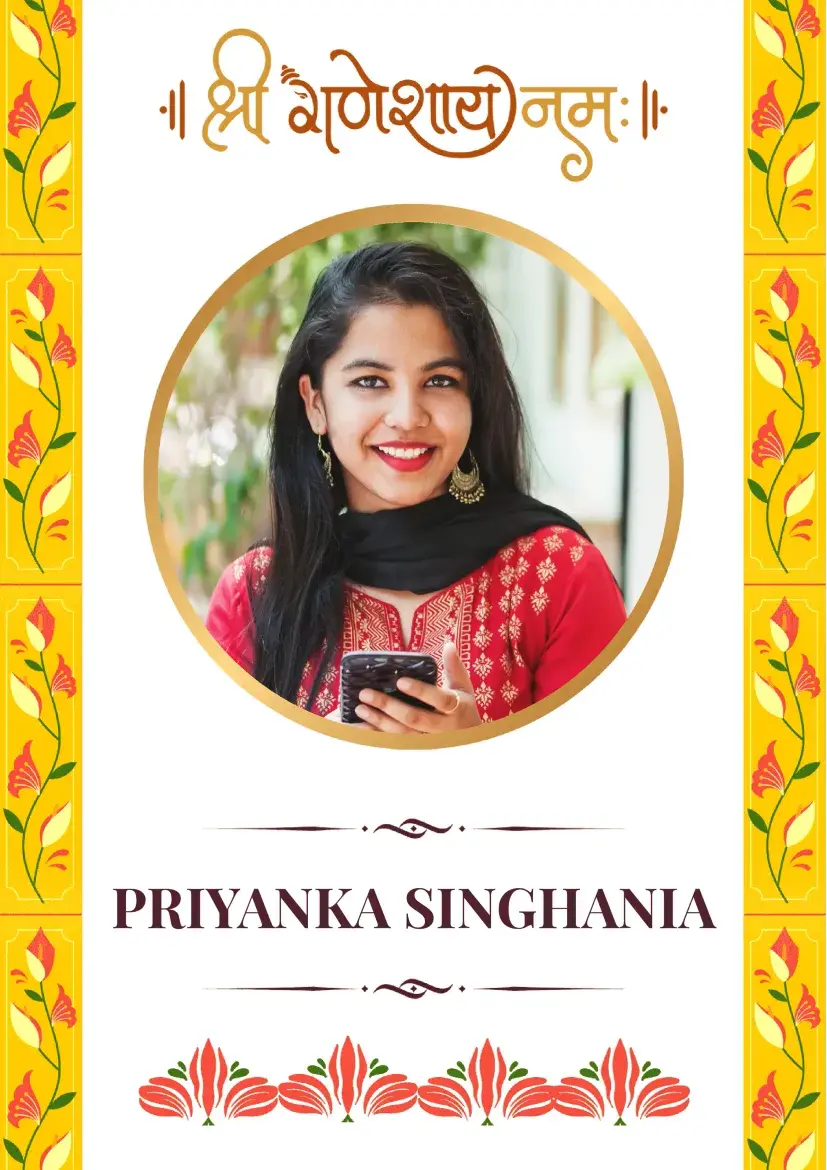
Yellow floral Ganesh marriage biodata format for girls, traditional bio data for marriage design.
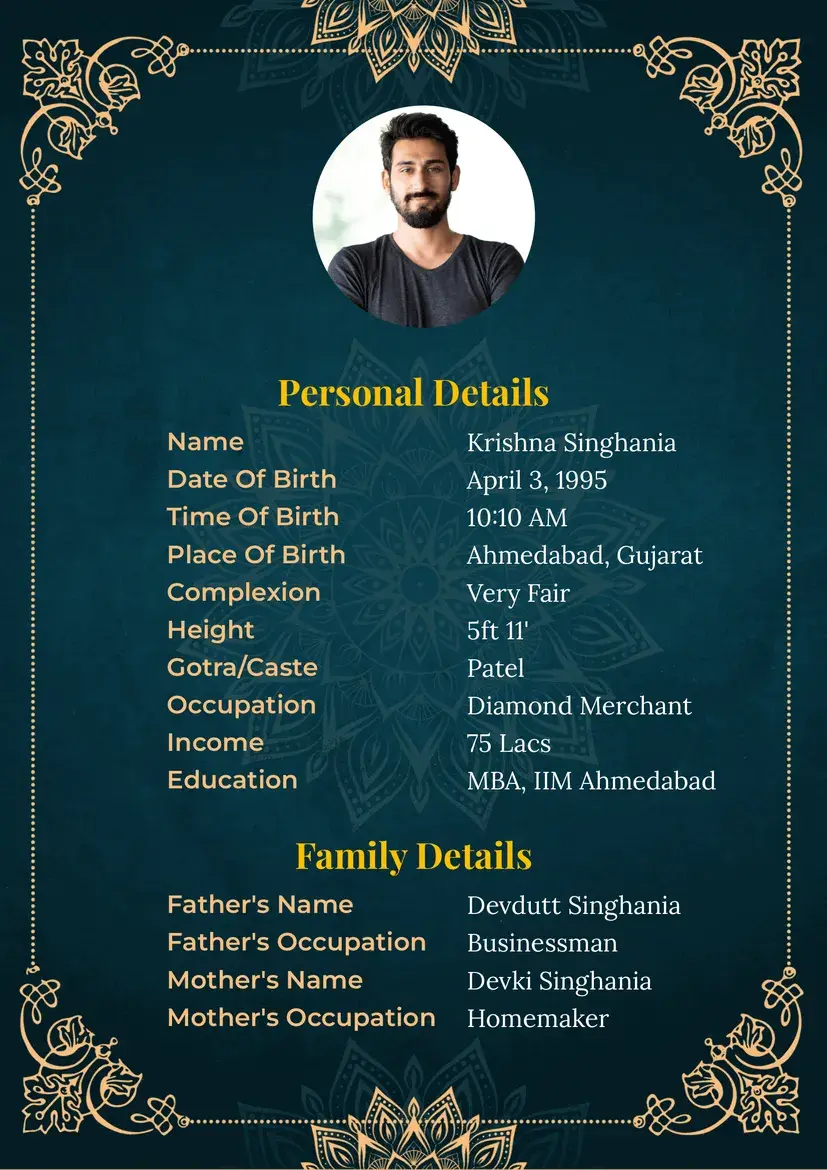
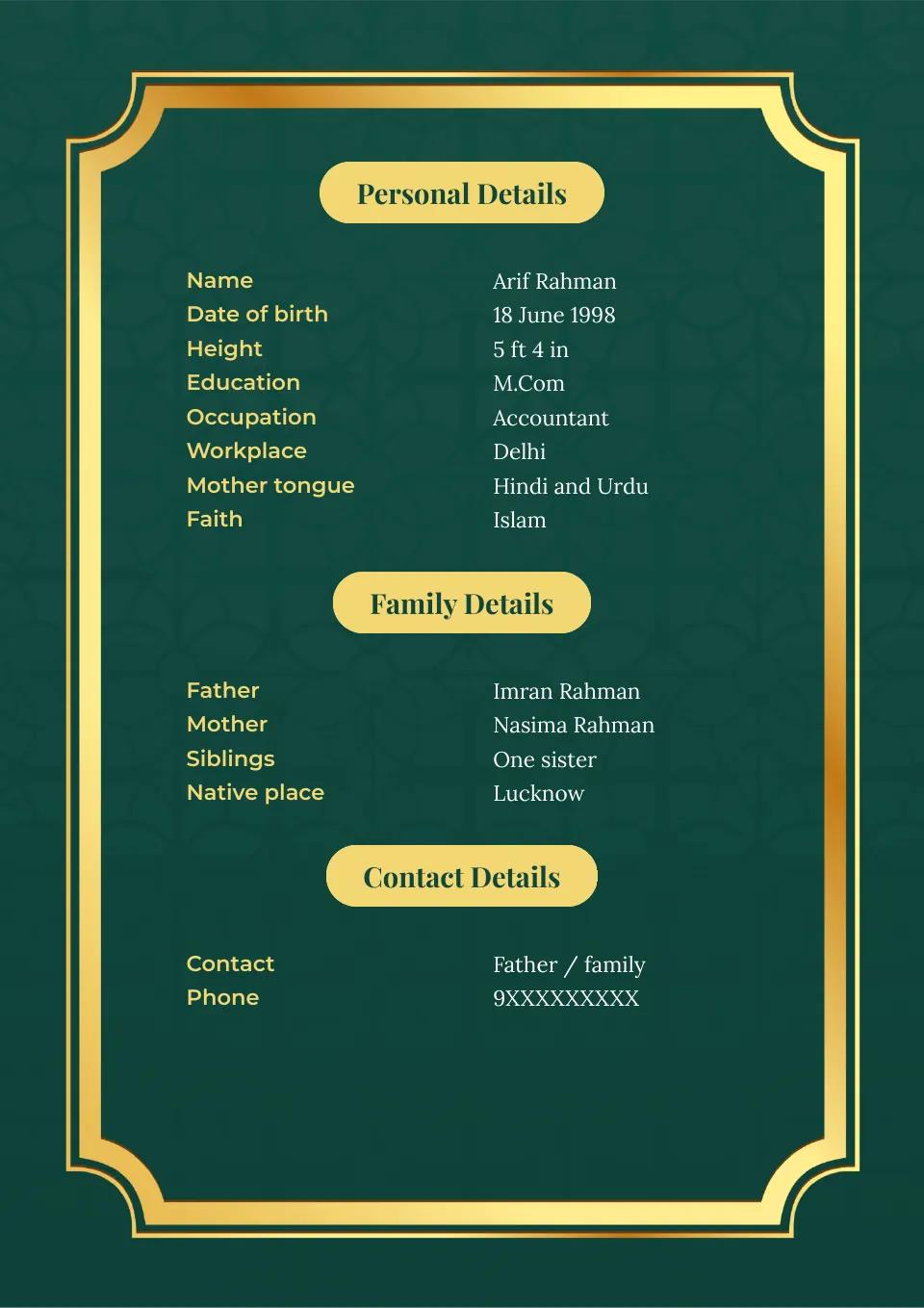
Royal green and gold floral marriage biodata format for boys, a premium biodata for marriage design.
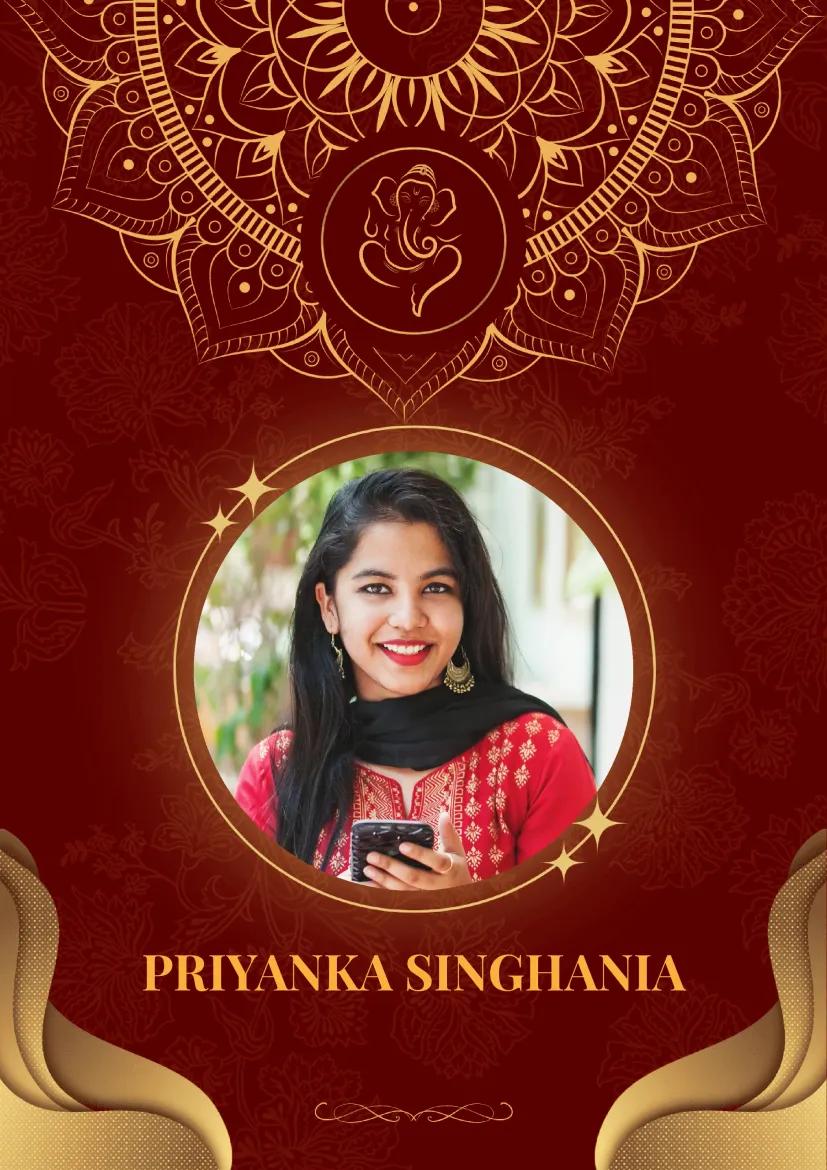
Traditional Indian two-page Ganesh marriage biodata format with maroon and gold mandala design.
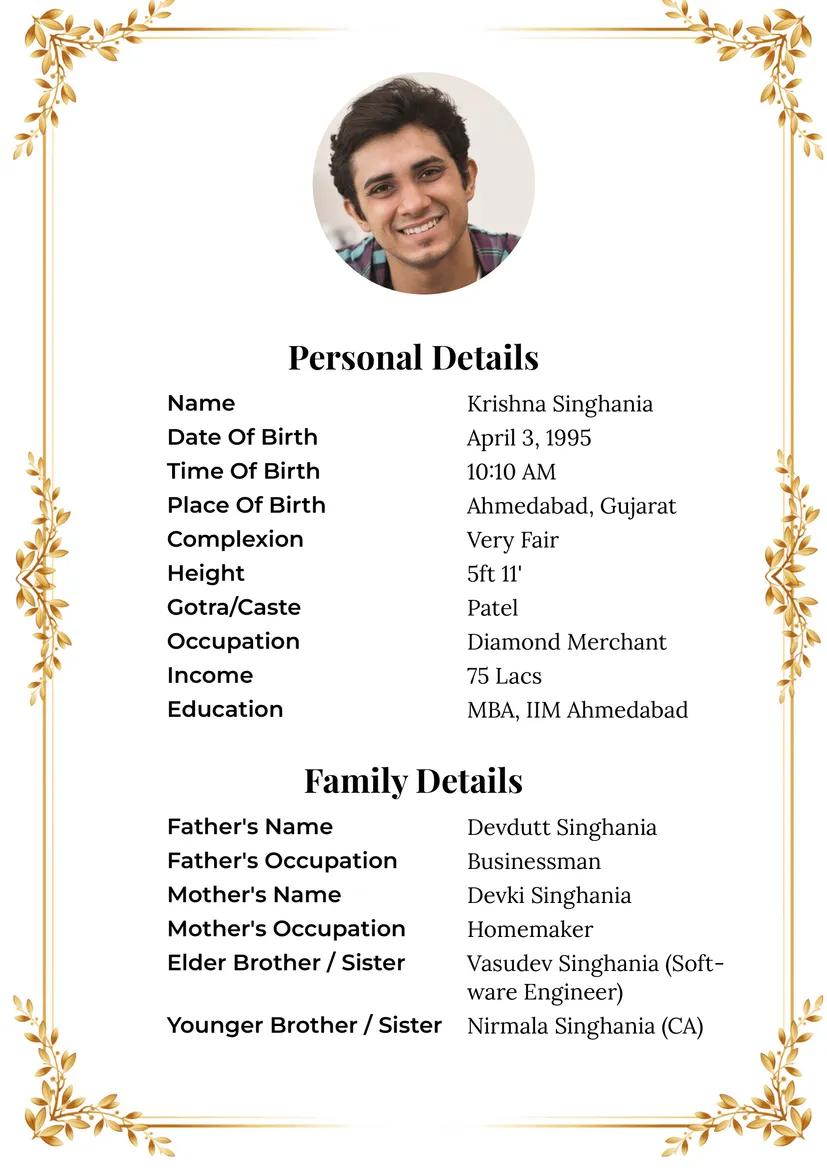
Minimalist gold wheat leaf marriage biodata format for boys with elegant border design.
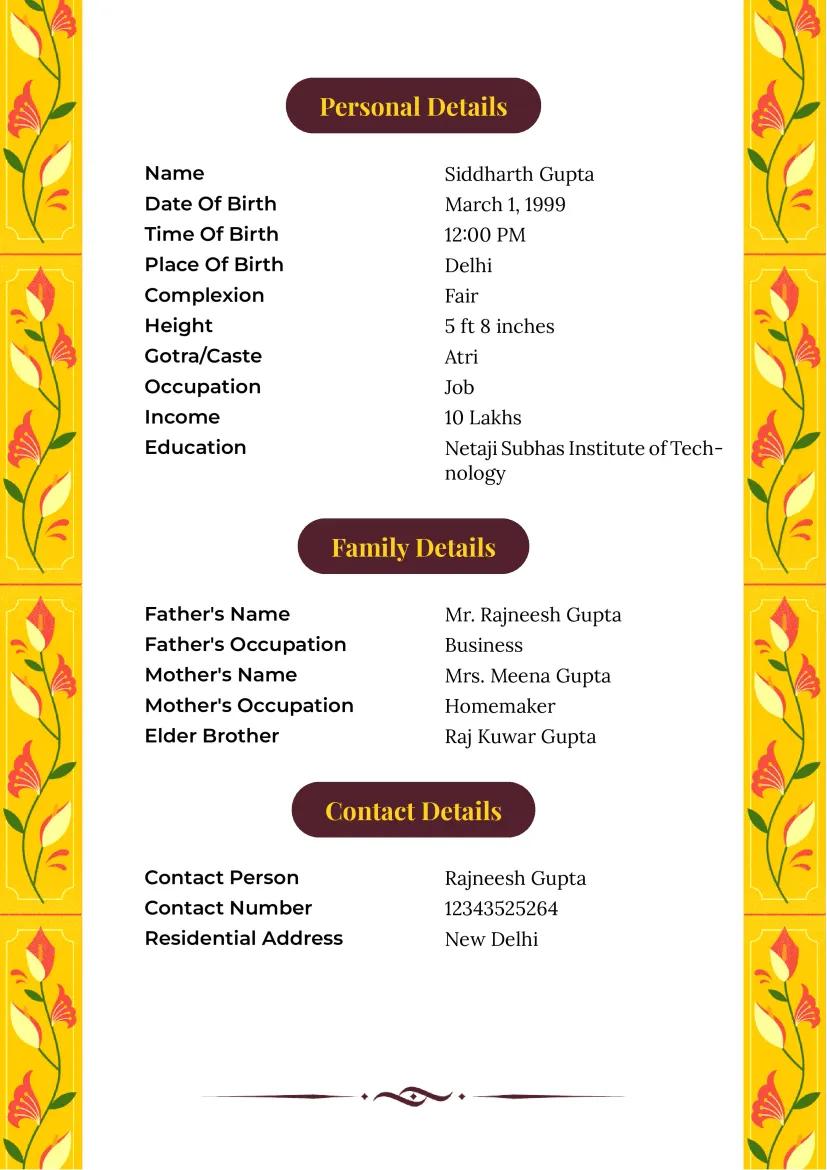
Elegant Indian yellow floral marriage biodata format with Ganesh design for boys.
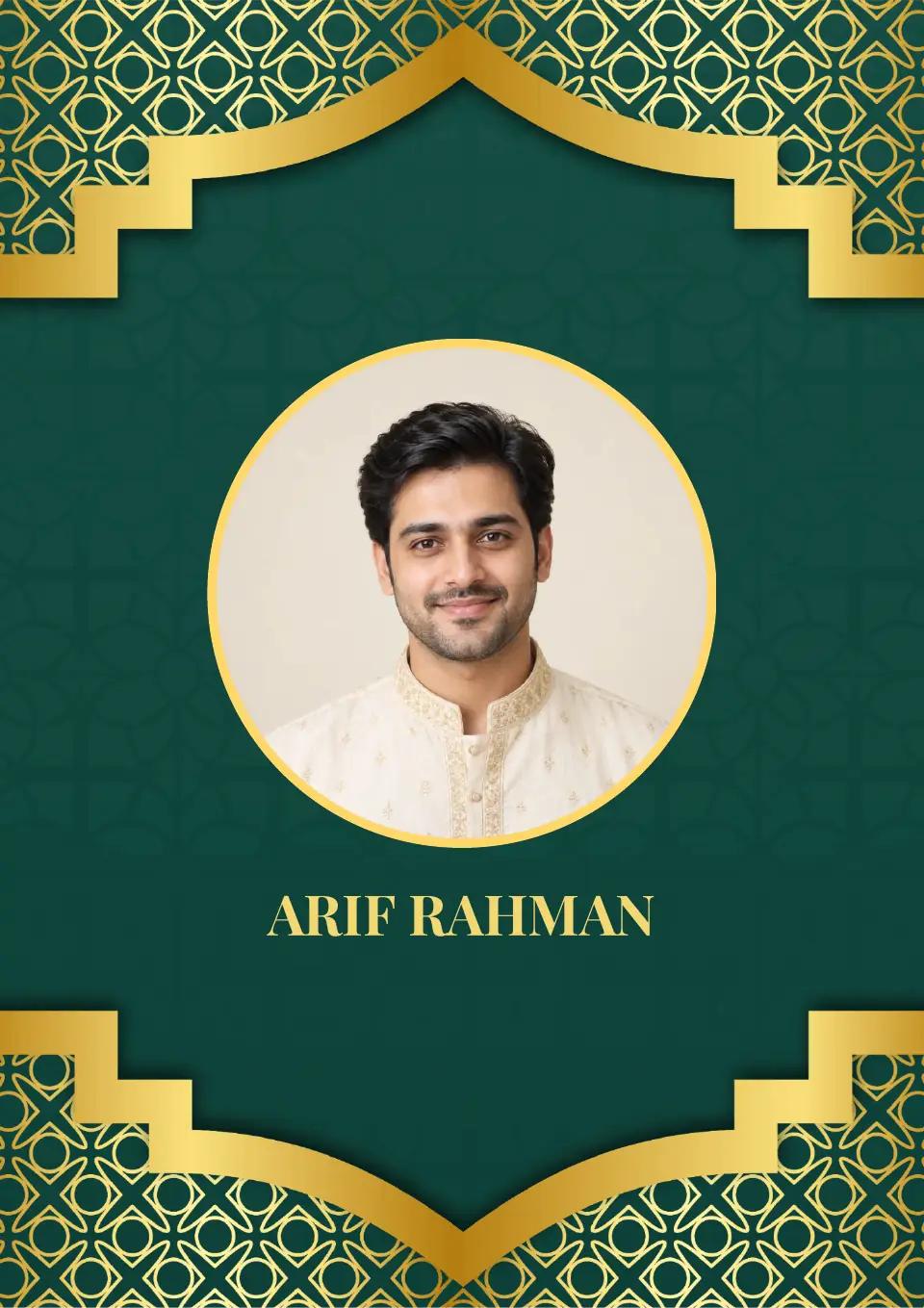
Front page of elegant green and gold marriage biodata template, perfect biodata format for marriage profiles.
Indian marriage biodata template with Ganesh design in maroon and gold, simple biodata for marriage.
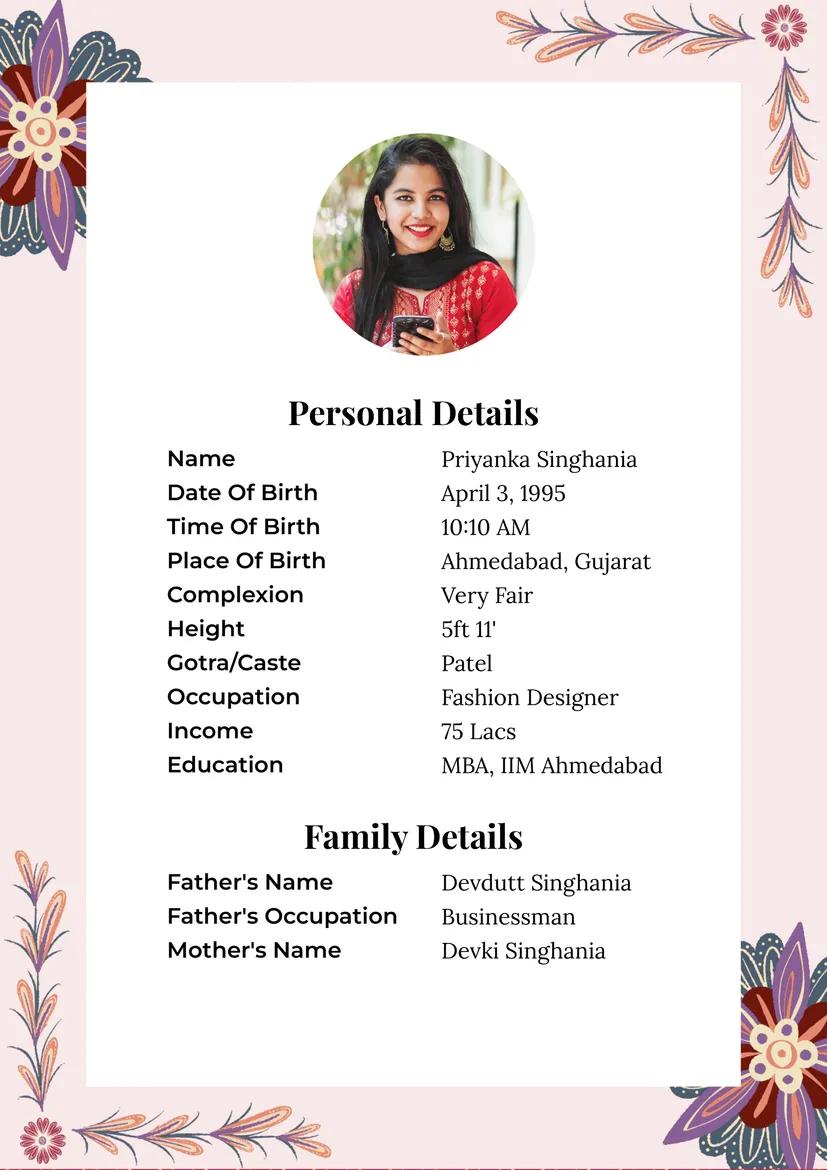
Modern pink floral marriage biodata format for girls with stylish border design, ideal biodata for marriage.
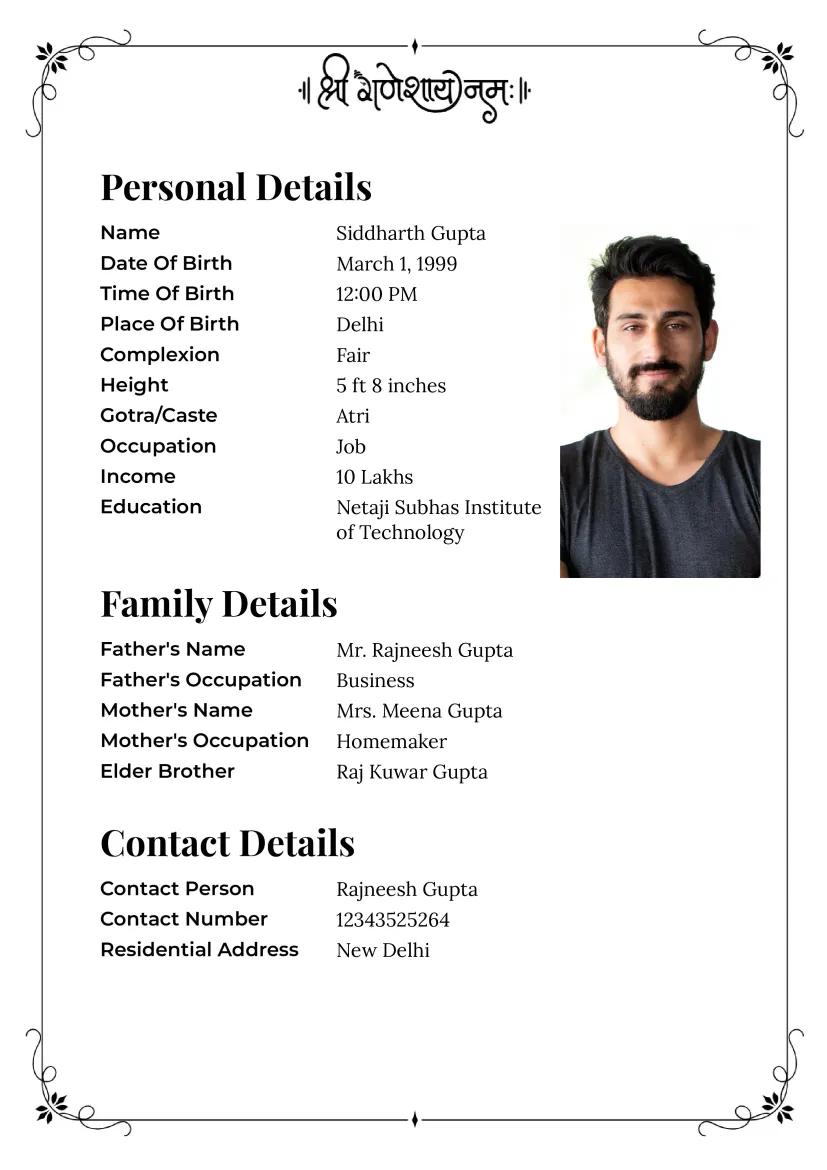
Simple Ganesh mantra marriage biodata template in black and white with clean layout.
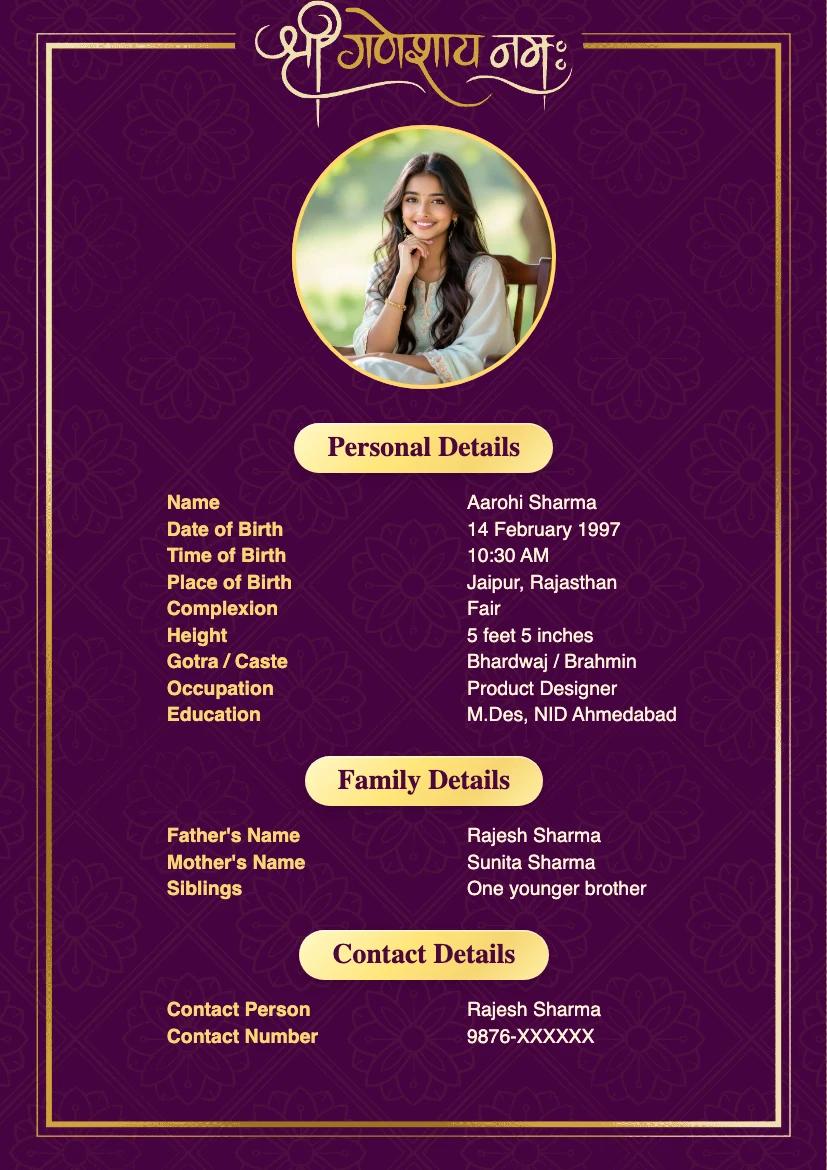
Purple and gold Ganesh marriage biodata template for girls with a premium traditional border and portrait layout.
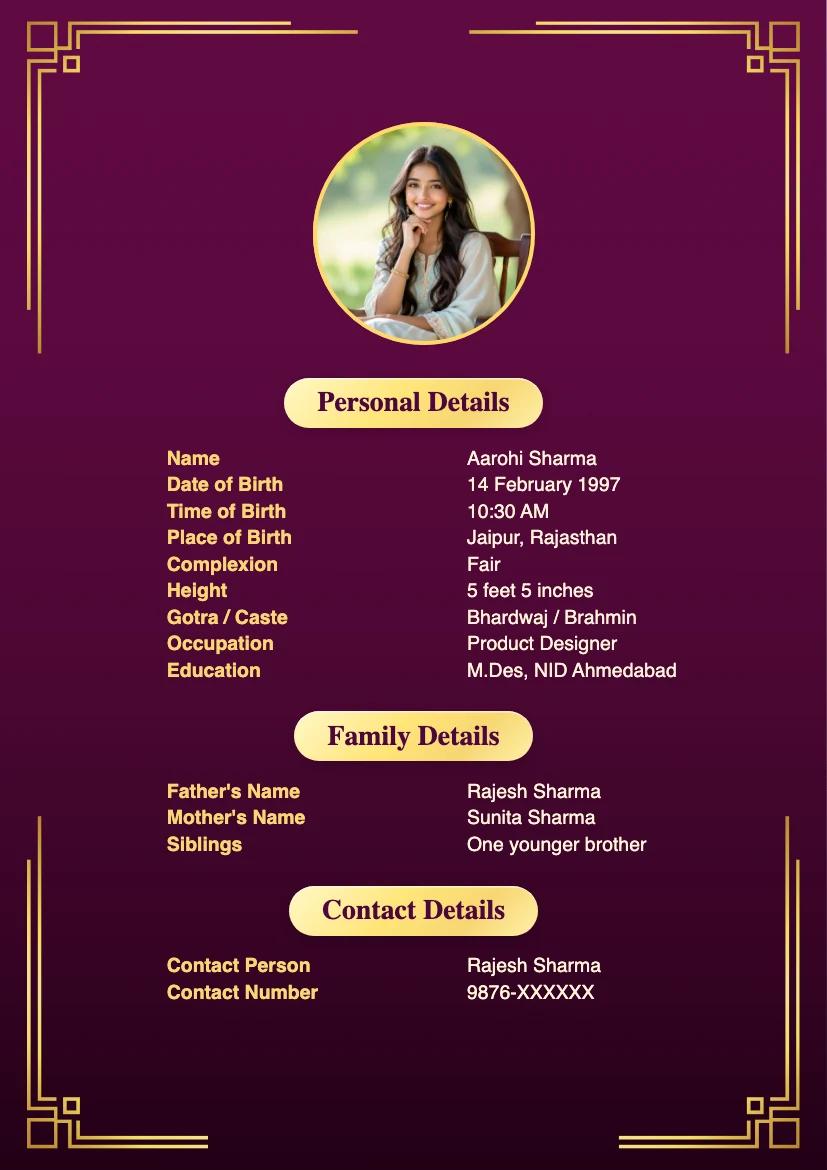
Purple gold corner border marriage biodata template for girls with a clean premium portrait layout.
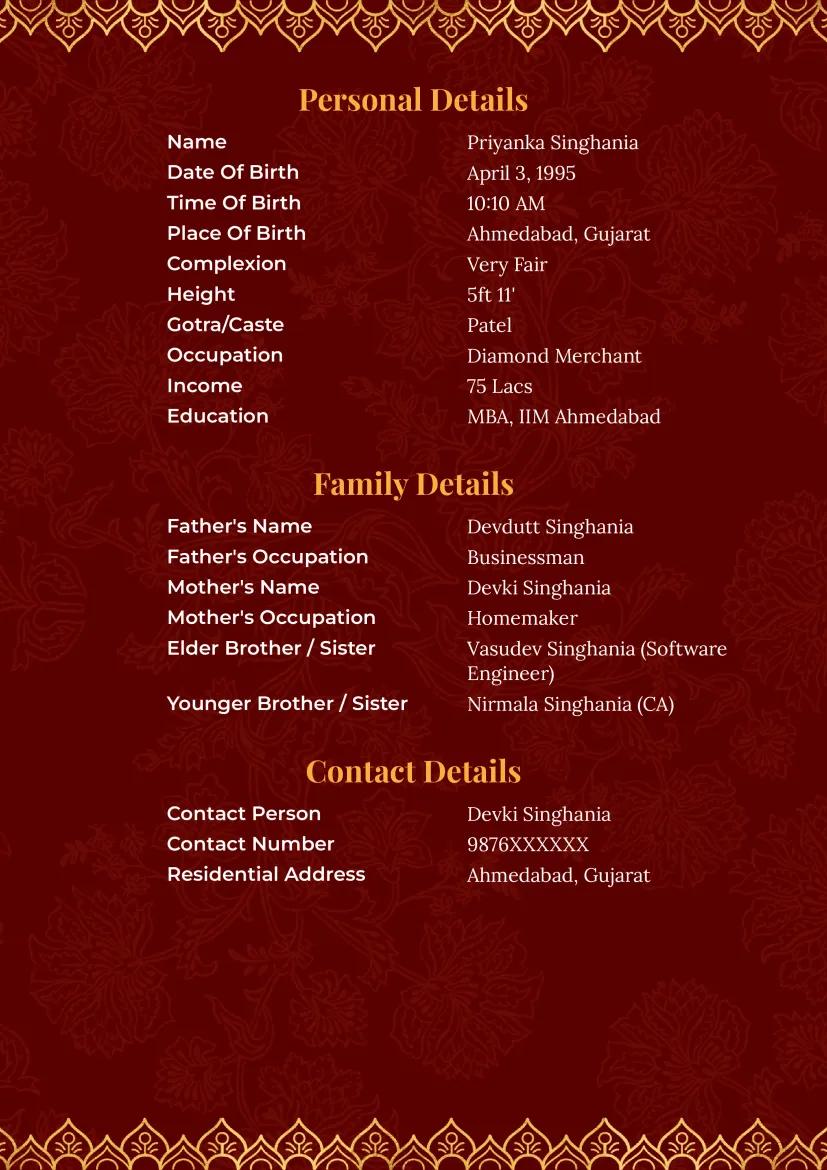
Two-page green and gold marriage biodata format with Islamic-inspired design, a professional biodata for marriage.

Join Whatsapp Matrimony Groups

रिश्ते ही रिश्ते - Connect with Verified Matches from your Community on Whatsapp. Highlight your Profile and get Matches Instantly. Join Now.