By MarriageBiodata.App English Editorial TeamPublished
Tamil Marriage Biodata : What to Include and Common Mistakes to Avoid
Use your Tamil marriage biodata to introduce yourself: show your name, current city, education, work, a little family context, and a way to reply. Keep it easy to read on one page. Whether you write it yourself or help someone in your family, agree on the details before sharing it.
Your family may use a different format from another Tamil family. You may want to include a community, clan or horoscope detail, but keep the basic information clear. Use the examples below to decide what to ask at home and what, if anything, to add. Do not treat them as rules for your family.
Anatomy of a Tamil Marriage Biodata that gets a Response
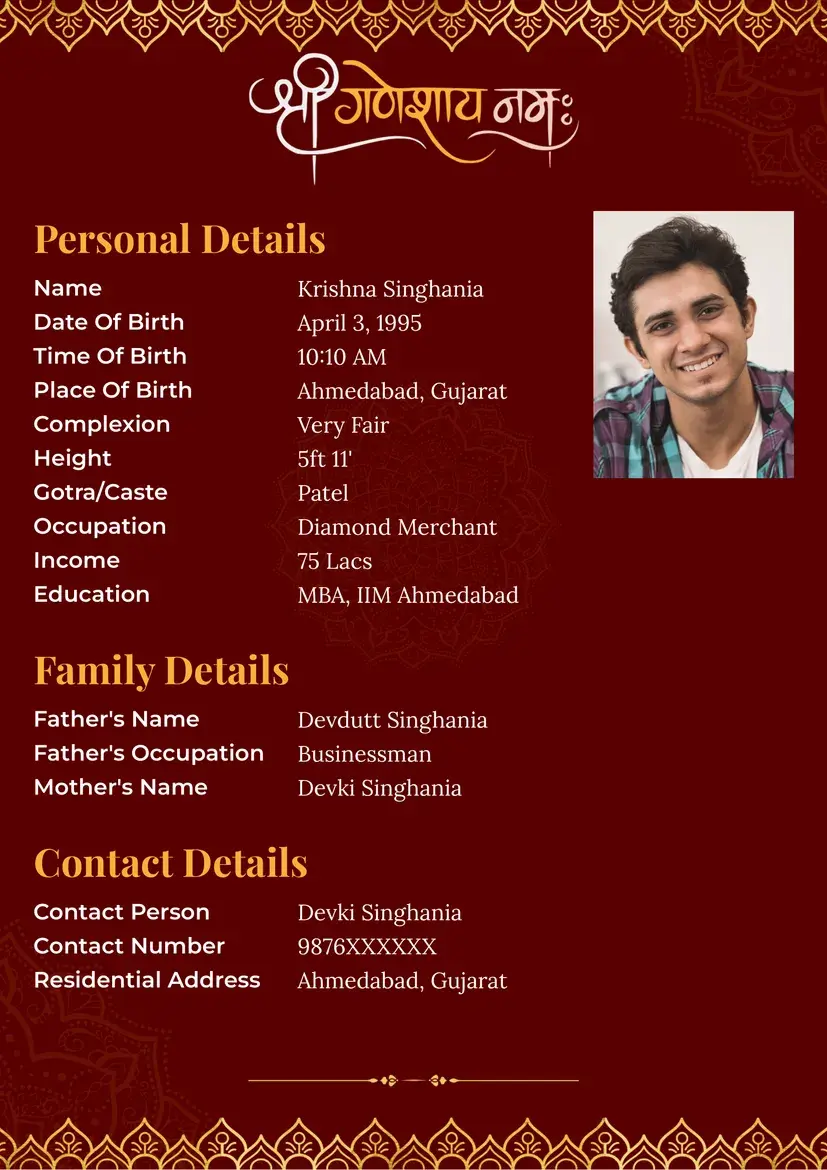
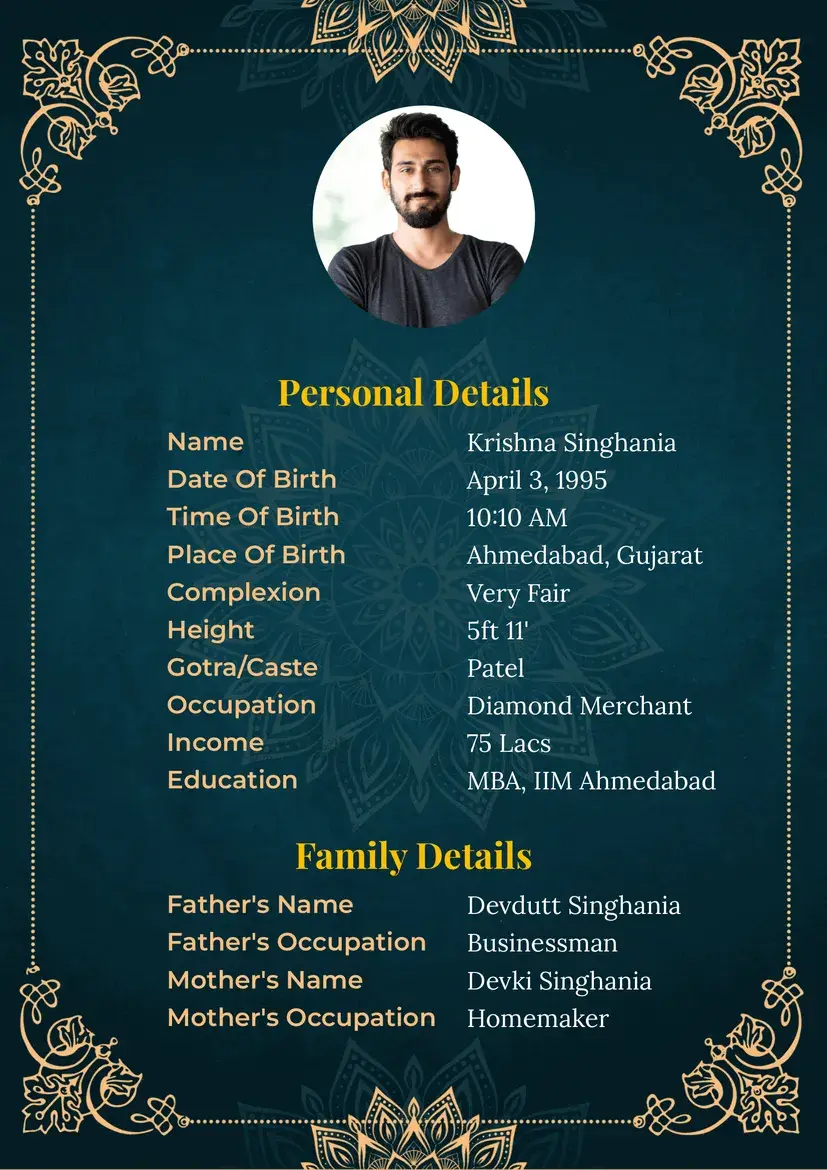
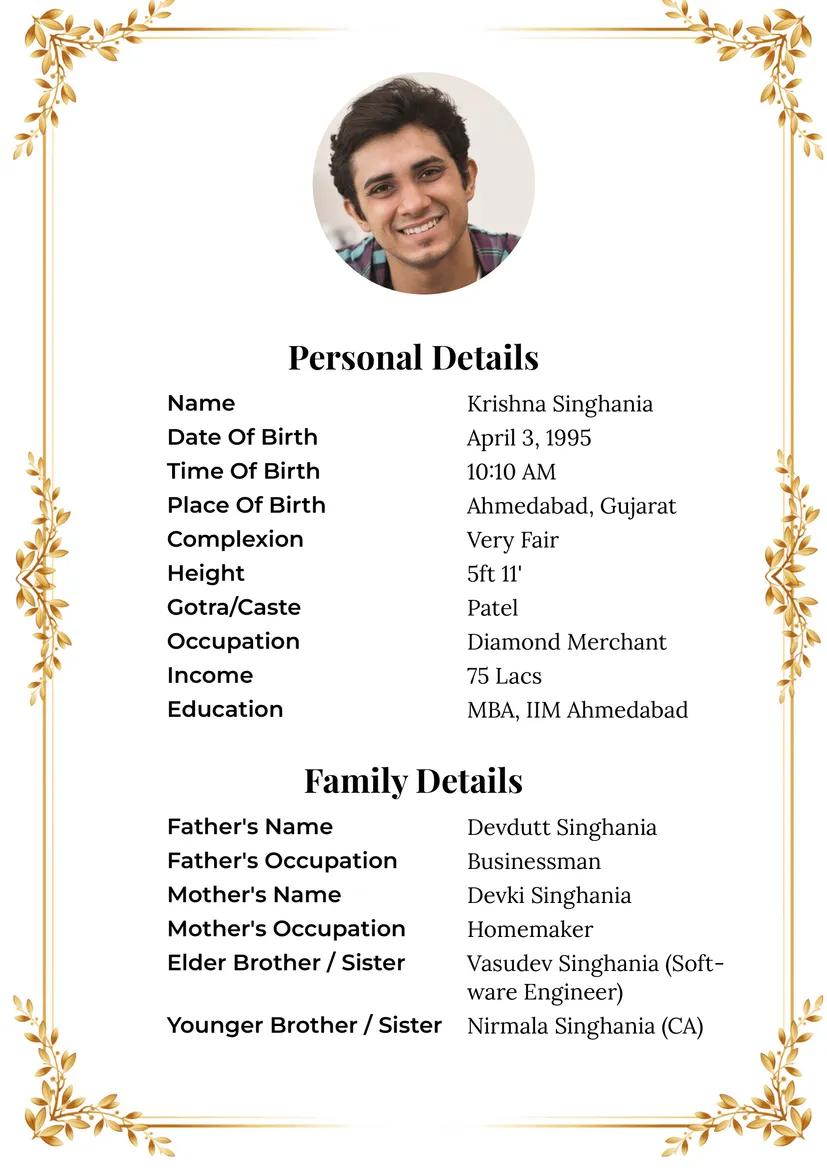
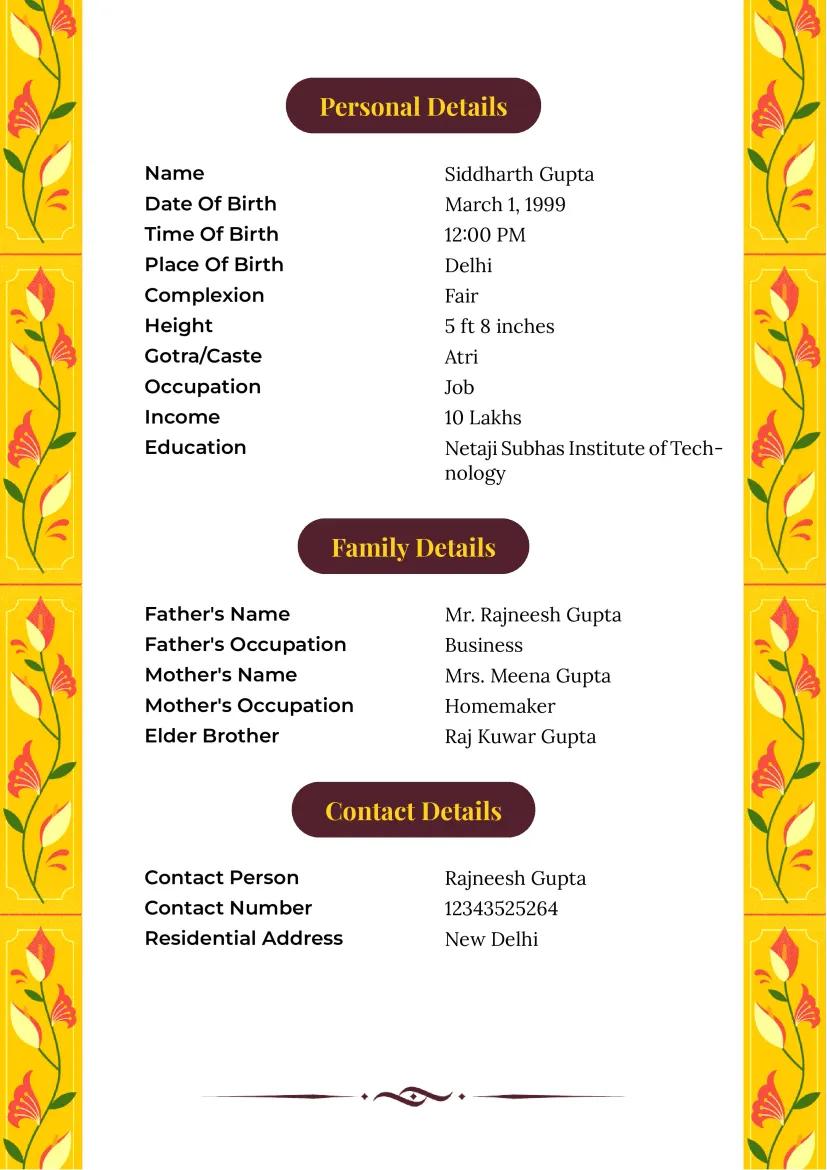
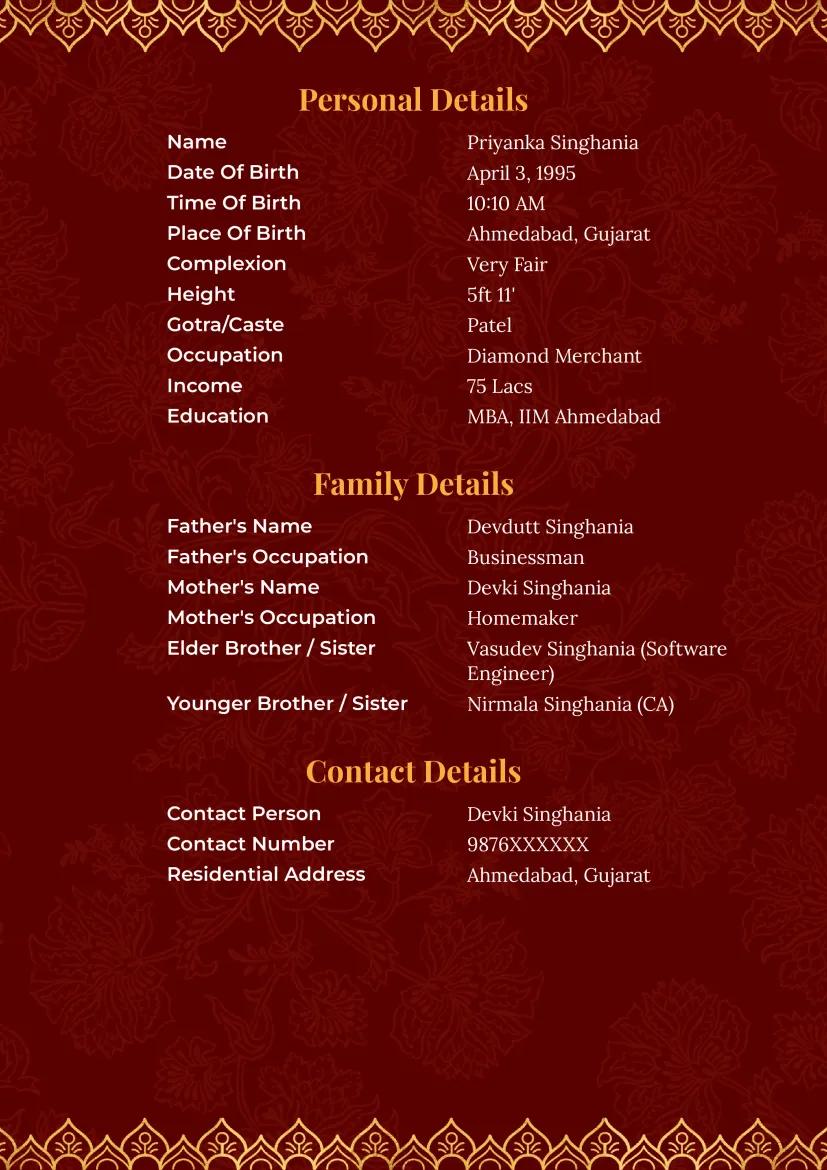
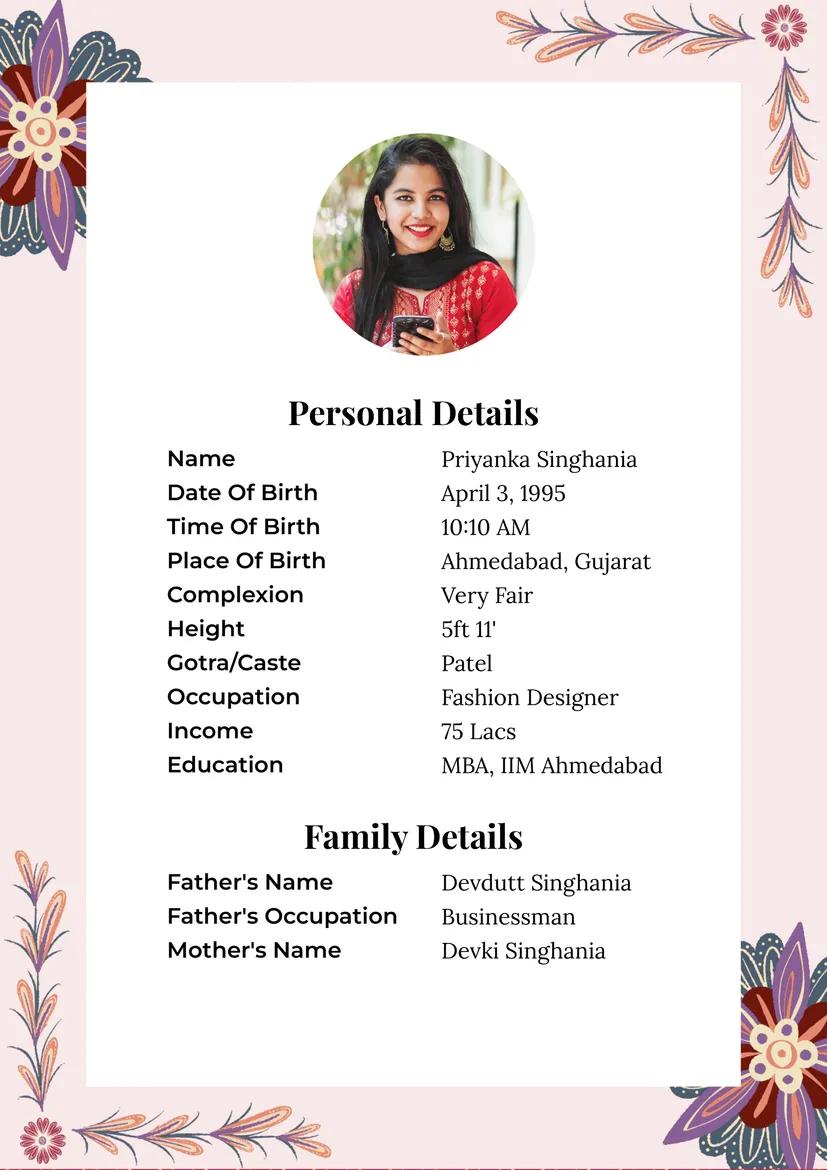
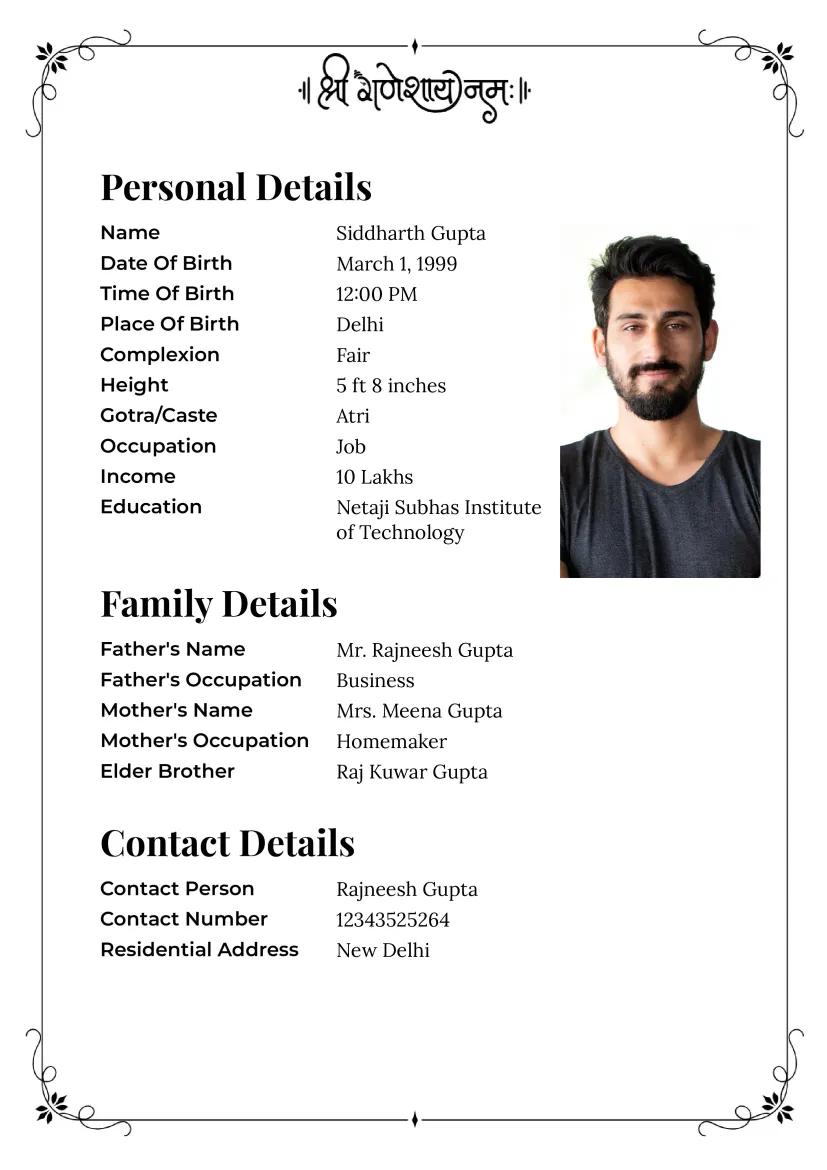
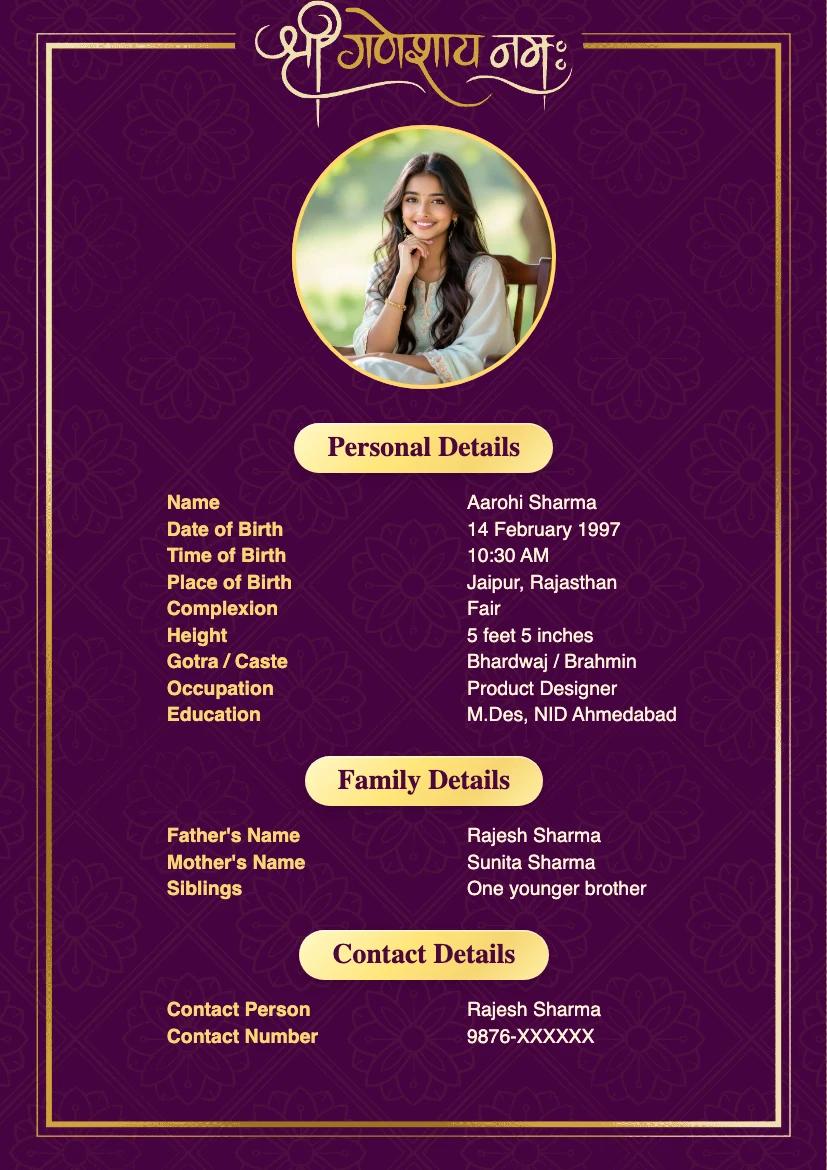
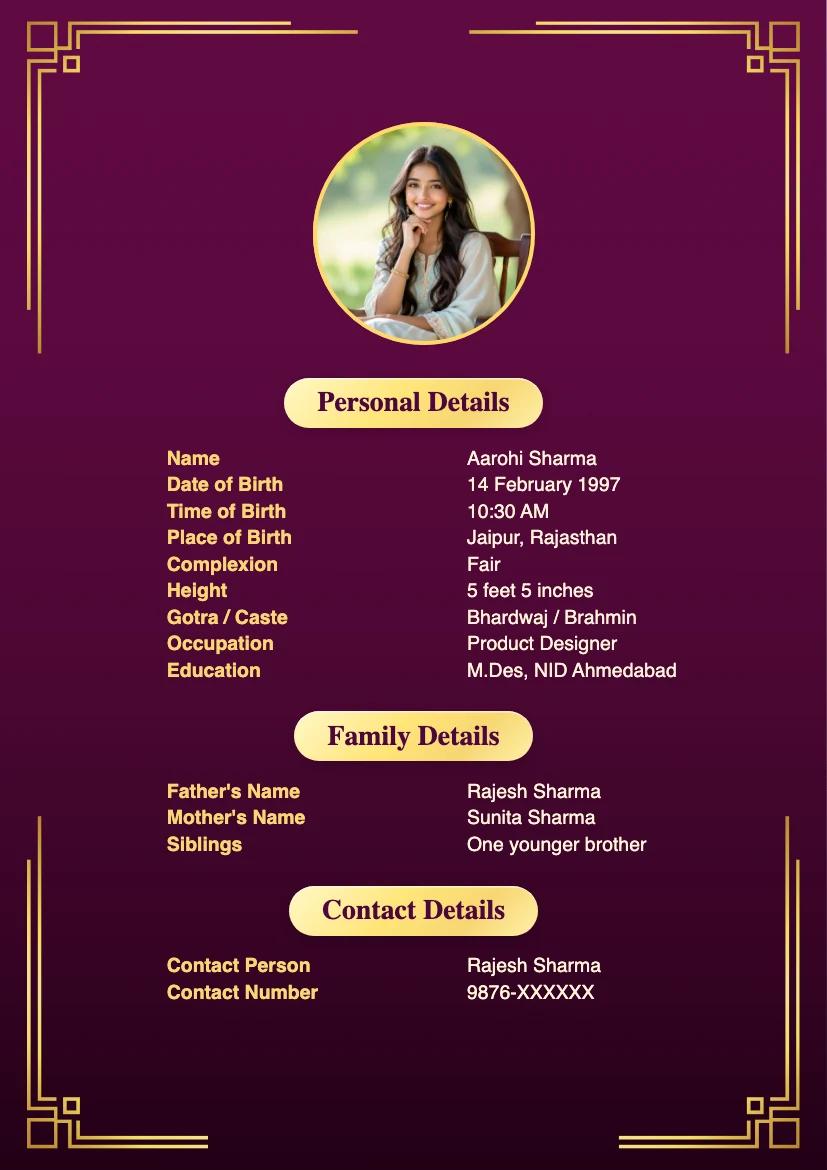
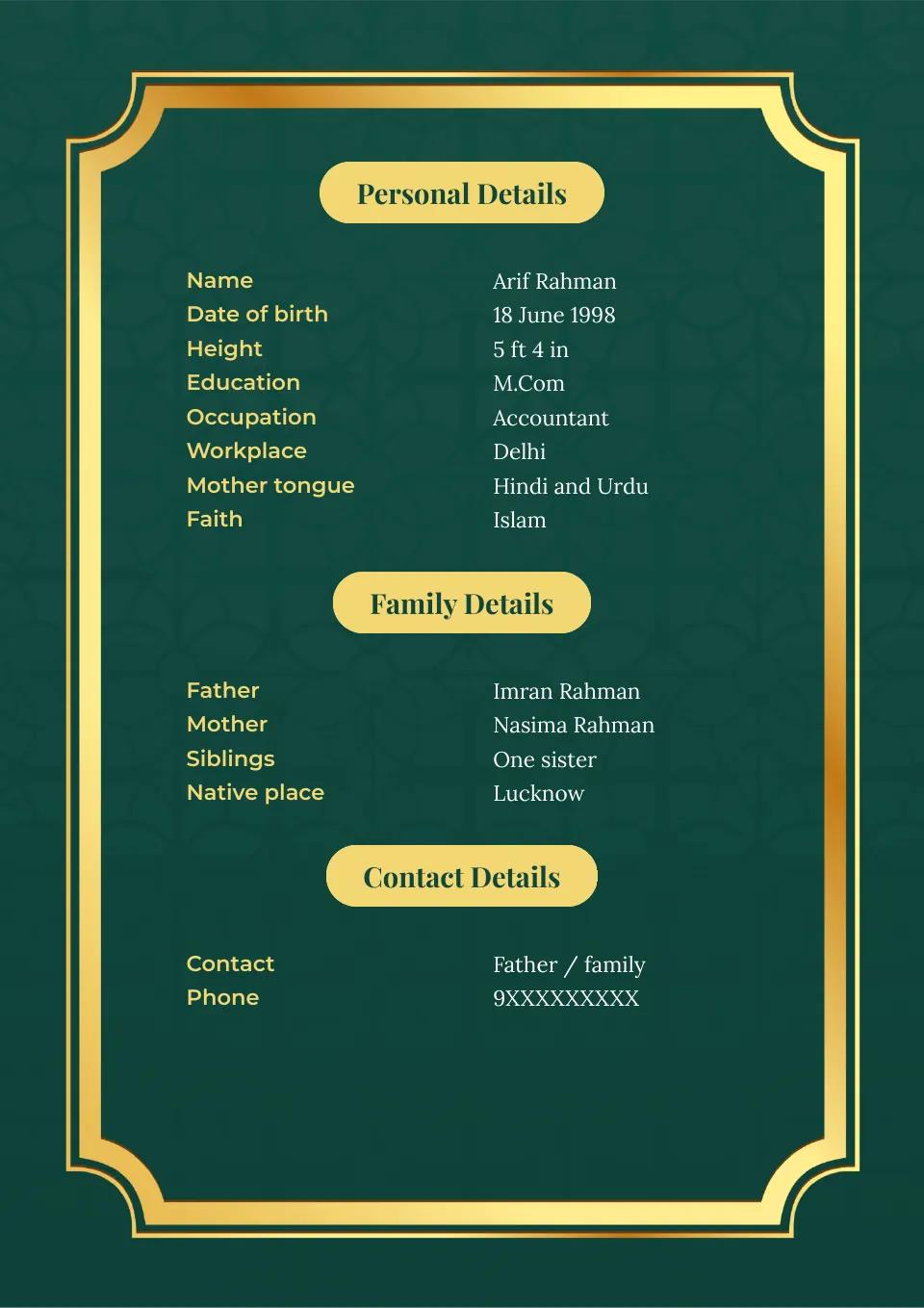
Use the annotated sample to see how you can fit the essentials on one page. You will see fictional Iyer birth and tradition details and a masked phone number. Keep the sections that fit your situation, and replace every sample value with details you have checked and agreed to share.
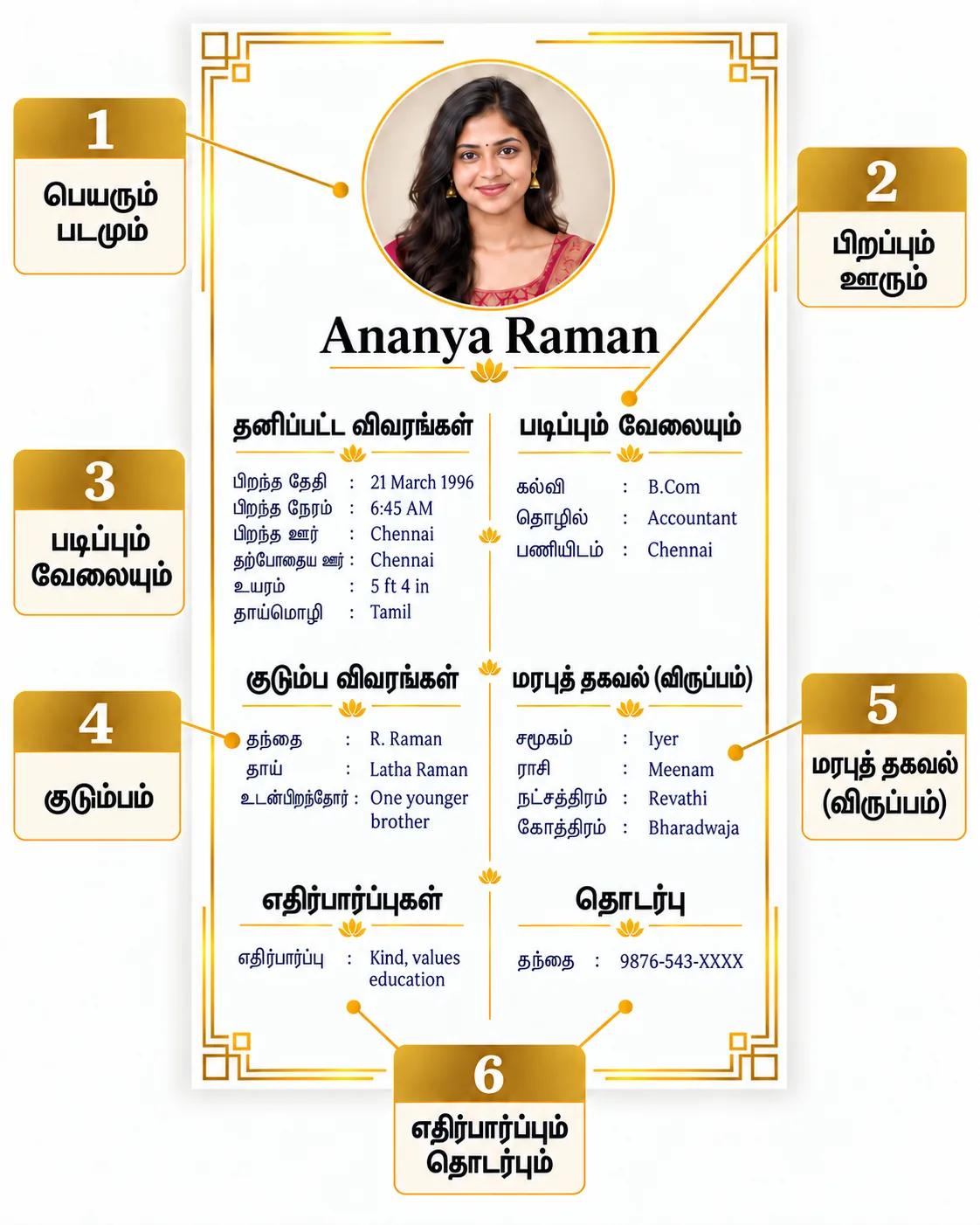
1. Make the name easy to find
Put your full name where it is easy to spot. You do not have to add a photo, but a recent, clear one can help start a positive conversation. Include one you are comfortable sharing; if you are helping a family member, agree on the photo together.
2. Make birth and location details clear
Give your date of birth, height and current city. If horoscope compatibility matters to you or your family, include your verified birth time and place too. Label birthplace and current residence separately.
3. Describe education and work plainly
State your highest qualification, actual role or business, and work city. These are clearer than “well settled.” Add an employer or income only if you are comfortable sharing it.
4. Keep family context brief
Keep your parents, siblings or native place to one or two lines. Agree with your family on which details can be circulated.
5. Add tradition details only when relevant
If horoscope or clan details matter to you or your family, group the verified rasi, natchathiram, gothram, kootam or subgroup in one small section. Do not infer any of these from a name. Leave out fields you do not use.
6. Close with preferences and one contact
Write two or three practical preferences in positive language, then choose one family contact or your own number or email for replies. Confirm that the contact can receive calls. Keep the full home address and documents for a later, private exchange.
Which community detail should you add?
Start with the community name you and your family actually use. Find the closest example below, check the detail at home, and add one verified line only if it helps your introduction. You do not need a separate biodata format for each community.
- Iyer: Ask your family whether a subgroup or gothram matters. Add the verified term if you use it; otherwise leave it out.
- Iyengar: Check whether your family wants to state Vadakalai or Thenkalai and gothram. Include only the terms you use and can verify.
- Vanniyar / Vannia Kula Kshatriyar: Ask which community or subgroup wording your family uses. Write that wording rather than substituting another label.
- Kongu Vellala Gounder: Ask whether your family uses a kootam or clan name. Add the verified name if it helps the next conversation.
- Mudaliyar: Check whether a more specific subgroup matters to you. State it if you use it; otherwise keep the broader name.
- Chettiar: Ask the same question about your subgroup. Add it only if you use it; otherwise keep the broader name.
- Nadar: Decide whether you want to state your faith or denomination. Add it only if you choose to; do not infer it from “Nadar.”
- Thevar / Mukkulathor: Check whether you use Kallar, Maravar or Agamudayar as a subgroup. Write the term you confirm, or omit the subgroup.
- Naidu: Ask whether you want a more precise community name or mother tongue shown. Add only what you confirm and want to share.
- Adi Dravida: Decide whether you want any community detail on the biodata. Use your own wording, or leave the field out.
- Pillai: If you use this title, decide with your family whether you want a more specific description. Do not guess faith, subgroup or marriage preferences from a surname or title.
- Tamil Muslim or Christian: State your faith or denomination in your own words if you want to include it. Leave out jathagam fields unless you use them.
Keep horoscope details separate from community wording. If your family values horoscope compatibility, include verified birth details in the tradition or horoscope section and share a full jathagam separately when requested.
Mistakes that make a biodata harder to use
- Crowding the first page. Keep the introduction concise. Put a full horoscope or further family details in a separate document when requested.
- Writing vague career claims. Write “Engineer in Chennai” instead of “good job”; state your role and city accurately.
- Using an old or heavily edited photo. If you include a photo, choose a recent, clear one you are comfortable sharing. When helping a family member, agree on the photo before sending it.
- Guessing a subgroup, gothram or horoscope value. Check spellings and birth details with your family, or leave the field out.
- Treating optional fields as obligations. You decide whether to share income, property, community or partner preferences. Avoid discriminatory language and details you do not want circulated.
- Sharing too much private information. For the first exchange, share your city and one contact. Keep your full home address, identity documents and financial records out of a widely forwarded PDF.
- Leaving an unclear next step. Put your own or a family contact at the end and check that the number works.
- Forgetting to proofread the PDF. Check your Tamil name, dates, phone number, mobile readability and whether the PDF opens before sending it.
Check your biodata before sending it
- Add your full name, current city, date of birth and height.
- State your education, actual work or business, and work city.
- Keep family details to a few agreed lines.
- Add a recent, clear photo if you are comfortable sharing one; agree on it together if a family member is helping.
- Include verified birth time, place or tradition details if you or your family use them for matching.
- Write two or three practical preferences and one working contact.
- Open the PDF on a phone and check names, dates, spelling and layout.
Frequently asked questions
Should I add a photo to my Tamil marriage biodata?
You do not have to add one. If you want to improve your chances of a positive first conversation, include a recent, clear photo you are comfortable sharing. If you prepare the biodata with your family, agree on the photo before sending it.
Should I include birth details for horoscope matching?
If you or your family value horoscope compatibility, include your verified birth date, time and place. You can also add rasi, natchathiram or gothram if those details matter to you and you can confirm them.
What should I put on the first page of my biodata?
Start with your name and city, birth details, education and work, brief family information, any relevant tradition details, and one approved contact. Keep private documents for a later conversation.
When you have the details ready, create your marriage biodata and choose a layout that keeps these sections easy to scan.