By MarriageBiodata.App English Editorial TeamPublished
How to create a marriage biodata in Gujarati
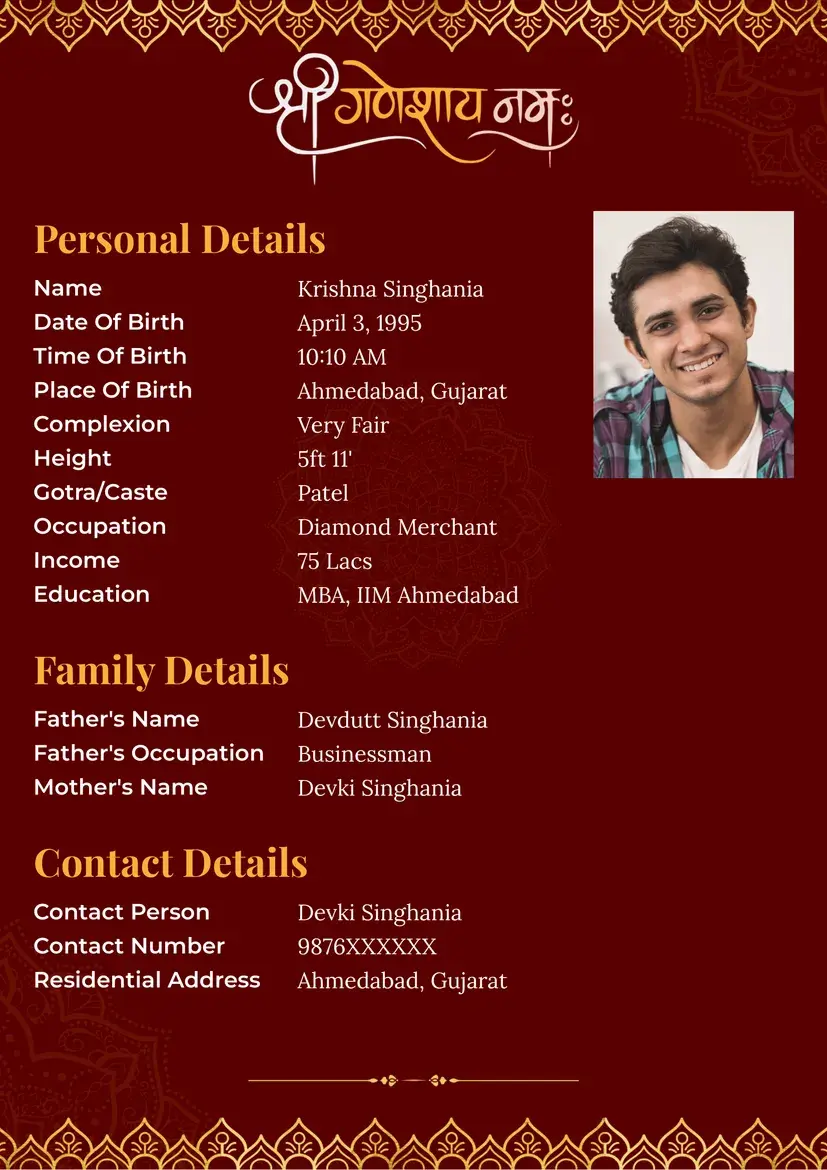
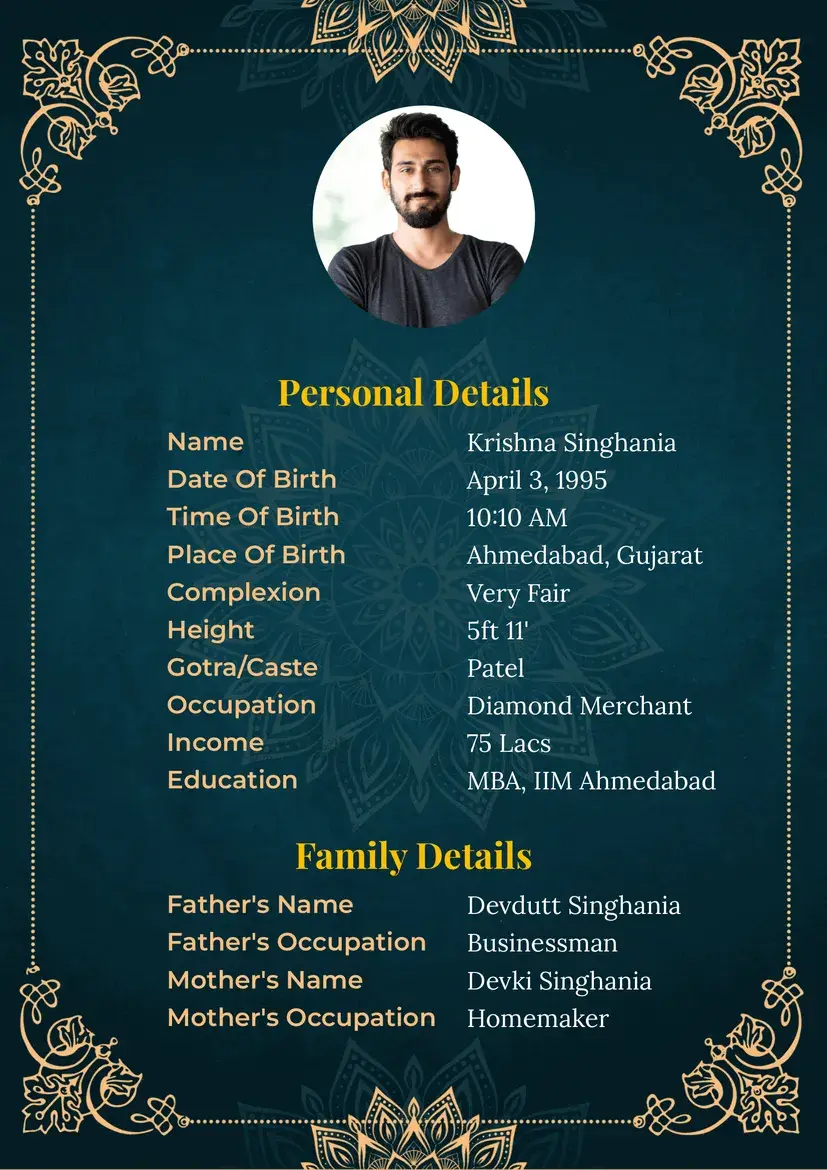
To create your marriage biodata in Gujarati, start with your name, date of birth, current city, education, work and one contact for replies. Keep the first page easy to scan. Decide with your family whether you want to add a photo, faith, community or tradition details. Gujarati speakers follow different customs, so include only what fits you.
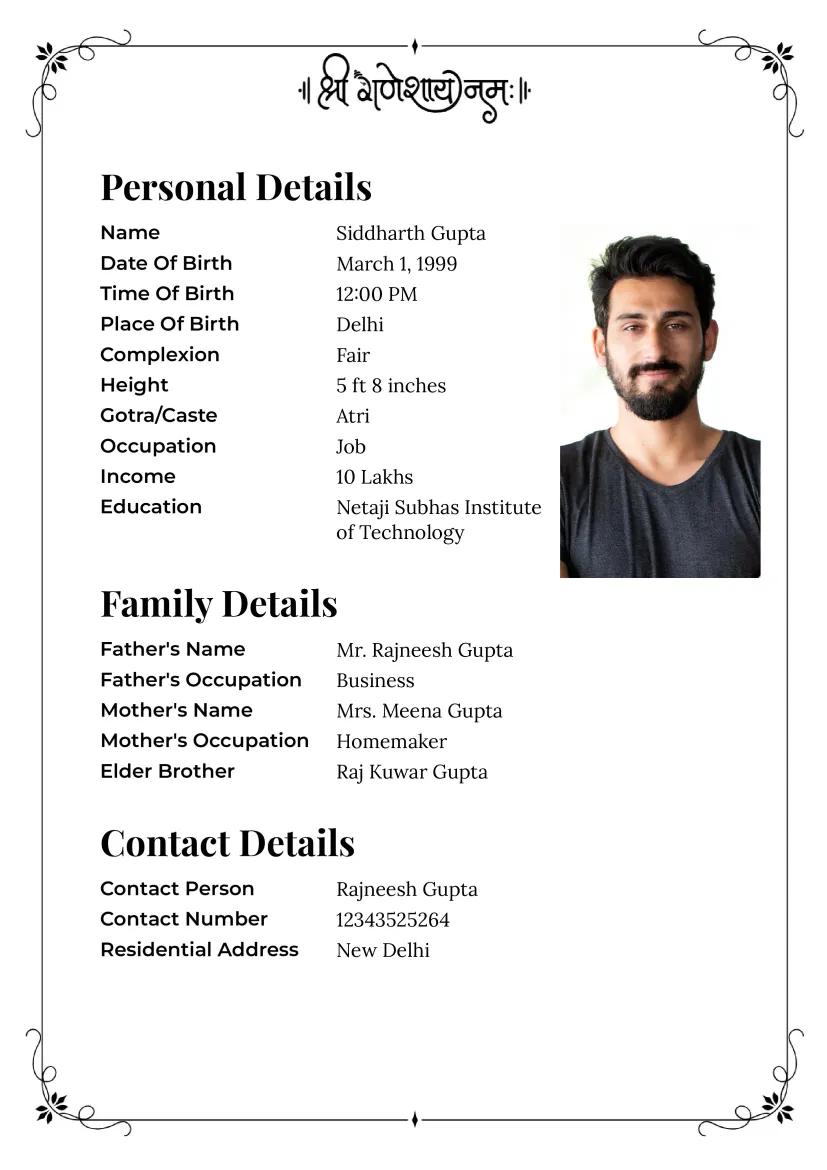
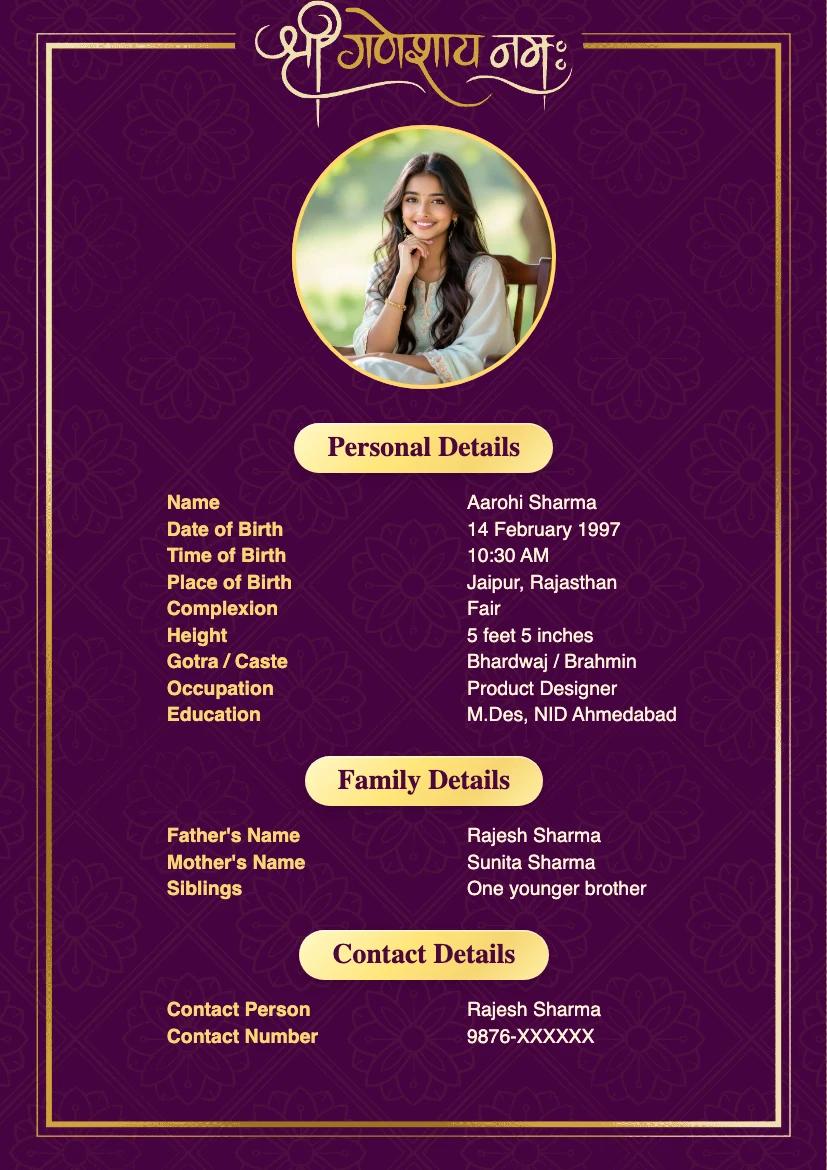
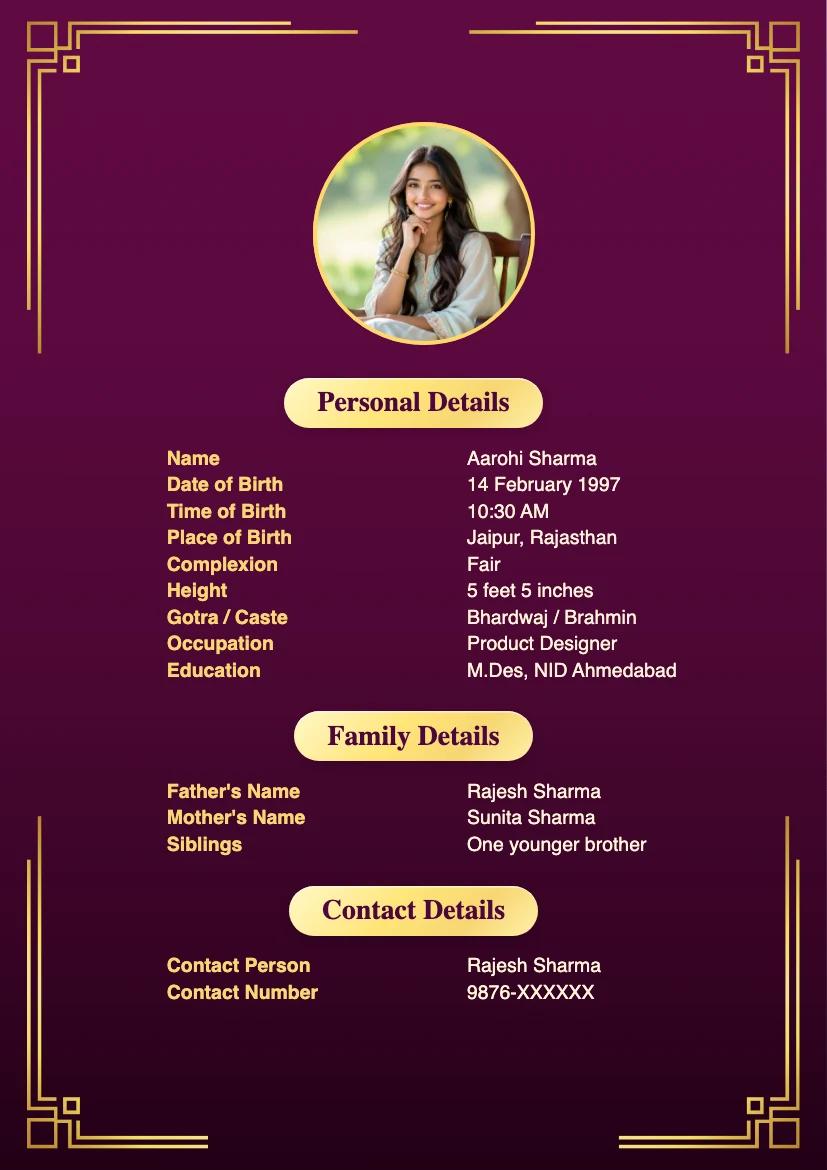
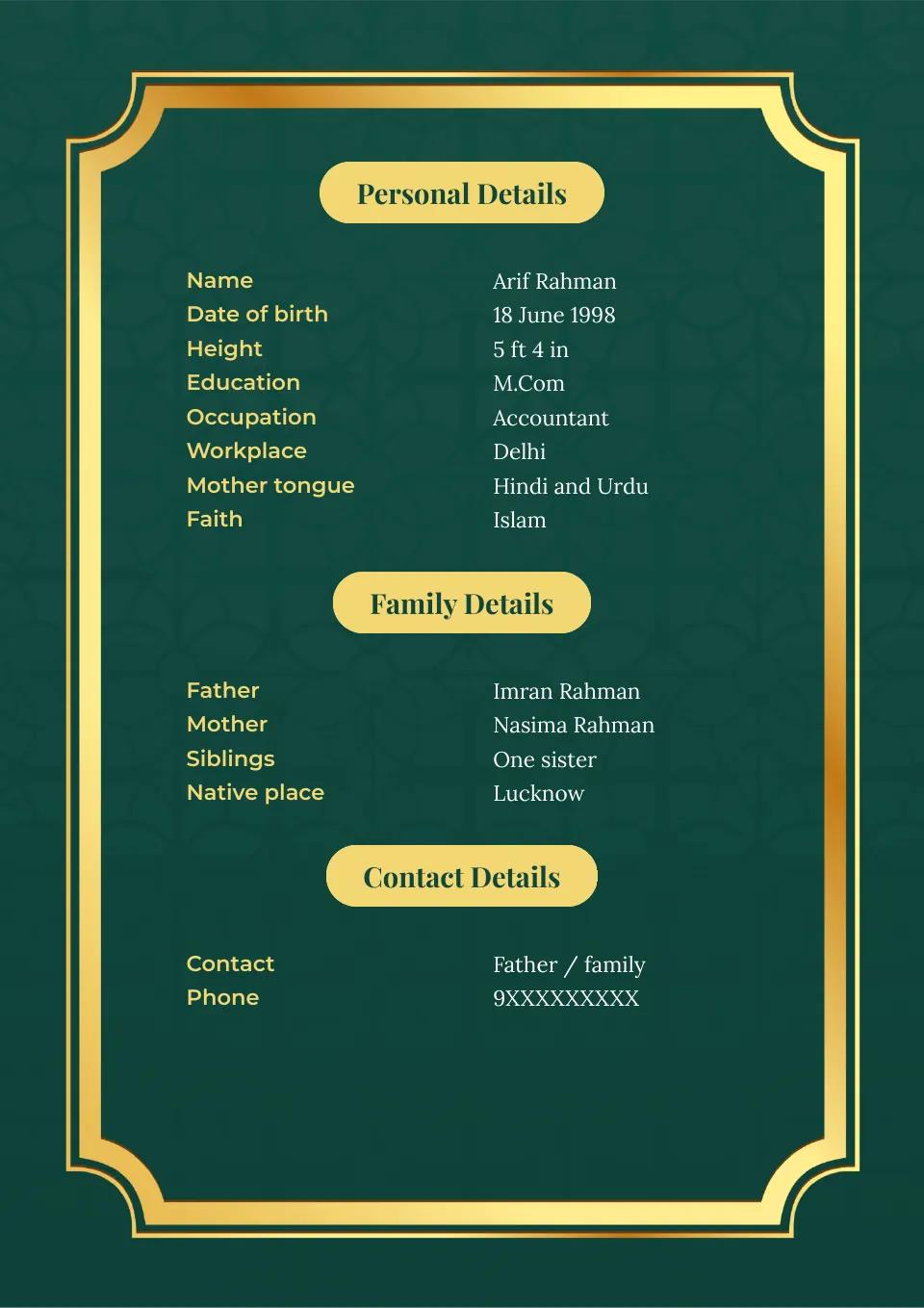
Anatomy of a Gujarati marriage biodata
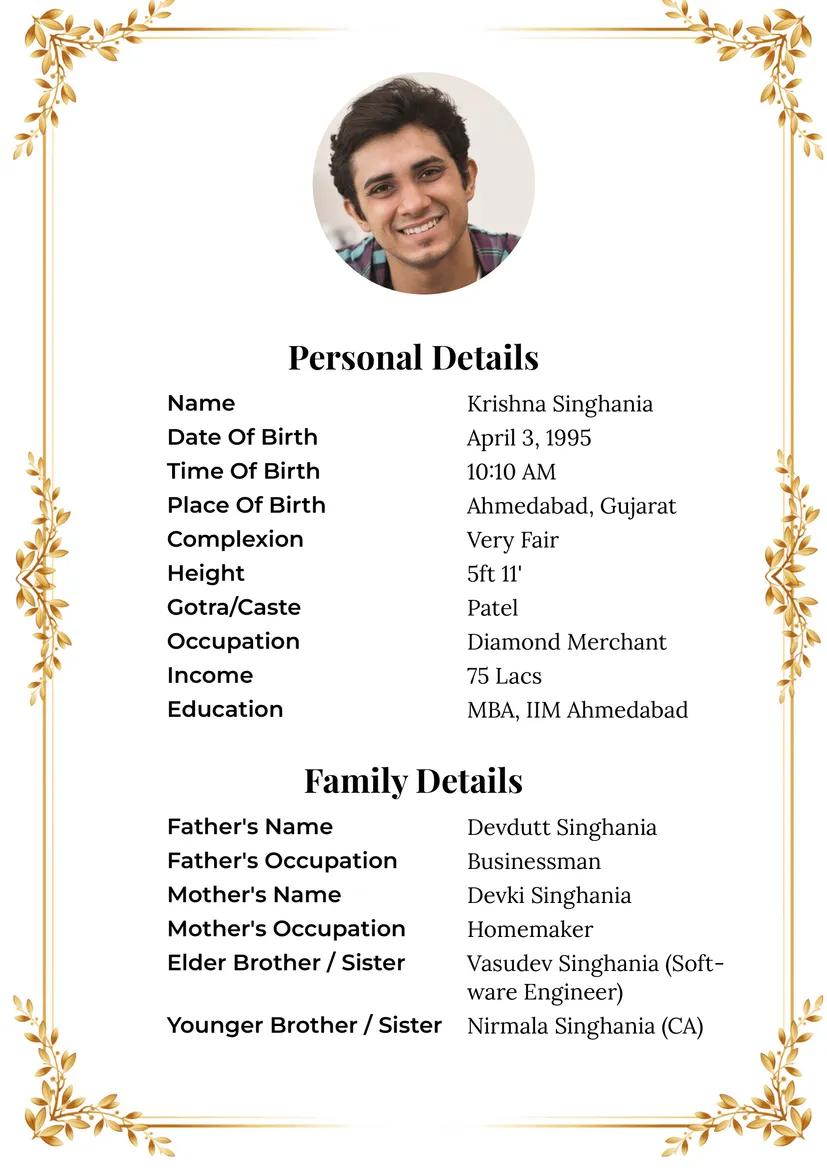
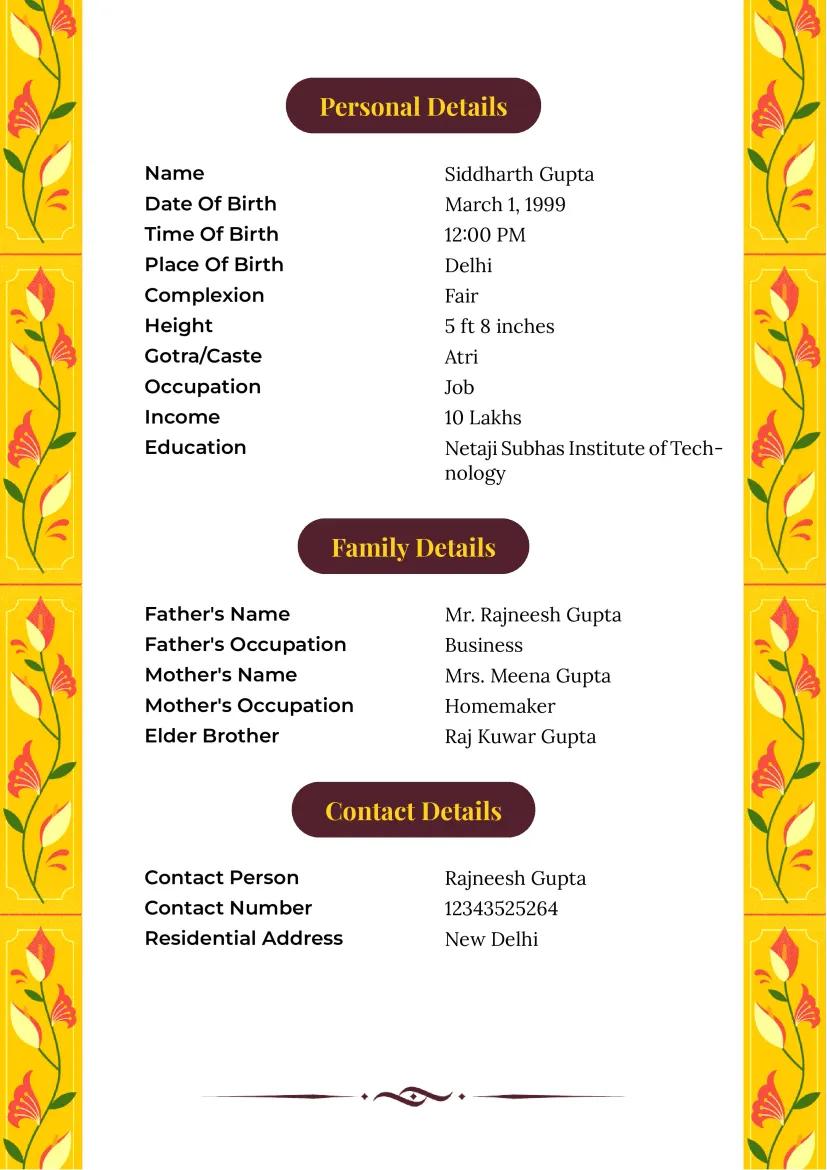
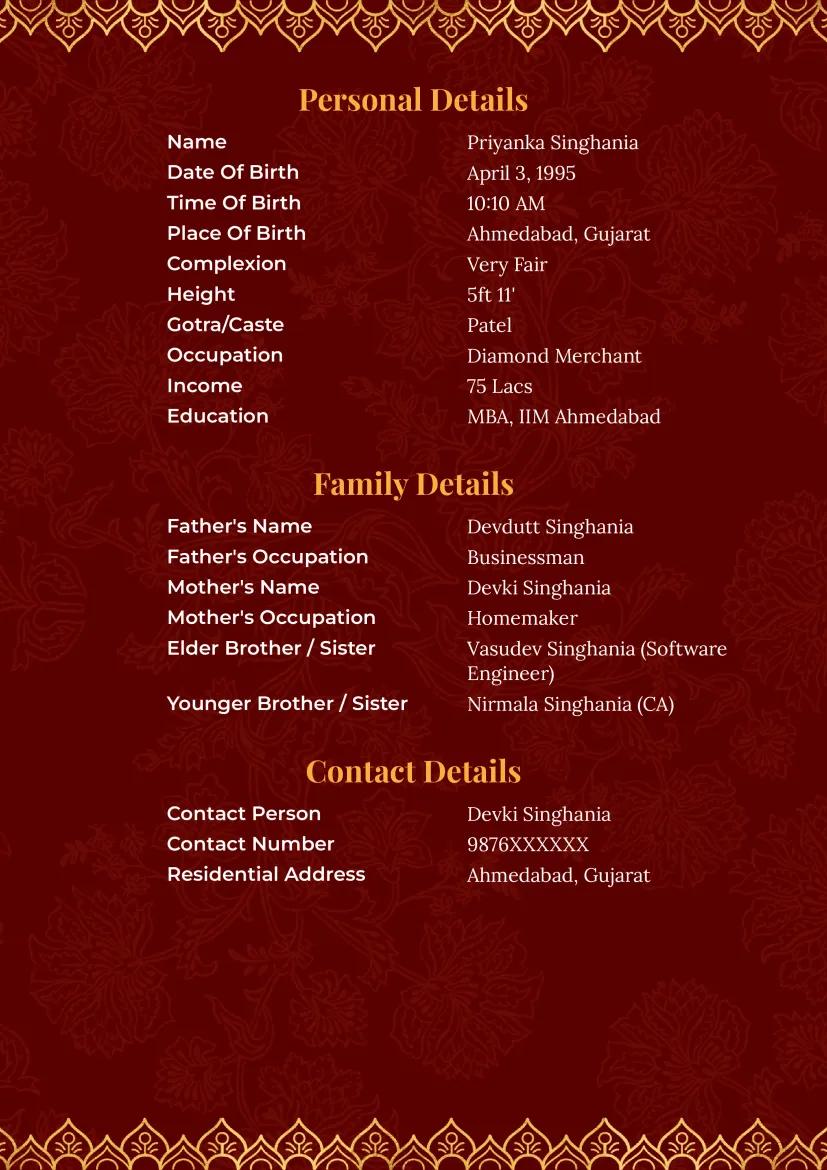
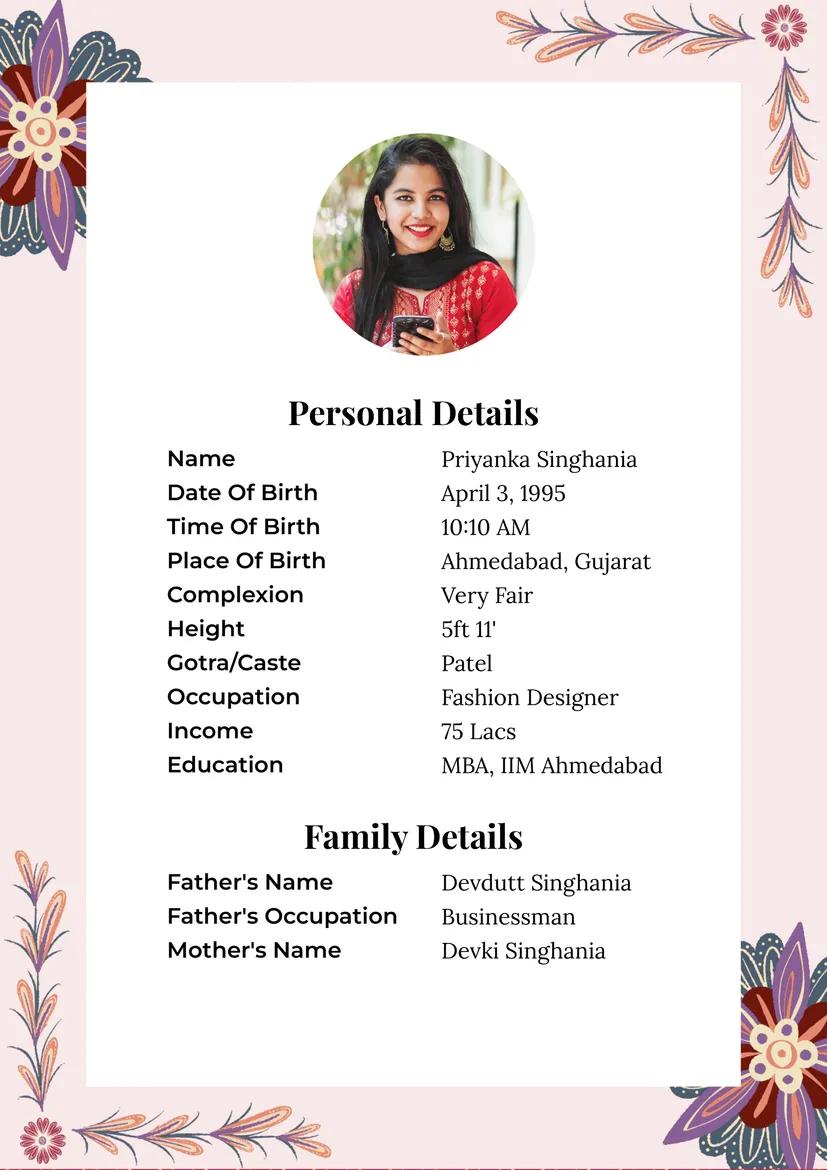
Use this completed fictional example to see where you can place your details. Nisha Patel's dates, work and family details are invented; the contact is masked. Her “Leuva Patidar” line shows one possible self-description. Replace every sample value with information you have checked before sharing your own biodata.
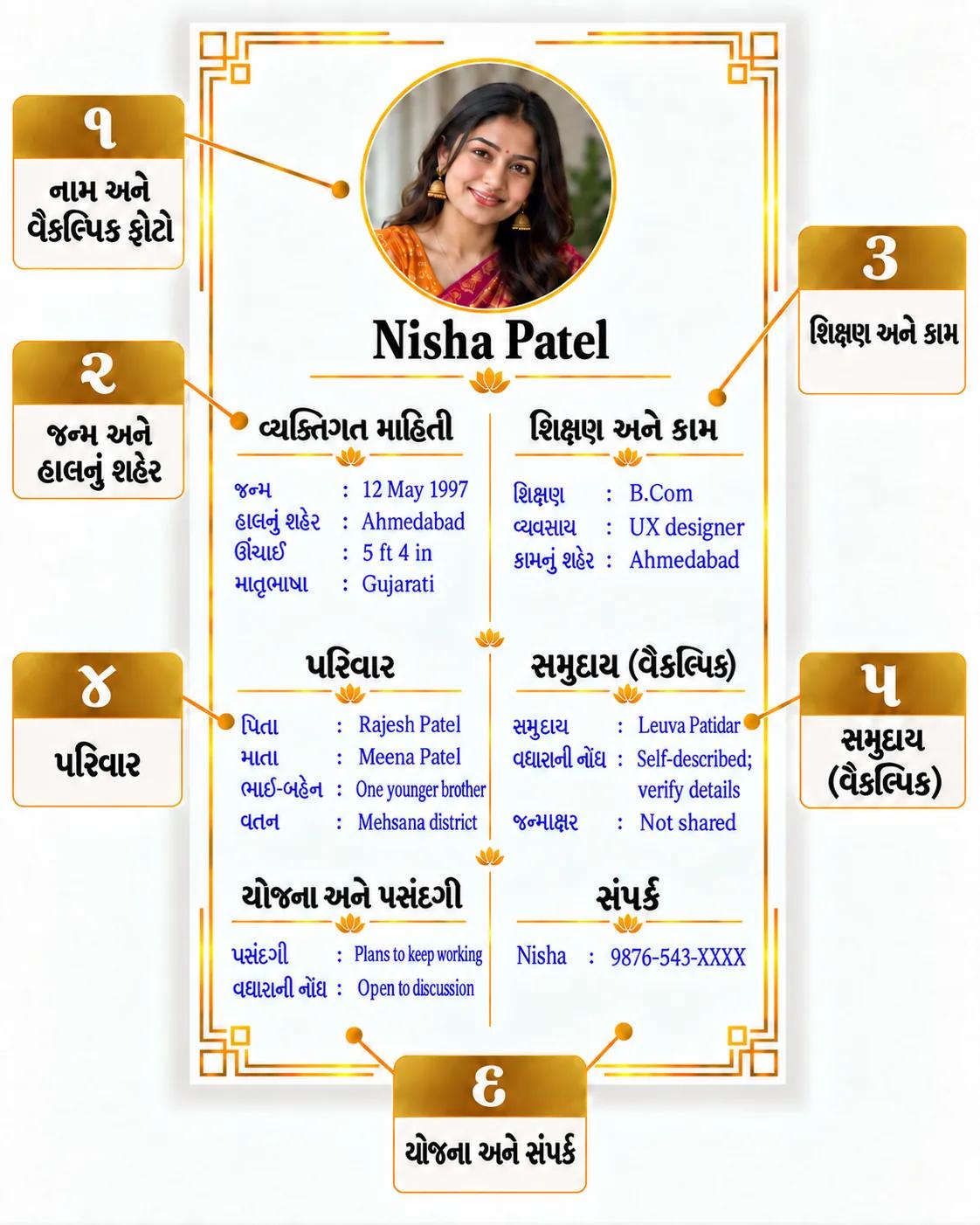
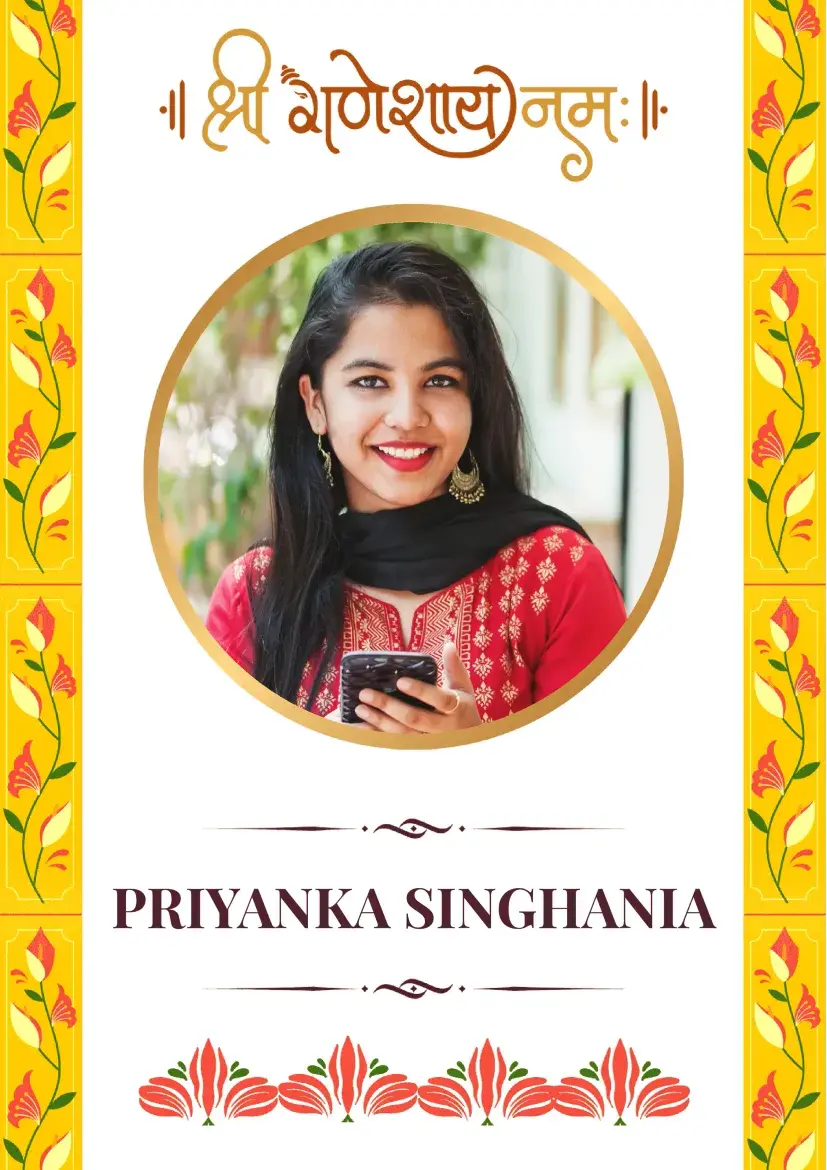
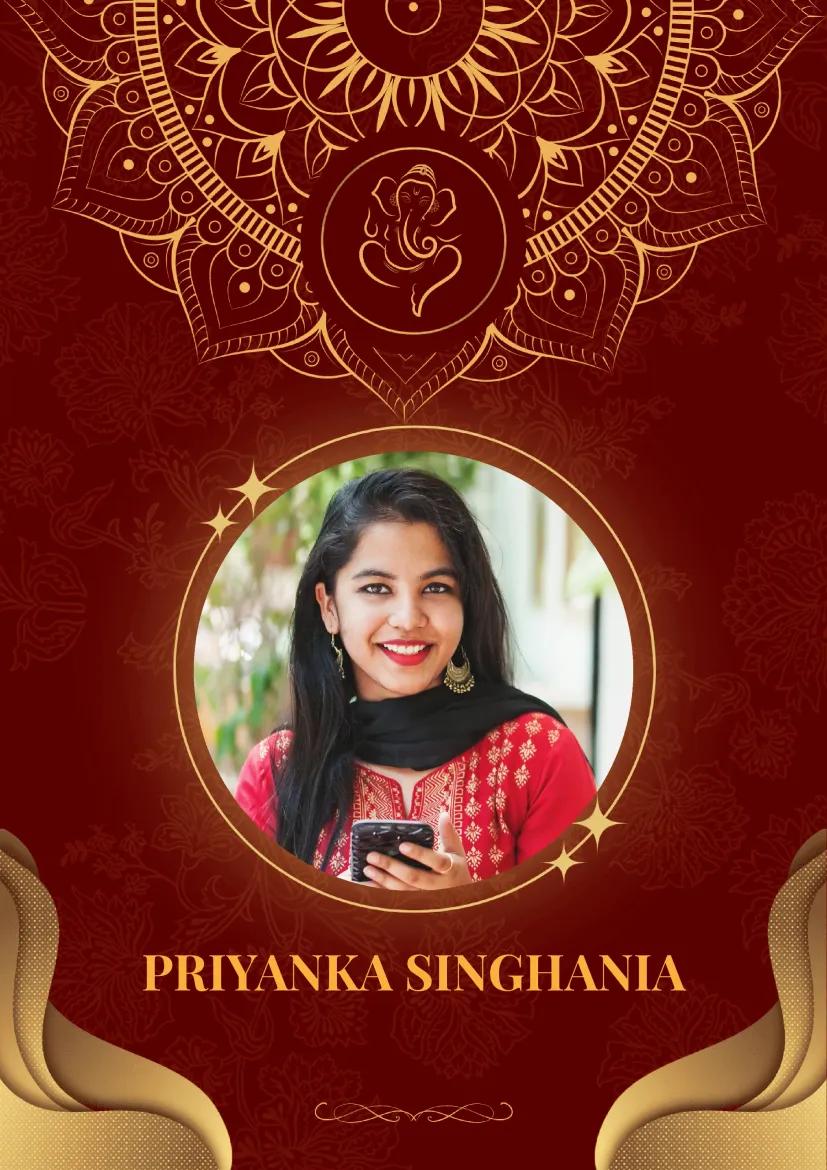
- Your name and photo: Use the name and spelling you prefer. A recent, clear photo is optional, but it can help start a positive conversation when you are comfortable sharing it. If your family helps prepare the biodata, agree on the photo together.
- Your birth details and location: Add your date of birth, height if useful, current city and mother tongue. Keep હાલનું શહેર (current city), વતન (native place) and જન્મસ્થળ (birthplace) separate. If you or your family value horoscope compatibility, include your verified birth time and place.
- Your education and work: State your highest qualification, actual role or business, and work city. “Teacher in Vadodara” is clearer than “well settled.”
- Your family: Write one or two lines about parents or guardians, siblings and native place that you have agreed to share. Ask relatives before listing their phone numbers.
- Your community or tradition, if relevant: Use the identity you choose. Check any gotra, kul or horoscope value with your family; leave out fields you do not use.
- Your preferences and contact: Add two practical preferences, such as location or career plans, then your own contact or one family contact who expects replies.
Save a PDF for sharing and keep an editable copy for corrections. Your first version needs no full home address, identity number, property list or bank details.
Which community or faith detail should you add?
If you use one of the identities below, ask the suggested question at home. Add a short, verified line only if you want to share it. A community name does not determine your job, diet, faith or marriage preferences.
- Leuva Patidar: Ask whether “Leuva” is the name you use and whether your native place helps explain your family roots. Add those details if you choose; do not infer your branch from “Patel.” Gujarat's group-marriage records name Leuva and Kadva associations.
- Kadva Patidar: Check whether “Kadva” is your family's wording. If so, write that name and your native place only when useful; do not add horoscope details based on the surname “Patel.”
- Lohana: Ask which community wording and family-root location you want to share. Write a short line in your own terms, and state your actual work separately. The Gujarat Raghuvanshi Lohana Samaj uses the community name.
- Gujarati Jain: Ask whether you want to state Jain faith, a more precise community name, or both. Use your chosen wording and check any tradition detail; do not infer a sect or diet from your surname. JAINpedia describes distinct Jain traditions.
- Koli: Check the precise community name you use and whether your native district matters to your introduction. Add what you confirm; do not infer an occupation. Gujarat's developing-classes list records varied names.
- Ahir: Ask which name you and your family use. Write that name and a native place if useful; keep your work and preferences in separate lines rather than assuming them from community.
- Vankar: Decide whether you want to include this community name and a native district. Use your own wording; the Gujarat Scheduled Castes list does not tell you what to put in a biodata.
- Gujarati-speaking Muslim: Ask which faith or community wording you want to share and which language works for replies. Add those details if relevant to you; include horoscope fields only if you use them.
- Dawoodi Bohra: Check the wording you use and whether Gujarati or Lisan al-Dawat is better for your biodata and replies. Write your preferred language and community name if useful. The Dawoodi Bohra community describes Lisan al-Dawat as distinct from standard Gujarati.
- Gujarati-speaking Christian: Decide whether you want to state your faith or denomination and which language you want to use for replies. Add your own wording if it helps your introduction; leave out tradition fields you do not use.
You may use more than one of these descriptions, or none. If a community line adds nothing useful, leave it out. Write choices such as diet, relocation and work plans in your own words.
Mistakes to avoid before you share
- Mixing up three places. Label your current city, native place and birthplace separately when you include them.
- Guessing identity from a surname. Ask your family how you identify; do not use “Patel” to fill in a Patidar branch.
- Copying sample birth or horoscope values. Verify your own details before adding them.
- Using vague work claims. Write your actual role or business and city.
- Sending more private information than needed. Keep your full address, identity numbers and financial records out of a widely shared PDF.
- Skipping the phone preview. Open the PDF and check Gujarati names, vowel marks, photo and contact details.
Check your biodata before sending it
- Write your preferred name spelling, date of birth, current city, education and actual work.
- Keep your native place and birthplace separate from your current city.
- Add a recent, clear photo if you are comfortable sharing one; agree on it with your family if they are helping.
- Include a community or tradition line only when you want it and have checked the wording.
- Add your verified birth date, time and place if you or your family value horoscope compatibility.
- State two practical preferences and one contact who expects replies.
- Open the PDF on a phone and check Gujarati text, dates, photo and contact details.
Frequently asked questions
Should I write my biodata only in Gujarati?
Use the language you and the recipient can read comfortably. If you share a Gujarati-English version, check your name and community wording in both.
Should I add a photo to my Gujarati marriage biodata?
You do not have to add one. If you want to improve your chances of a positive first conversation, use a recent, clear photo you are comfortable sharing. Agree on the photo if your family helps prepare the biodata.
Should I include birth details for horoscope matching?
If you or your family value horoscope compatibility, include your verified birth date, time and place. Add gotra or other chart details only if they matter to you and you can confirm them.
Can I use “Patel” to identify my Patidar branch?
No. Ask your family which name you use. Your surname alone does not establish a branch.
How many pages should my Gujarati marriage biodata have?
Start with one readable page. Add another only if you have more information you want to share for the first conversation.
When your details are ready, create your marriage biodata and check the finished PDF on your phone.